





snap windows into place.
Window manager for Mac. Drag to snap to a grid, or press a key for a half, a third or a corner.


what the free apps don't do
macOS Sequoia already snaps halves and quarters. MACgrid adds what it doesn't: neighbours that resize together, Undo, and saved desks.
- 01
Drag one line and the whole screen follows.
Drag a shared edge and the windows beside it resize too. Drag where four meet and all four change.
- 02
Slipped? Press Undo.
MACgrid checks every move. If an app refuses a size, everything goes back.
- 03
Open your Mac and your desk is back.
A workspace opens your apps and puts each in its place. It can switch when you plug in a display.
- 04
Easy for anyone.
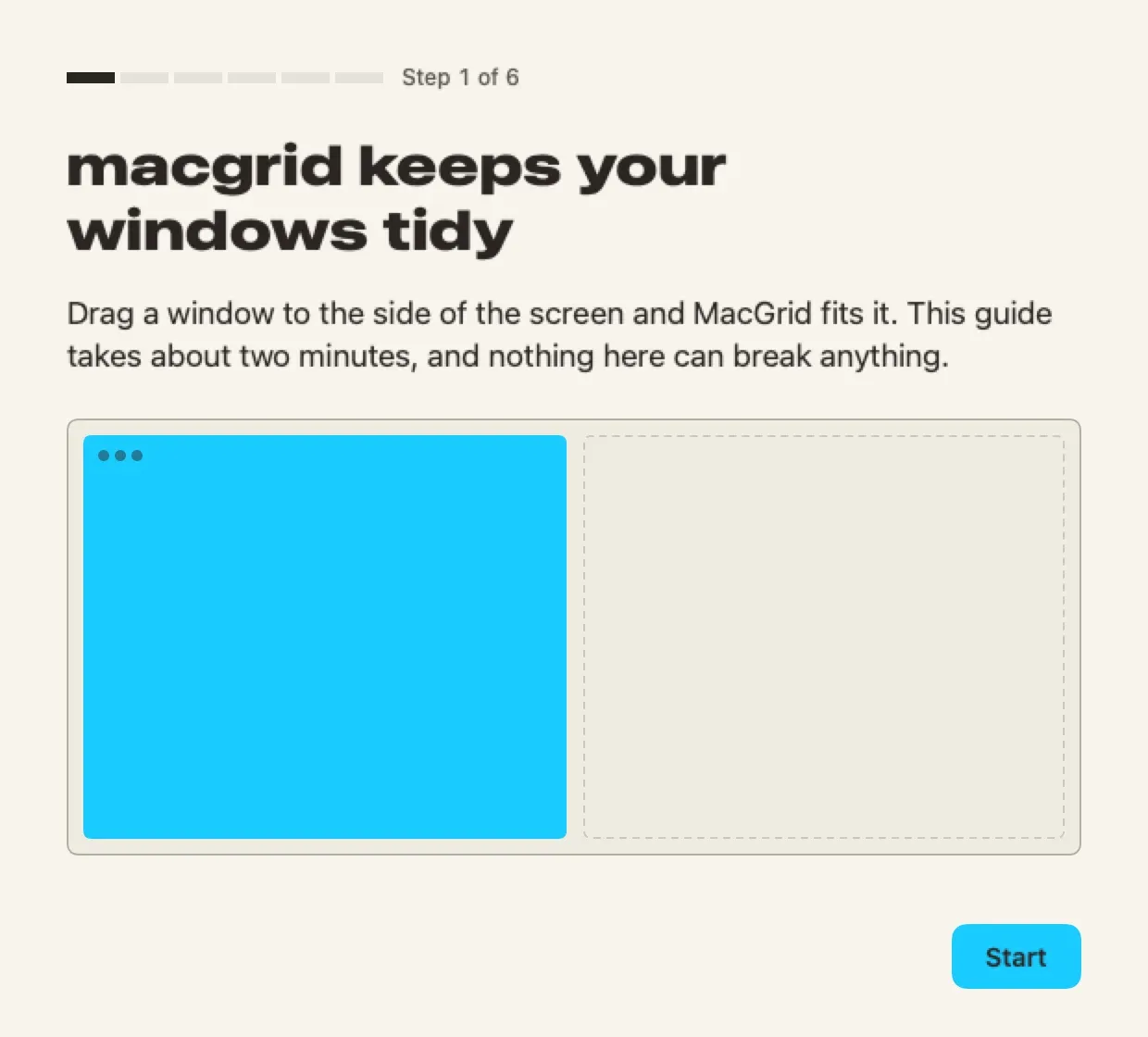
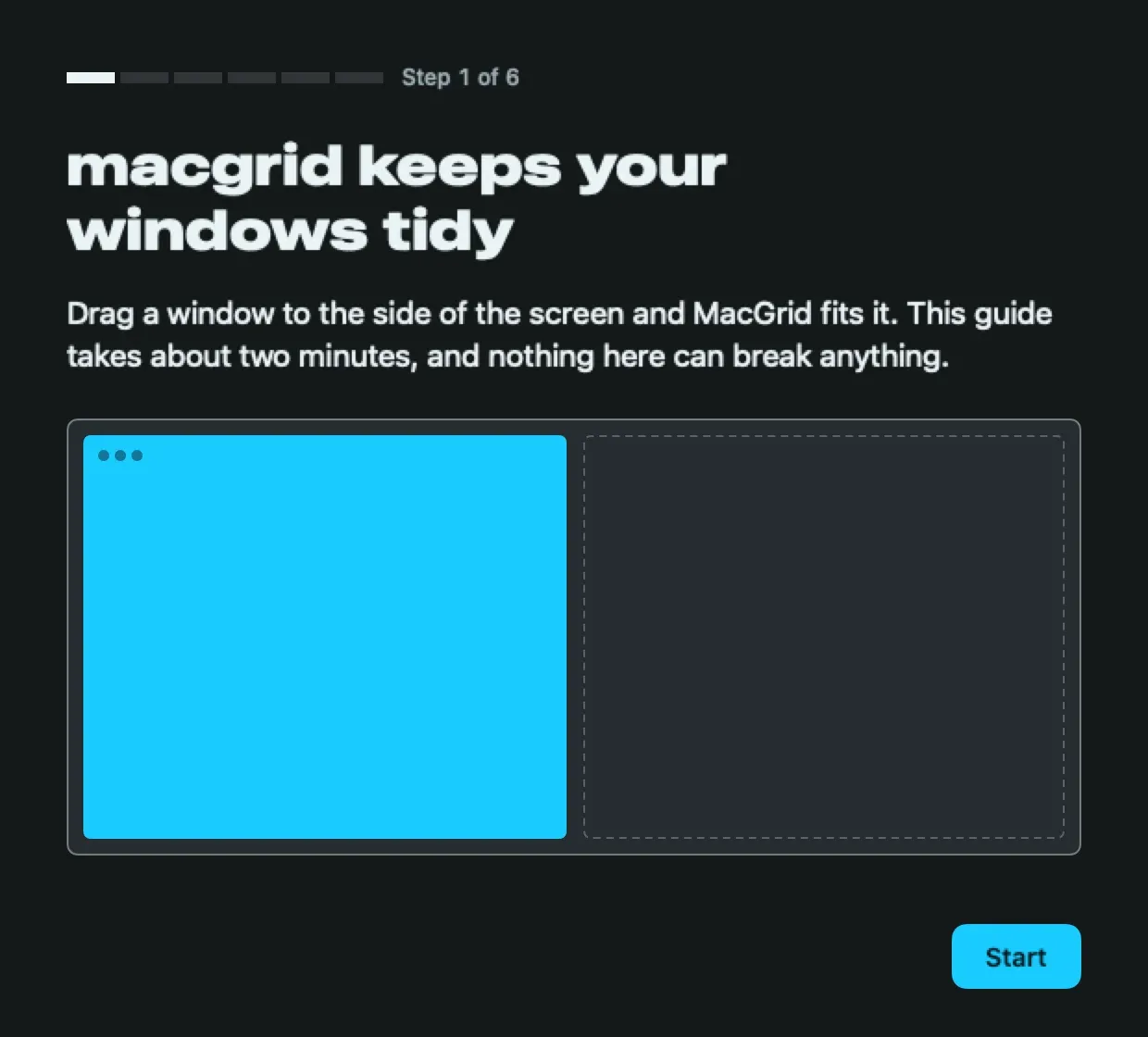
A two-minute guide on first launch. Practice on your own windows; nothing can break.
Four moves
Drag the line between windows: two grow and two shrink in one move.
Grab the point where four windows meet and all four resize.
If an app refuses a size, MACgrid puts everything back. Undo is one key.
A workspace reopens your apps in their places. It can switch when a display is plugged in.
- light
- on memory when idle
- 152
- MCP tools for AI agents
- 0
- SIP changes, no permission resets
- 5
- languages, iCloud sync, backups
watch it arrange windows
MACgrid's own panels, step by step. Point at a step to jump there.
Arrange four windows from one panel
Press ⌃⌥F and pick apps, most important first. The bar shows how much screen they need.
Drag one cell onto another to swap two windows.
Drag the bar between cells: one window grows, its neighbour shrinks.
Eight layouts, from Optimal to Random. The preview updates at once.
Press Arrange and the windows move into place. One Undo puts them all back.
Snap to edges and corners
Drag any window. A grid appears, and a cyan frame shows where it will land.
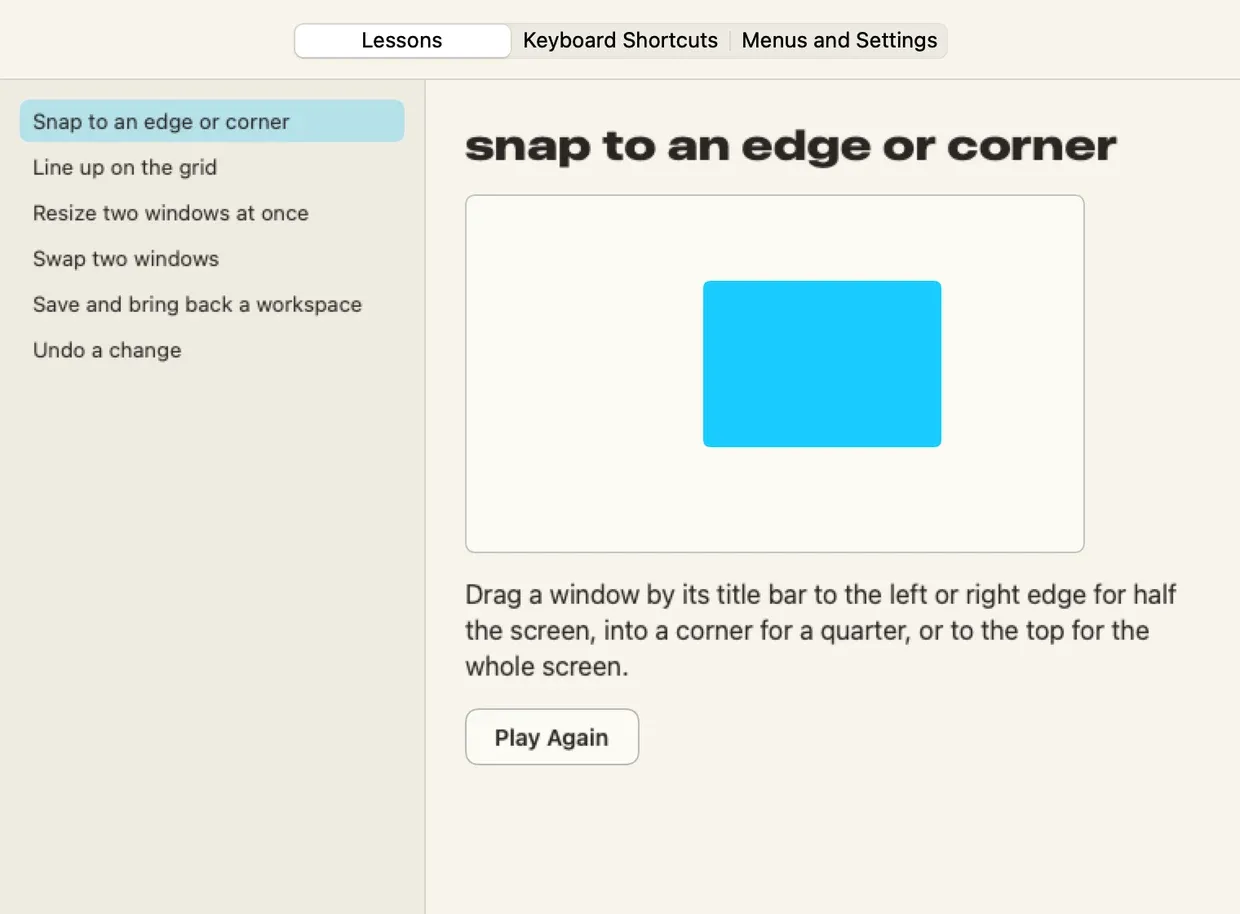
Touch the left or right edge for half the screen.
Drag into a corner for a quarter of the screen.
The last window takes the other corner. No overlap, no resizing by hand.
Hold Command to fill the free space
This window covers two others. Hold Command and drag it.
MACgrid outlines the nearest free space between the other windows.
Press Escape before letting go and the window goes back.
Drag again and let go. The window fills the gap, covering nothing.
six ways to place a window
- 01
snap
Drag or resize a window and a square grid appears. Let go and it snaps. Near the screen edge, it goes flush.
- 02
free space
Hold Command while dragging and the window fills the empty space. Escape puts it back.
- 03
zones
Draw your own zones, or use two columns, three columns or four corners. Hold Option to drop a window in.
- 04
32 actions
Halves, thirds, corners, fill, centre and one-cell nudges. You can change any of them.
- 05
layouts
Save your desktop by name. Bring it back later, and it can reopen closed apps.
- 06
new windows
Pick what a new window does: snap into place, come forward once, or stay put. Set per app.
one key moves every window
Templates and saved layouts move every window at once. Pick one below.
- cell
- square, set by cell size, rows or columns
- edge snap
- ≈ 24 pt
- actions
- 32
- displays
- its own grid on each display
- mcp tools
- 152
- memory
- light
- binary
- arm64 + x86_64
Screenshots
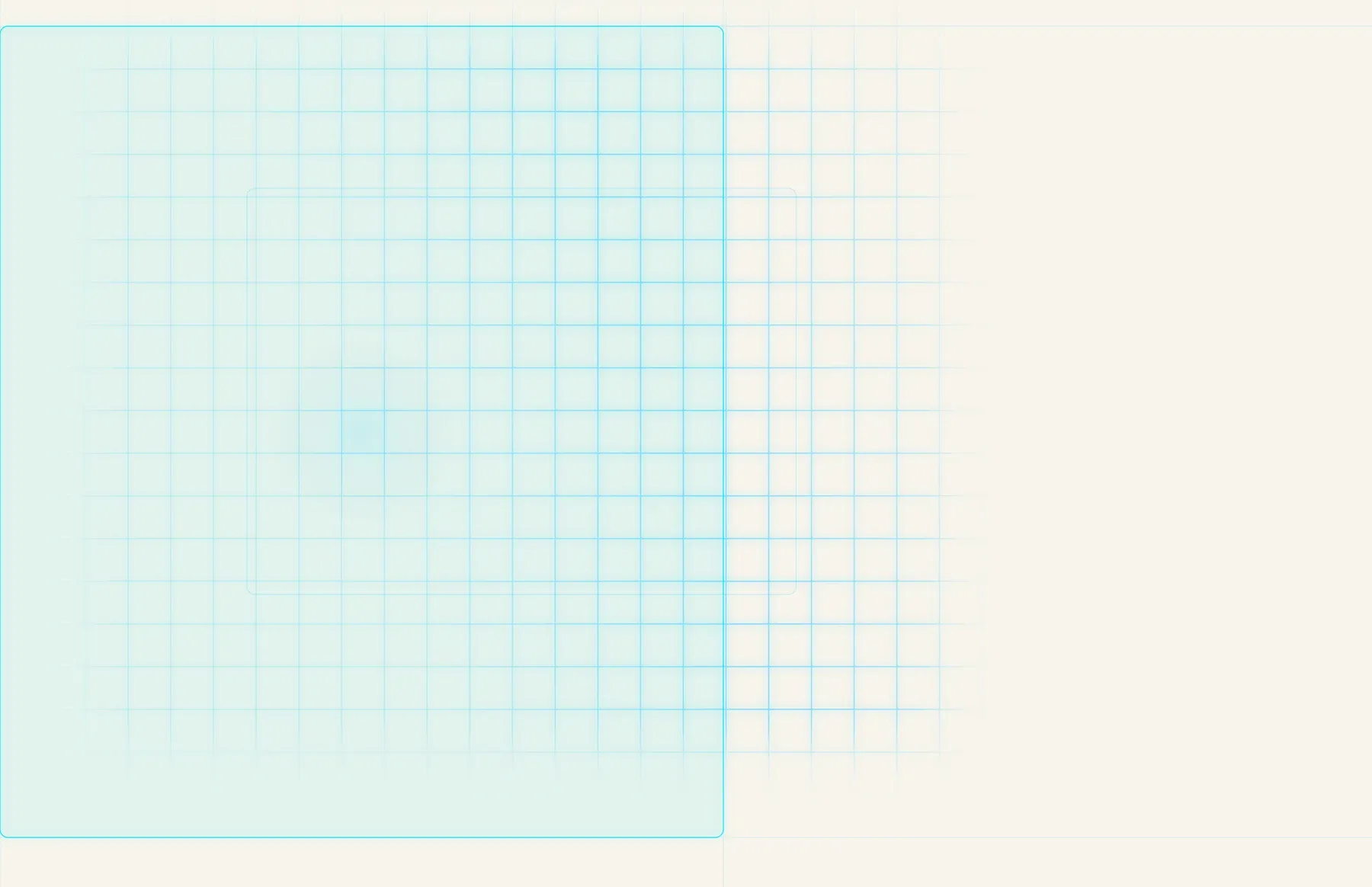
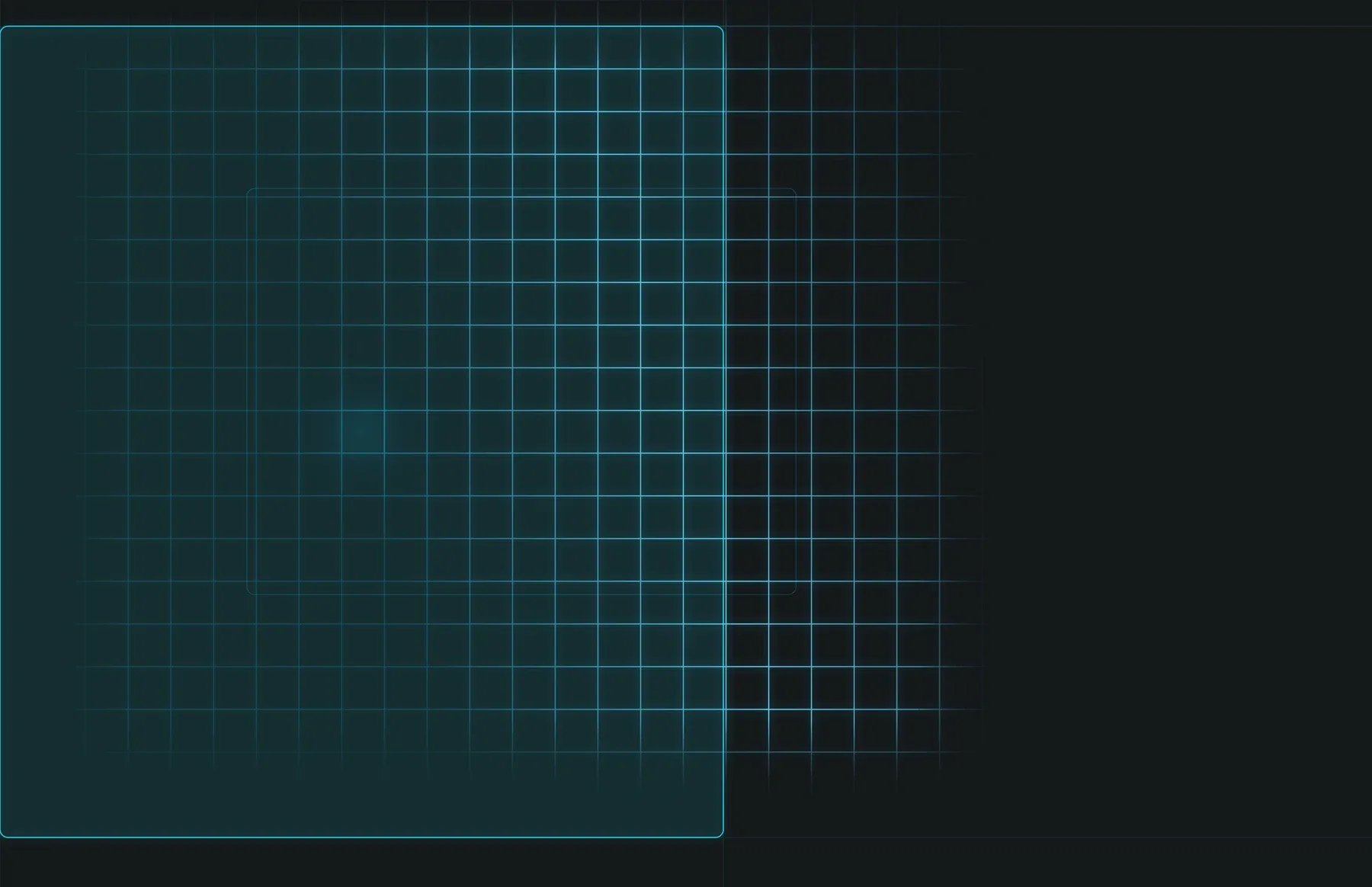
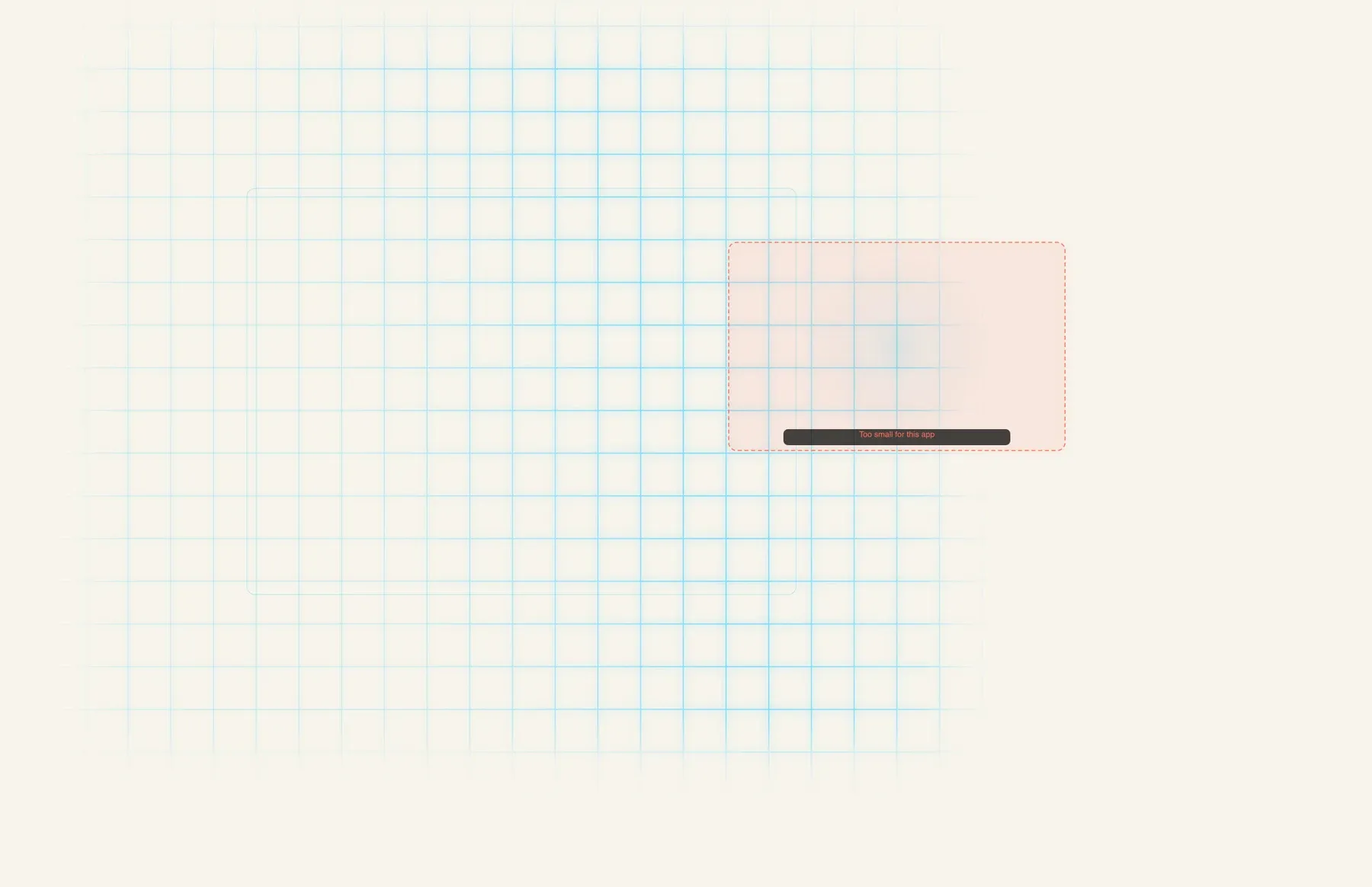
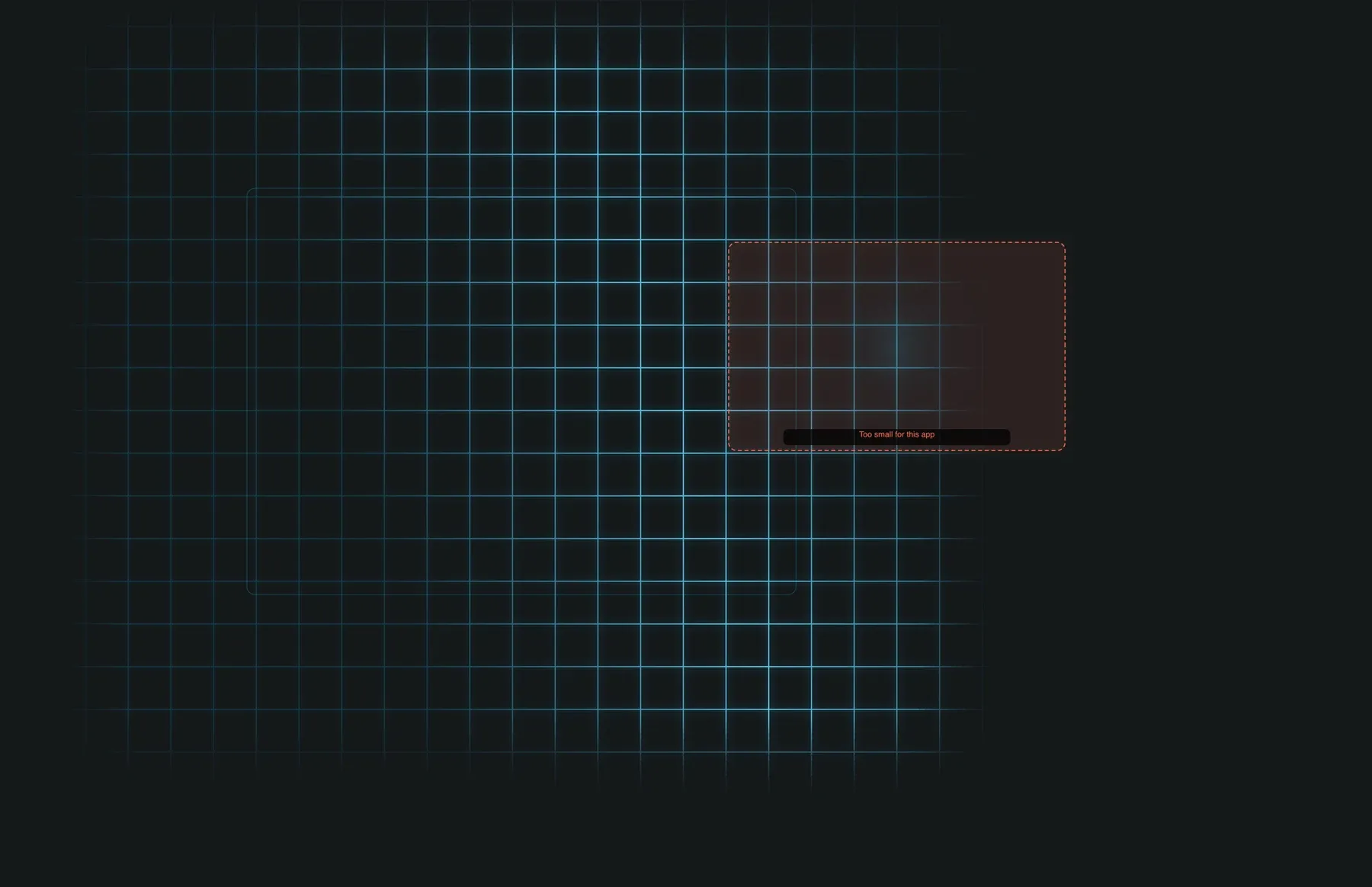
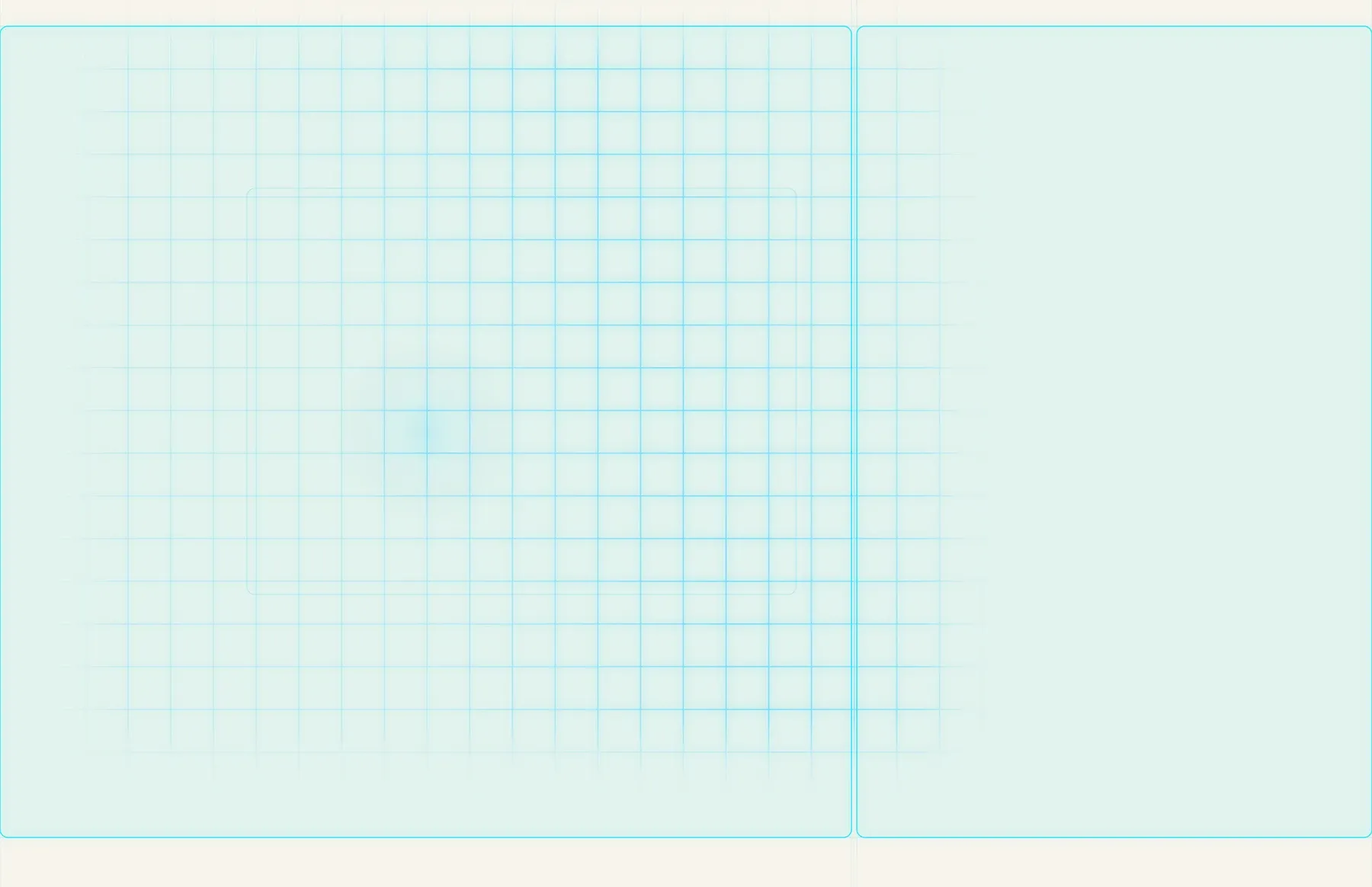
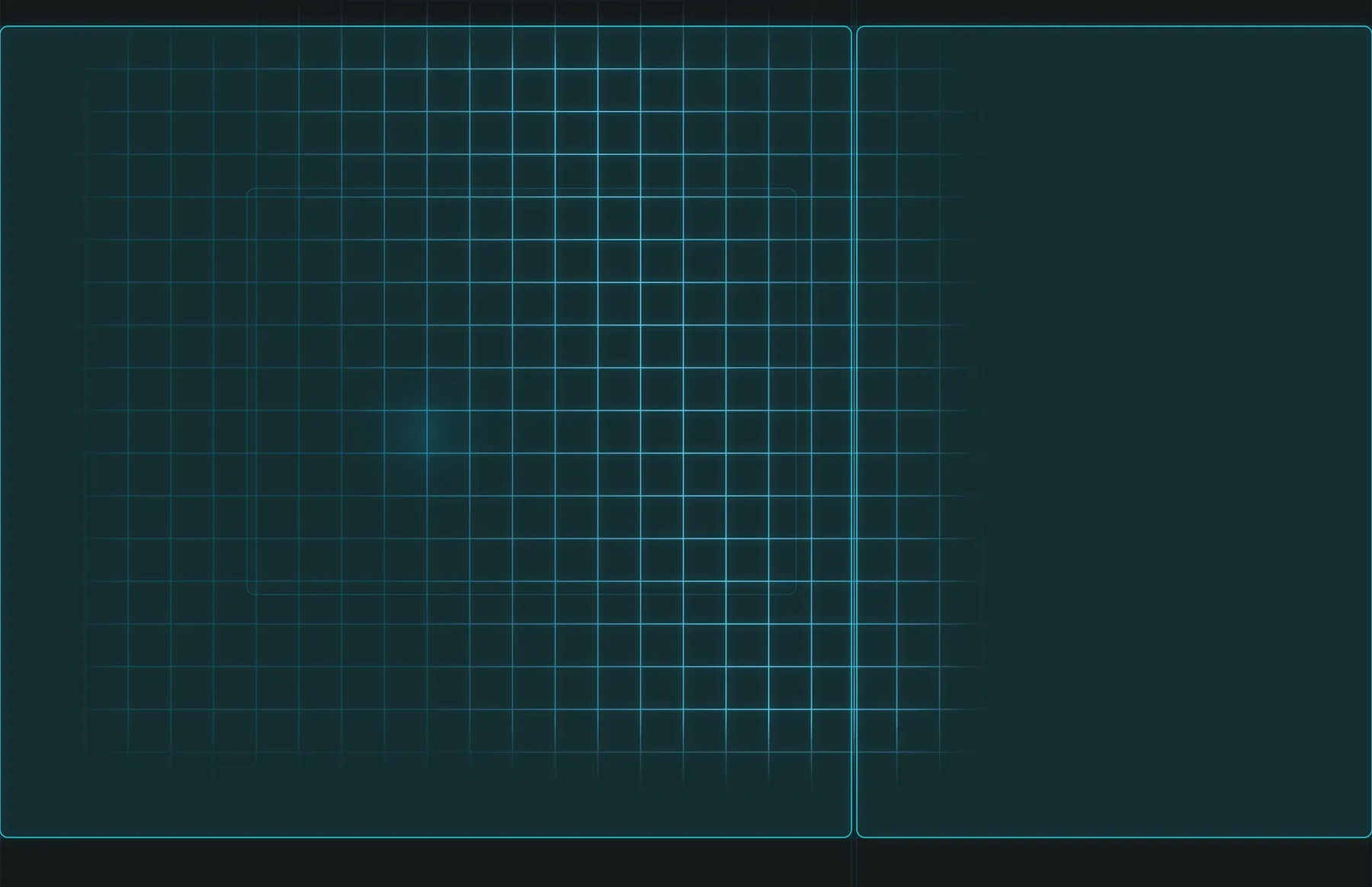
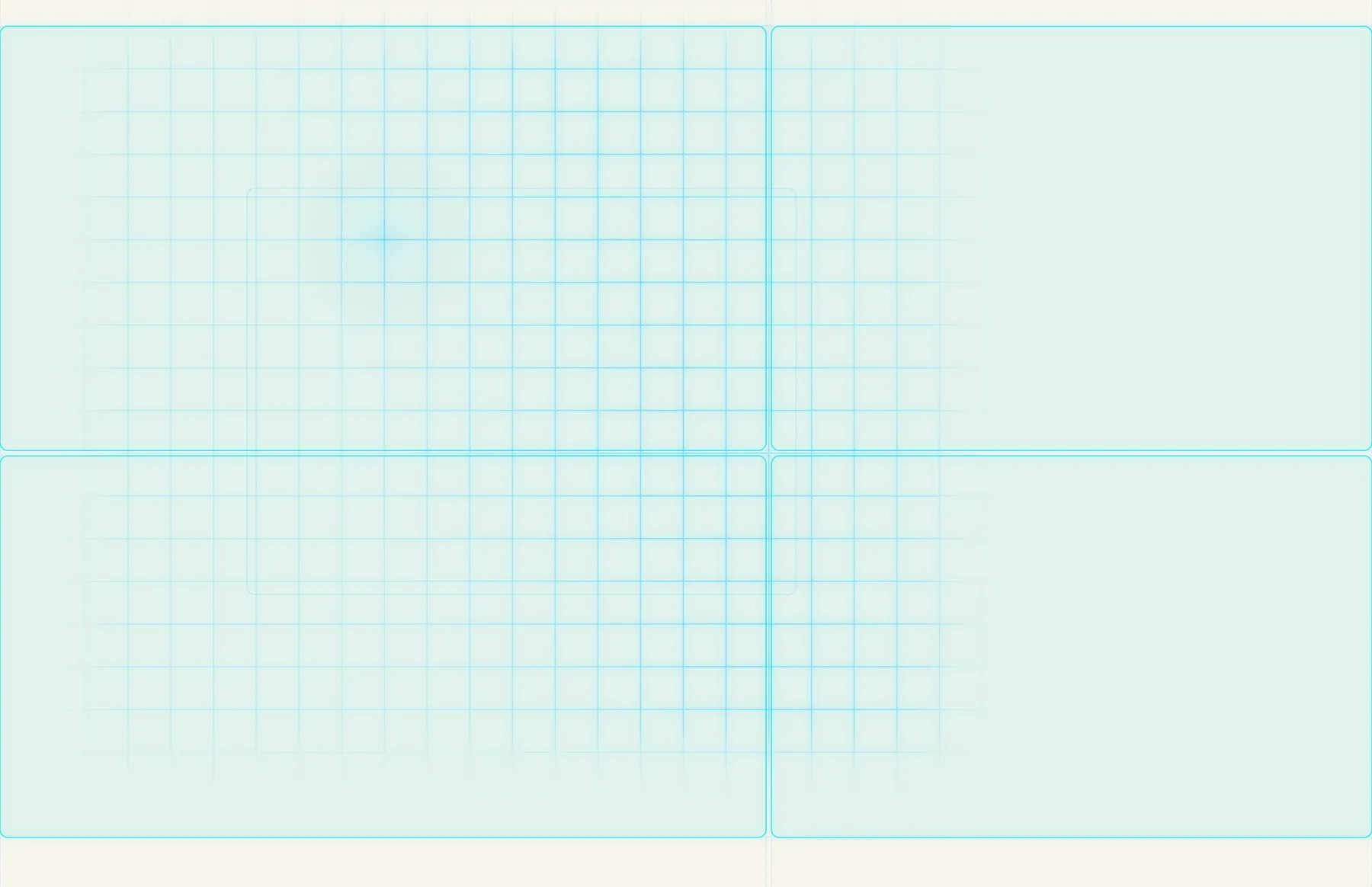
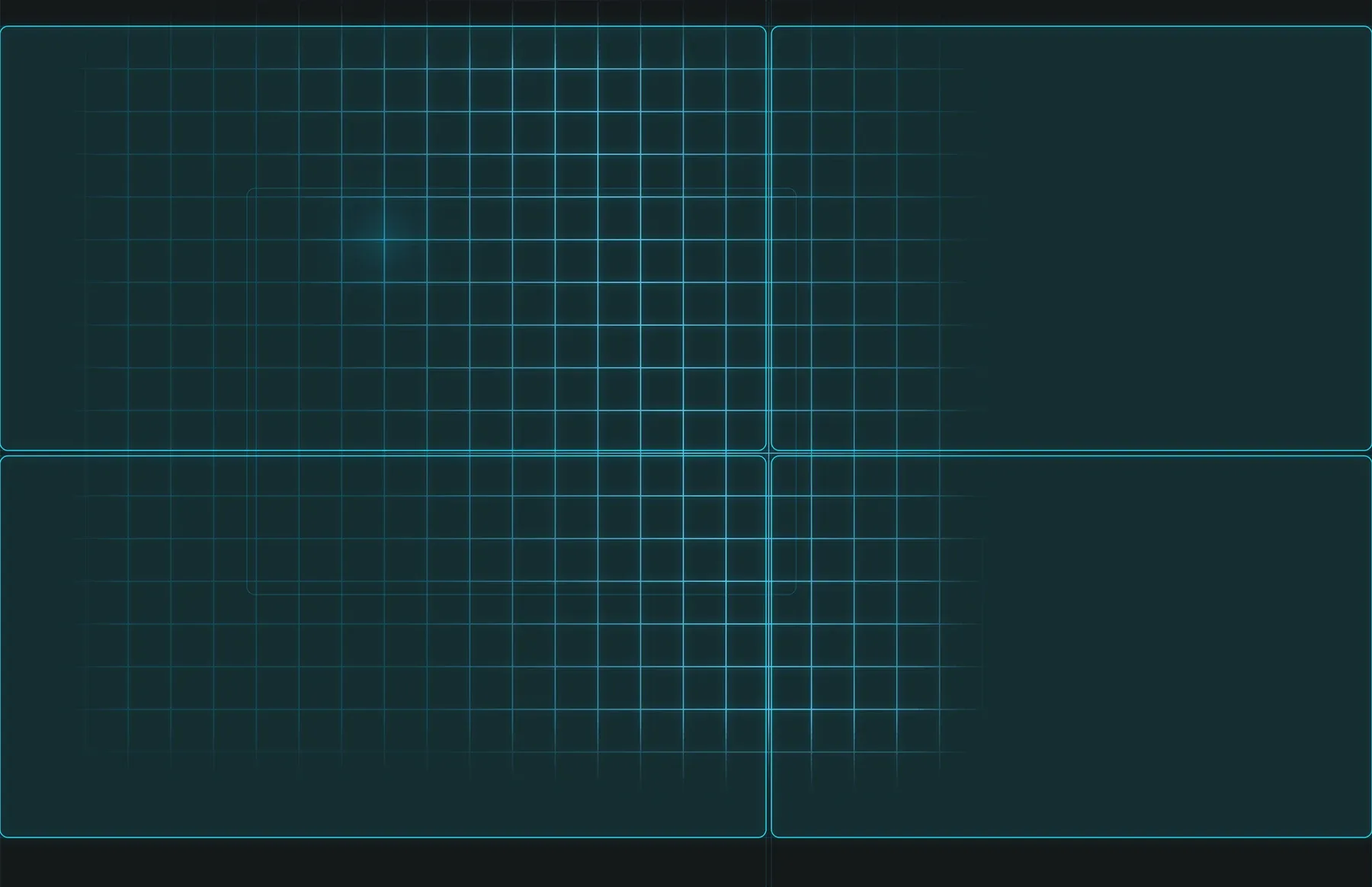
MACgrid has no window; it draws this grid while you drag. Frames from its own animation tests.

What MACgrid does
Snap and drag
- Drag to an edge or corner to snap
- Live grid and preview while you drag
Resize together
- Drag the line between two windows
- Drag where four windows meet
Keyboard
- Halves, thirds, fourths, corners and centre
- Press again to cycle ½, ⅔, ⅓
Zones and layouts
- Draw your own zones on the screen
- Pick windows and MACgrid lines them up
Workspaces
- Save your screen as a named workspace
- One key brings it back and opens closed apps
Overview and Dock
- See every window small, then pick one
- Find a window by typing the app name
Undo and safety
- Undo and redo every change
- Checks where each window really landed
Sync, backup and AI
- Sync settings between Macs with iCloud Drive
- 152 MCP tools let an AI agent run it
Help and languages
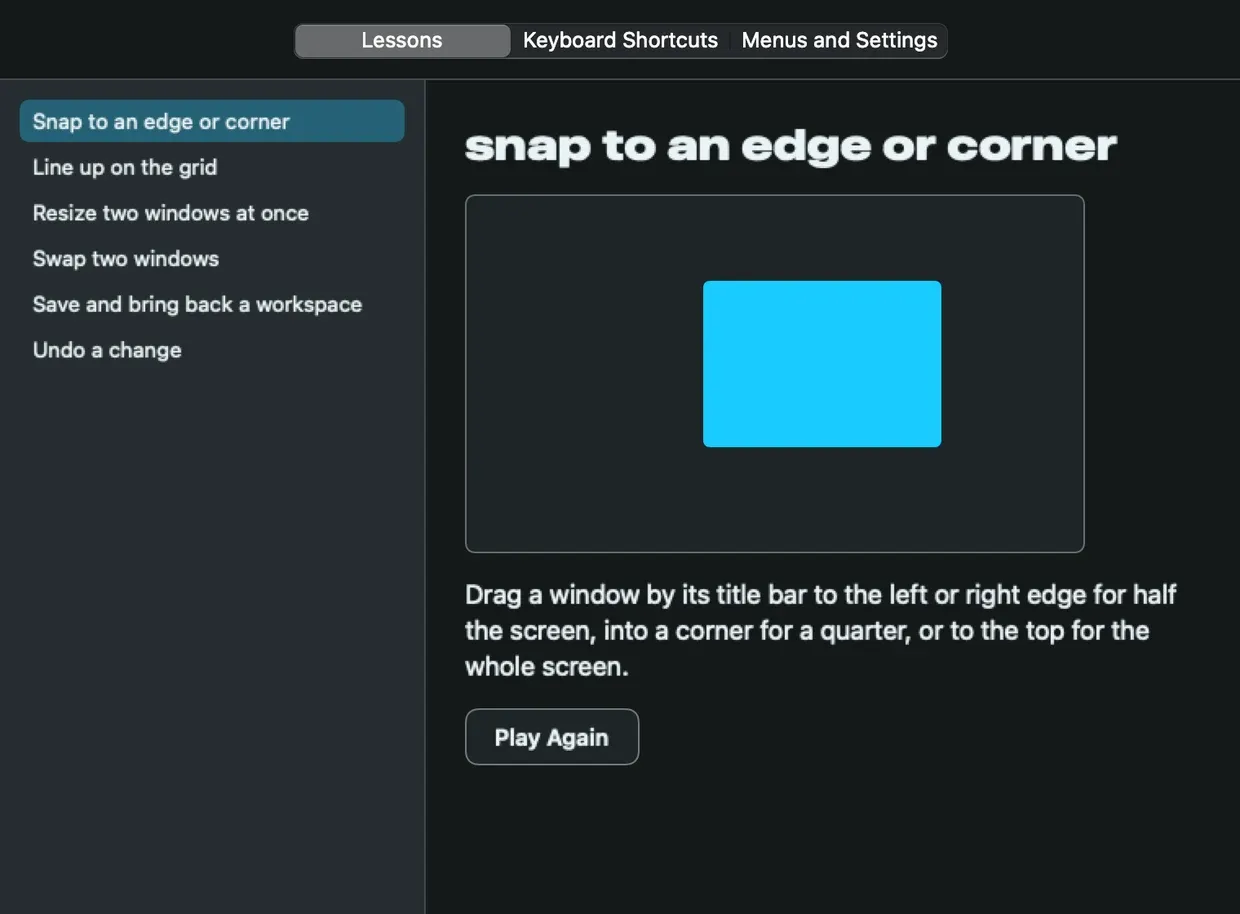
- Short lessons with a picture for each
Before you buy
- MACgrid pauses while Stage Manager is on.
- It doesn't move windows between Spaces.
- MACgrid never shrinks a window below an app's minimum, so windows can still overlap.
- Needs Accessibility and Input Monitoring to move windows and see shortcuts.
- Zones and shortcuts are off until you turn them on.
- The Intel build is included but untested on an Intel Mac.
- The grid only appears over your windows, so the frames above show an empty screen. The small desktop at the top works like the app.
Privacy
Runs on your Mac, online only for licence checks and updates. Screen Recording is only for the experimental Overview; images stay in memory.
For your AI assistant
152 MCP tools let AI agents move and arrange windows, no mouse. They never return window titles or document content.
Light on your Mac
At rest it uses about 25 MB of memory and under 0.5% of one CPU core. It is ready to arrange windows about a quarter of a second after launch.
Measured by the app team on an Apple Silicon Mac, 16 November 2026.
$5.99, once.
Pay once, keep the app. One year of updates is included. After that your version keeps working, or renew for the newest.
- Day oneYou pay once
- 1 yearEvery update is included
- After thatStill yours, still runs. Renew for the newest.
Total
Prices in US dollars. Tax is added at checkout.
Questions
How do I split the screen and snap windows on a Mac?
Drag a window to an edge or corner with MACgrid and it takes half or a quarter of the screen; keyboard shortcuts do the same. Drag the line between two windows and both resize together, and Undo puts everything back.
Can I save my window layout and bring it back with one key?
Yes. MACgrid saves your screen as a named workspace. One key brings it back and opens apps you had closed. It also opens by itself when you plug in the same displays.
My windows end up in the wrong places when I unplug my monitor. Can that be fixed?
Yes. MACgrid puts windows back where they were after a display change, so unplugging and replugging a monitor does not leave them scattered.
Join the beta list
Get an email when the apps you pick are ready, and any launch code.
Also in Screen and windows

MACdisplay
Coming soonControl every screen on your Mac, plus a live wallpaper.
In beta
See what it does: MACdisplay

MACfan
Fan control
See every temperature sensor and set each fan by hand or by curve.
See the app: MACfan