





Control your Mac's fans.
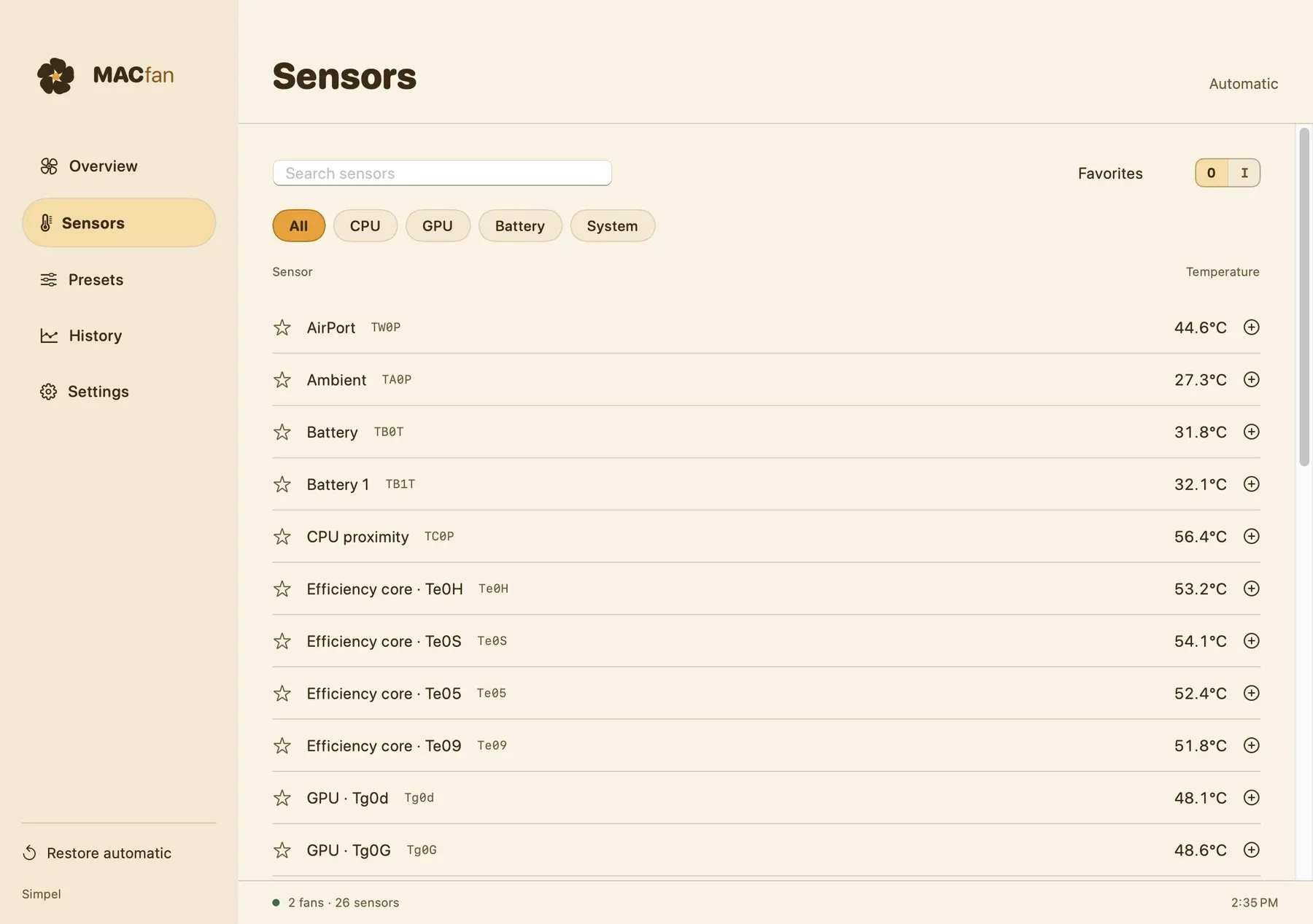
See every temperature sensor in your Mac and set each fan to a fixed speed or your own curve.
RPM
How MACfan works, step by step
The app's real panels, with demo readings. Point at a step to jump to it.
Switch fan presets from the menu bar
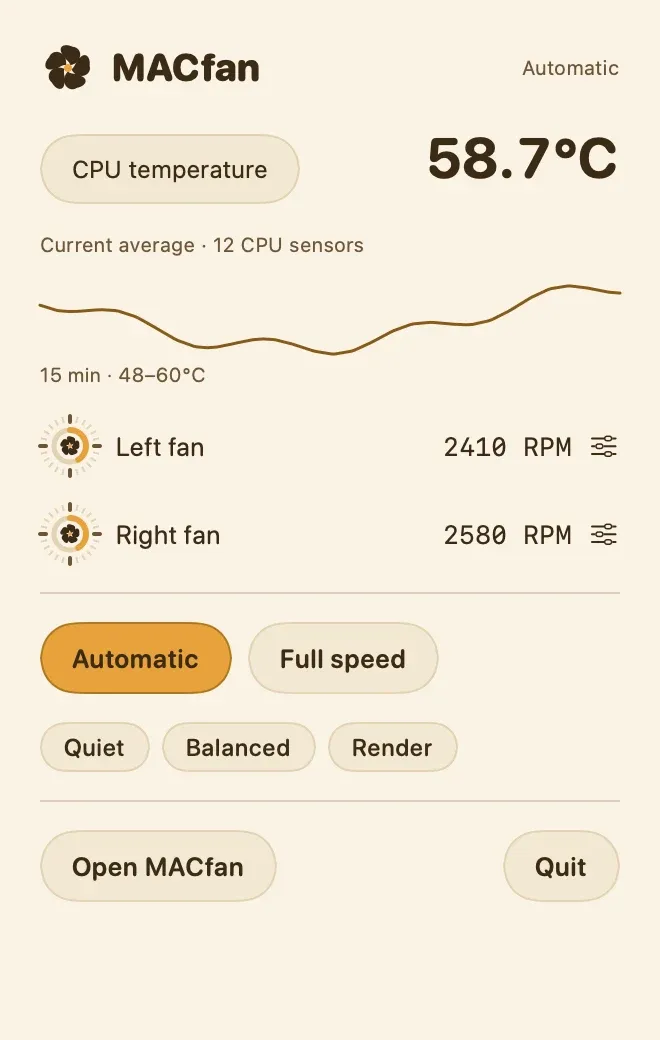
Click the temperature in the menu bar: CPU temperature, each fan's RPM and a 15-minute trend.
Click a saved preset. It lights up and its name replaces Automatic.
Each fan climbs to the preset's speed. The dials follow the real fans.
The trend shows what the change does. Here the CPU drops a few degrees.
Click Automatic and macOS controls the fans again. The preset stays saved.
Draw your own fan curve
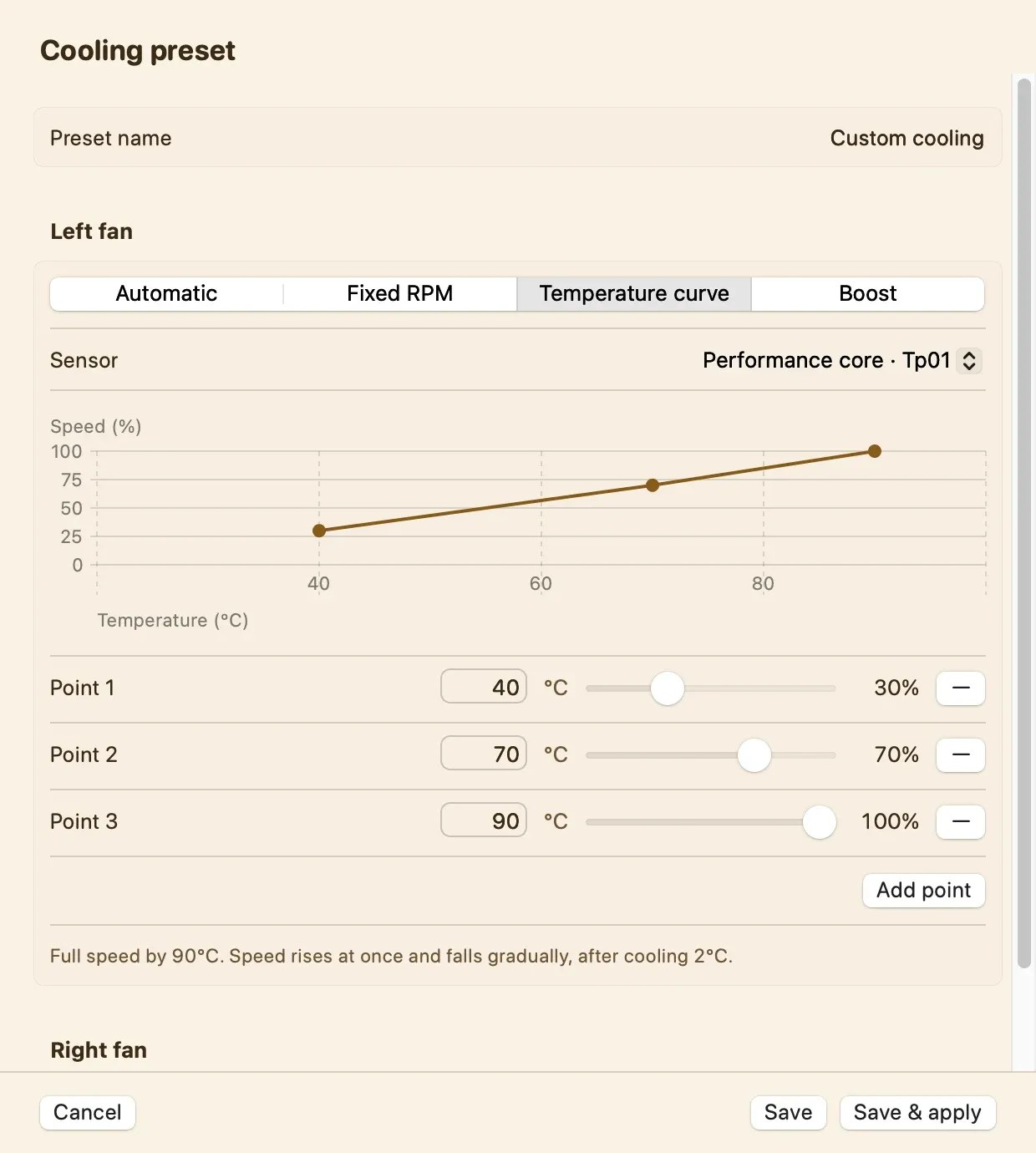
In a cooling preset, switch a fan from Automatic to Temperature curve.
Choose the sensor this fan follows, from those MACfan reads on your Mac.
Each point is a temperature and a speed. Here 70 °C goes from 70 % to 85 %.
The fan follows the line. It speeds up at once and slows down gently, with 2 °C of hysteresis.
Save & apply adds it to your presets and turns it on. A saved preset never turns on at launch.
Set fan speed by temperature
Pick a sensor, place a few points. The fans stay quiet while you write and speed up when you render.
Drag the points, then the temperature.
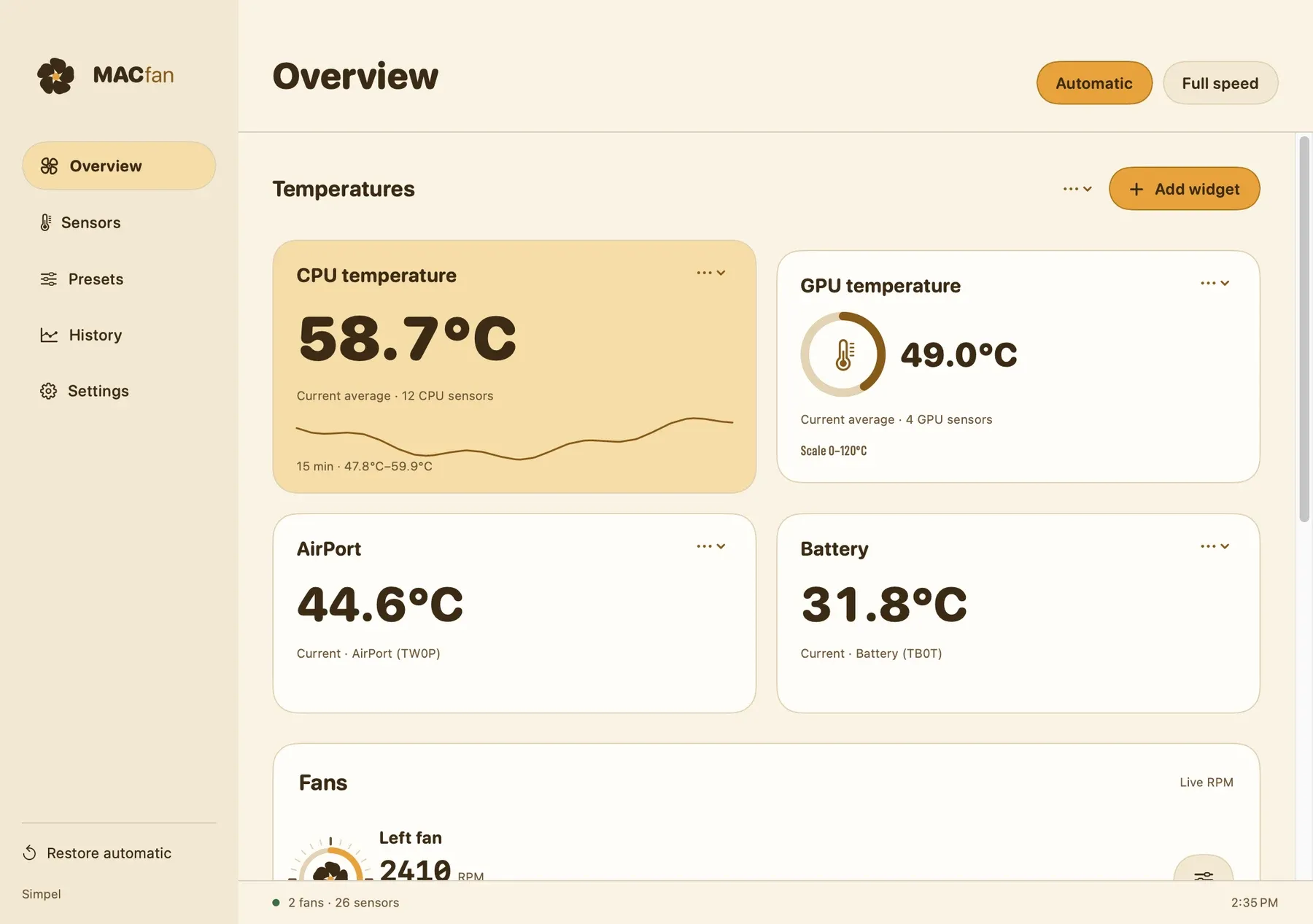
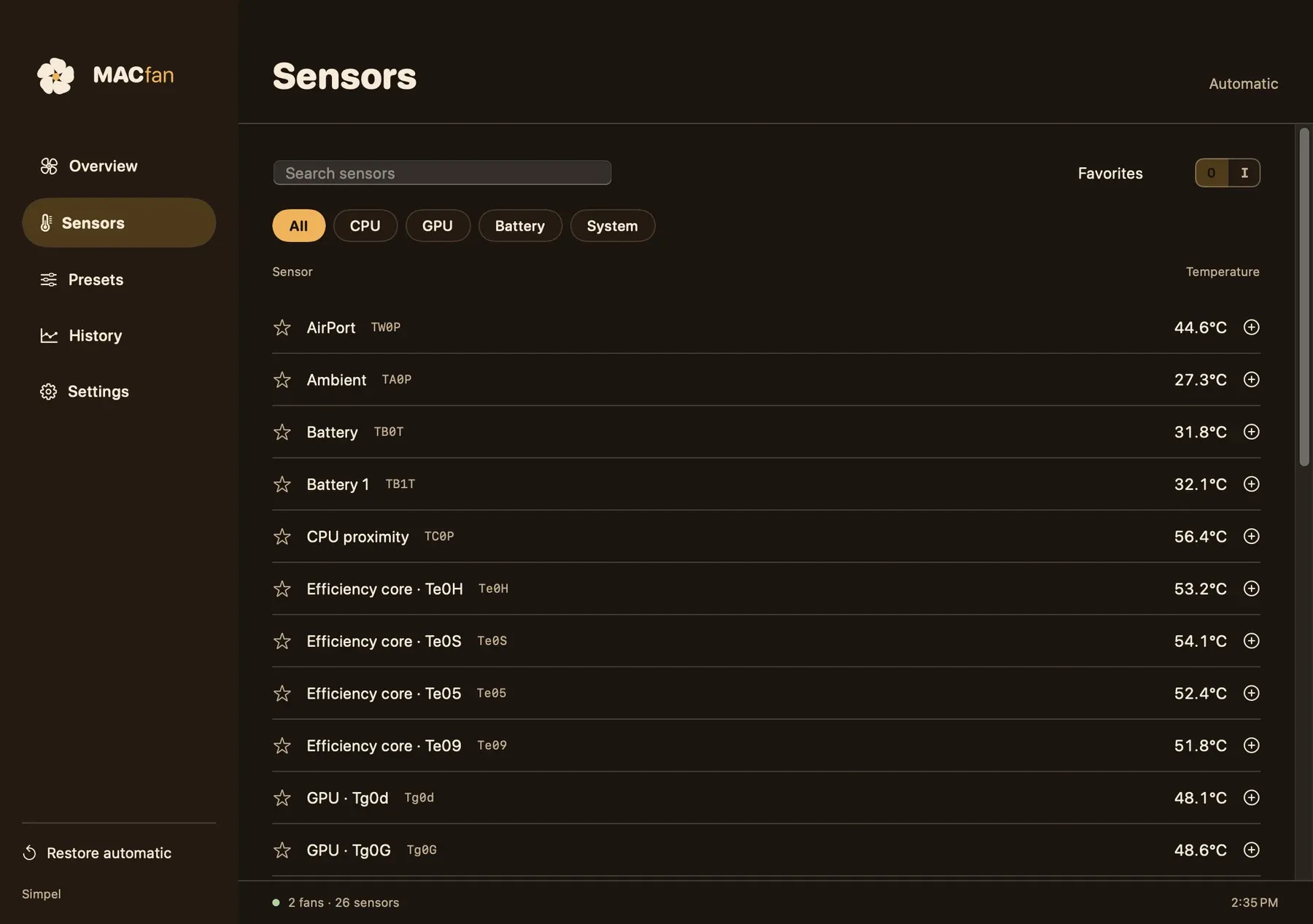
Check your Mac's temperature, sensor by sensor
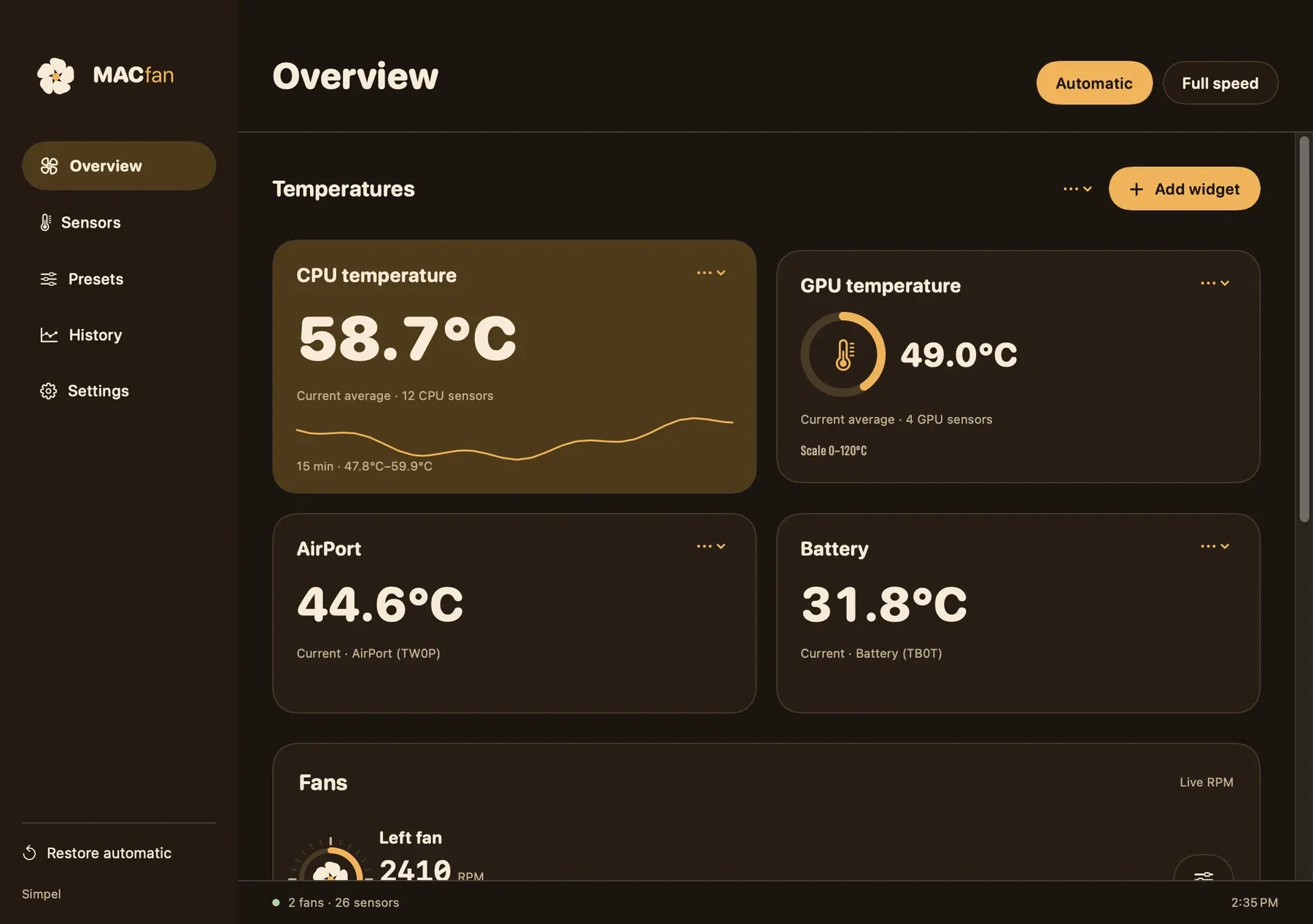
Your own dashboard
Up to 12 widgets. Each one names its sensor.
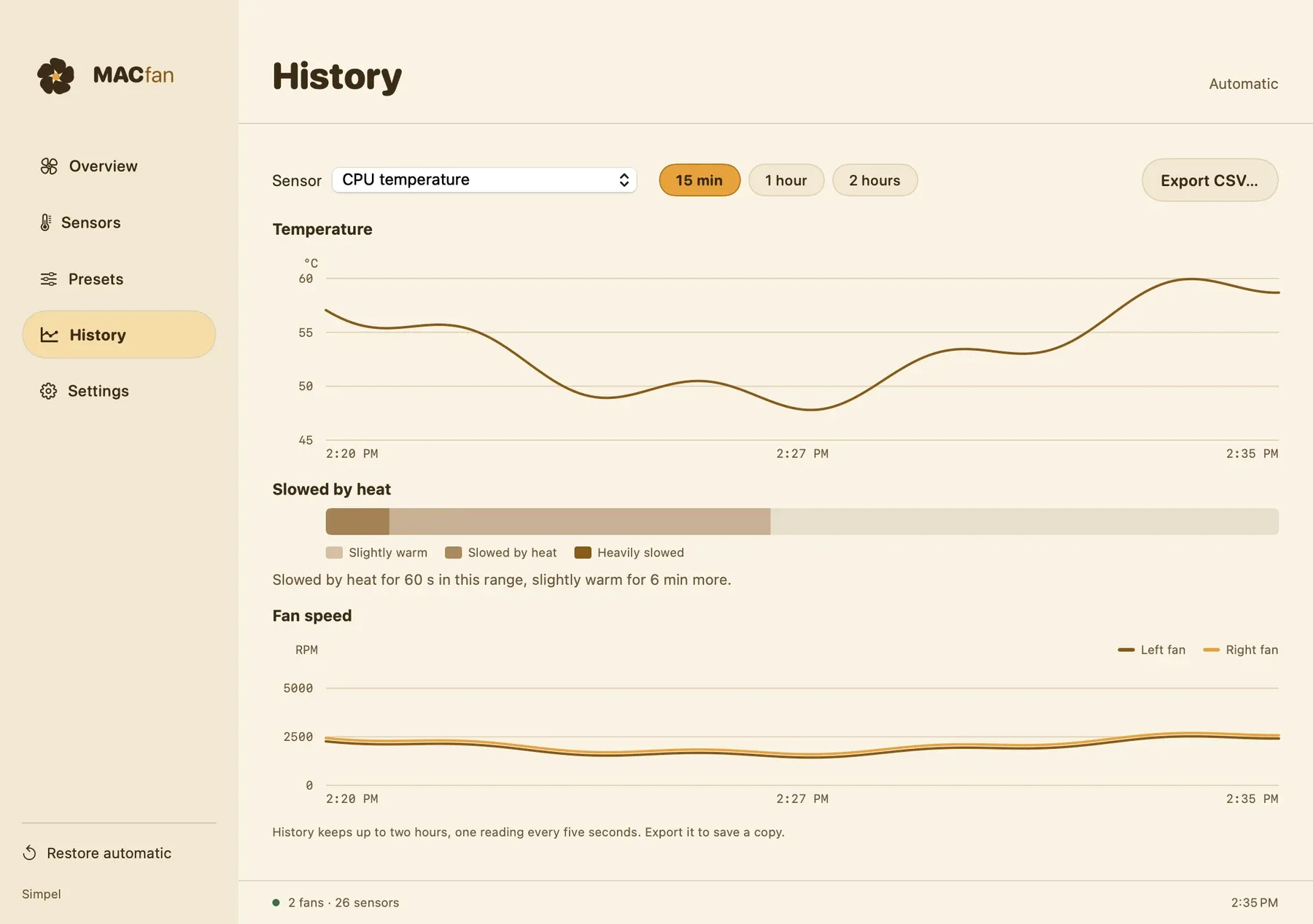
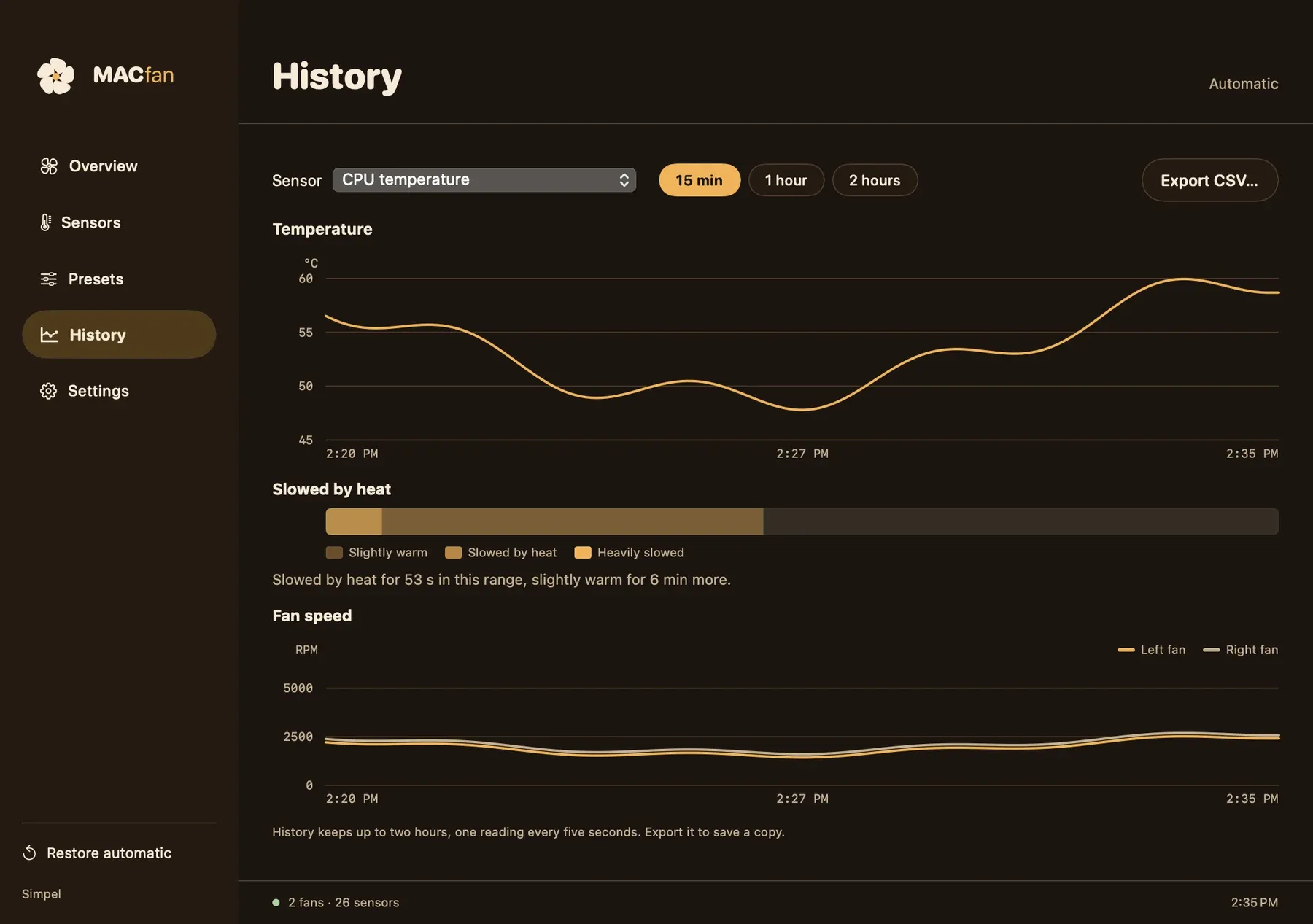
Up to 24 hours of history
A reading every 5 seconds, kept for 2, 12 or 24 hours. Export as CSV.
CPU temperature in the menu bar
Add fan speed if you like. Click it for the controls.
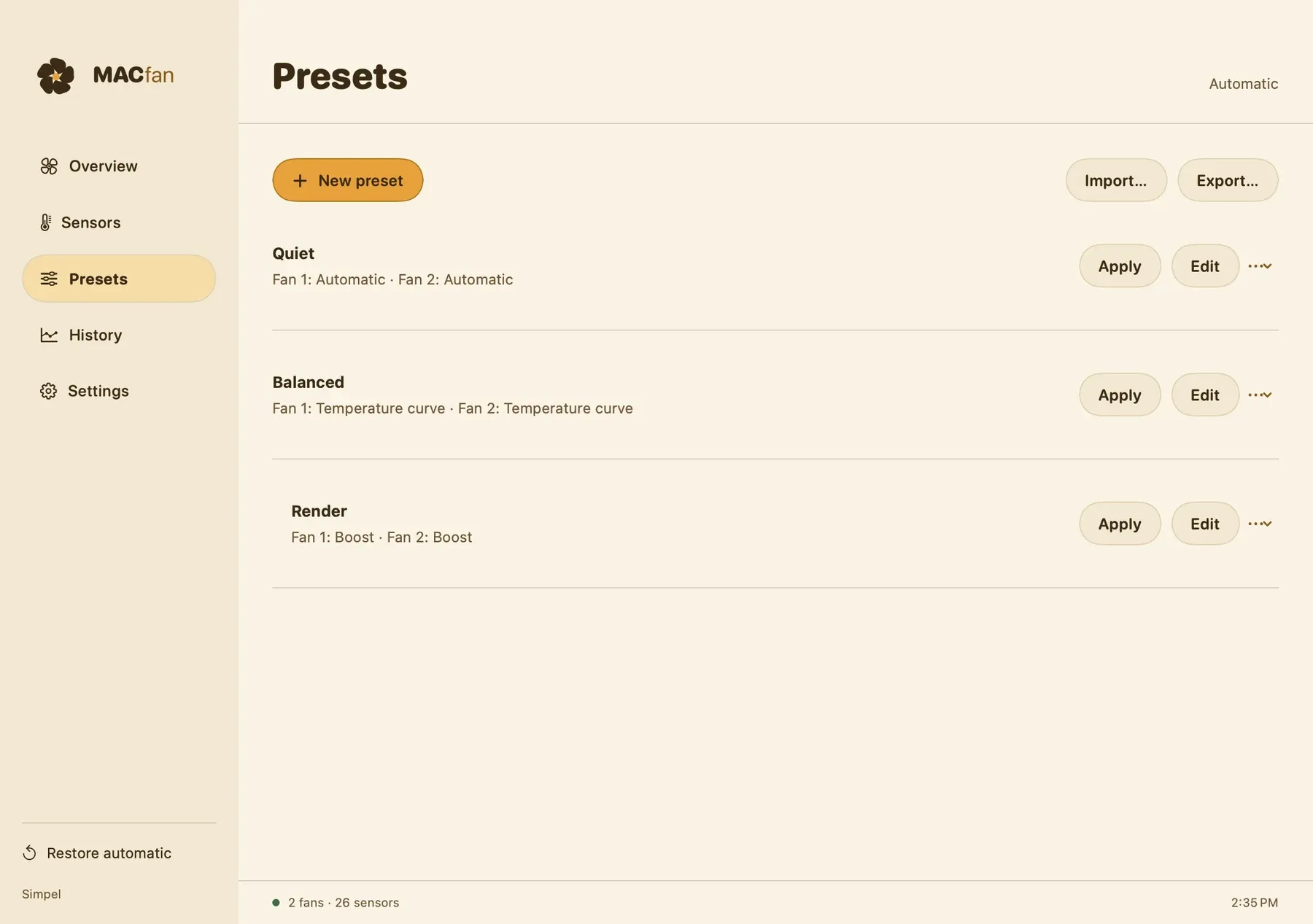
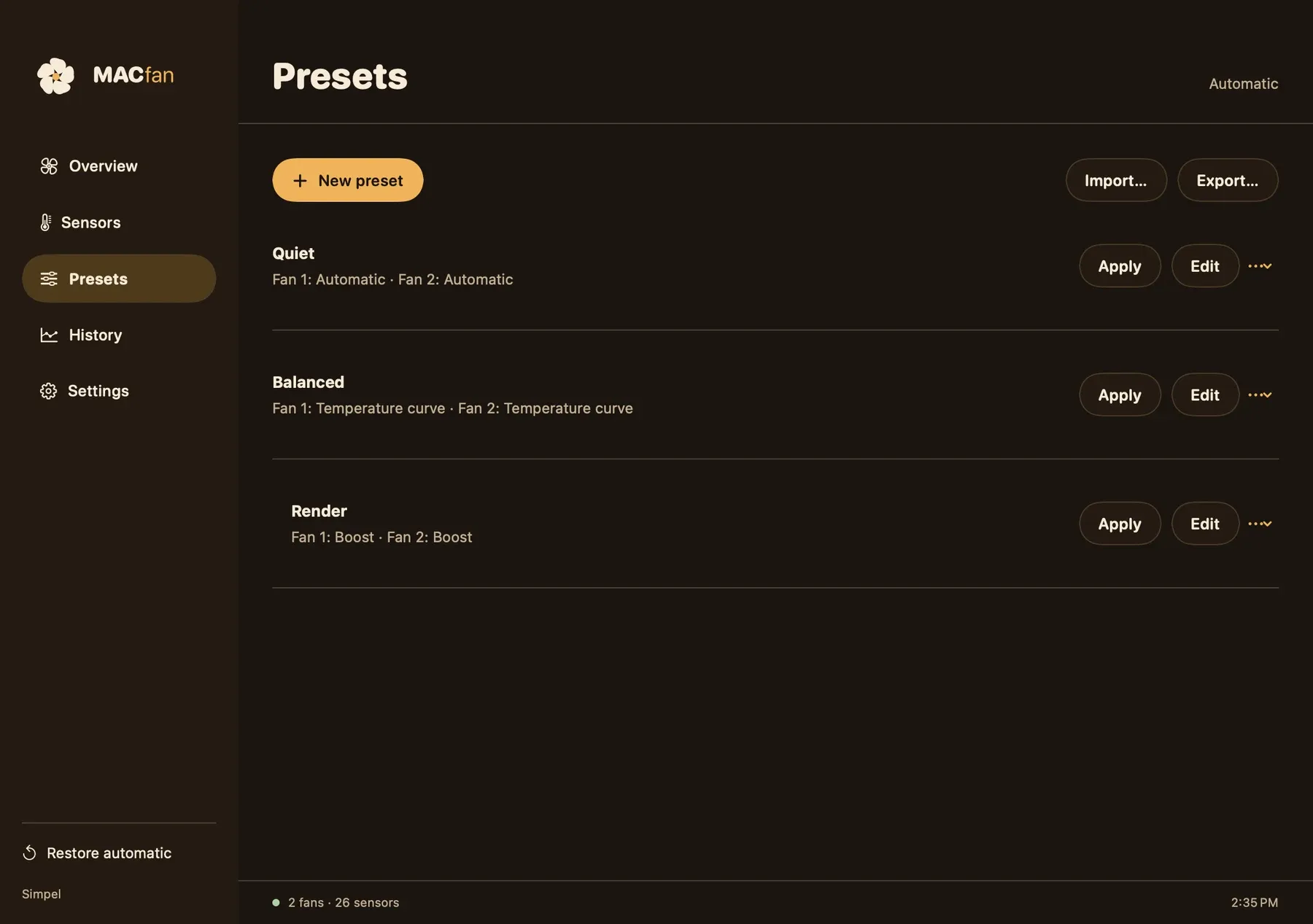
Presets you can share
Import and export them. A saved manual preset never turns on at launch.
Is it safe to control your Mac's fans?
MACfan stays inside hardware limits and leaves Apple's heat protection on. If it hangs, a watchdog returns the fans to Automatic within seconds. It always opens in Automatic.
Screenshots
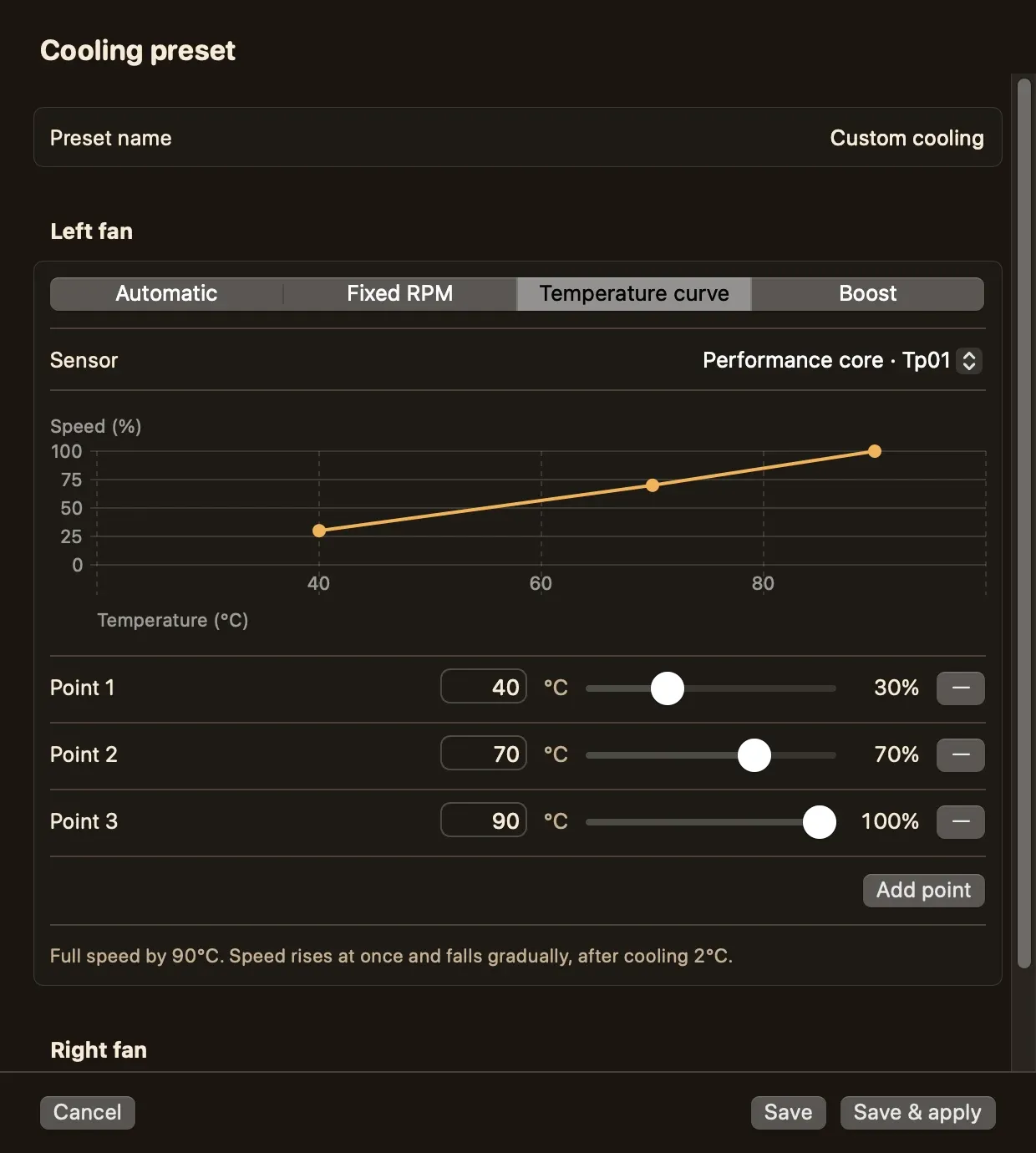
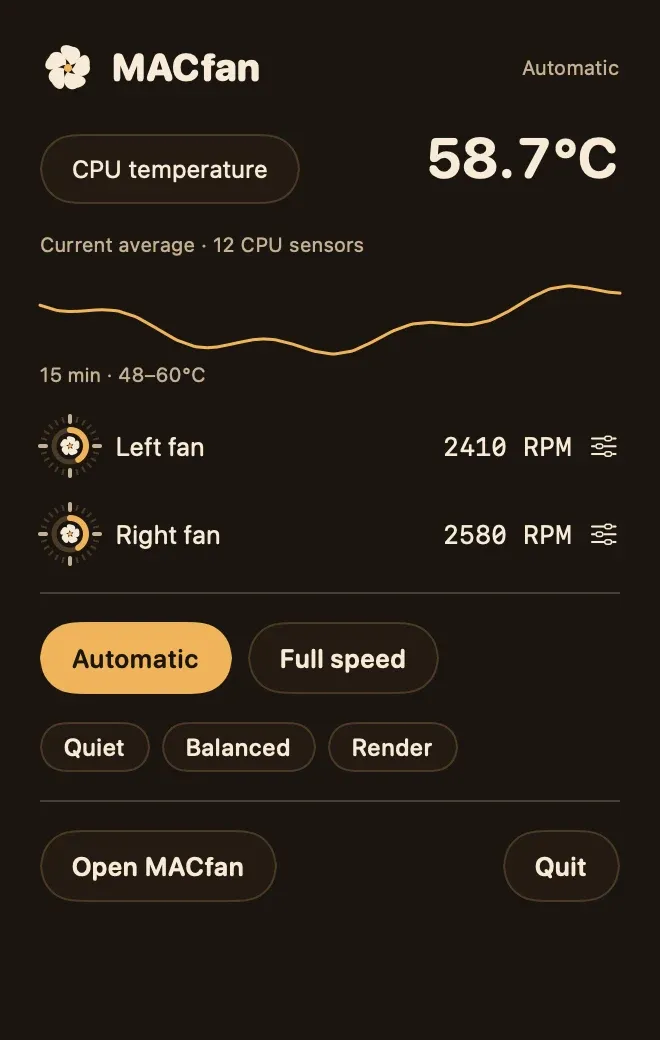
MACfan 0.13 with sample readings from an example Mac.
What MACfan does
Temperatures
- Live reading from every sensor
- Dashboard of up to 12 widgets
Fan control
- Set each fan on its own
- A plain reason when a fan won't spin
Presets & curves
- Multi-point curve for any sensor
- Save, rename and duplicate presets
Menu bar
- CPU temperature in the menu bar
- Panel with a 15-minute chart
History & alerts
- Keep 2, 12 or 24 hours of history
- Temperature alerts, up to eight
Safety
- Over 100 °C, fans return to Automatic
- App quits or freezes, fans return in seconds
Automation
- Switch preset on charger or battery
- MCP tools for AI assistants
Backup & updates
- Export all settings to one file
- Signed updates you approve in the app
Help
- Short lessons with a Try it button
- Five languages, switch in Settings
Before you buy
- Tested on one Mac so far: an M5 Max with two fans. Intel and other Macs aren't confirmed.
- No promise of a cooler or longer-lasting Mac. It shows readings and sets the speed you pick.
- Apple doesn't document its sensors, so names and readings vary by model.
- Above 100 °C on any sensor, manual control stops and the fans go back to Automatic. Heavy loads can do this.
- Changing fan speed needs a small helper you allow in System Settings. Reading sensors doesn't.
- Quit other fan apps before manual control.
Privacy
Readings and history stay on your Mac. History is saved to disk, so it survives a restart. No analytics.
For your AI assistant
Over 40 MCP tools let an AI assistant read sensors and set fans, curves, presets and settings. You still approve the helper.
Light on your Mac
At rest it uses about 56 MB of memory and 1 to 1.5% of one CPU core. The first temperature reading arrives about 1.5 seconds after launch.
Measured by the app team on an Apple Silicon Mac, 16 November 2026.
$5.99, once.
Pay once, keep the app. One year of updates is included. After that your version keeps working, or renew for the newest.
- Day oneYou pay once
- 1 yearEvery update is included
- After thatStill yours, still runs. Renew for the newest.
Total
Prices in US dollars. Tax is added at checkout.
Questions
Can I control the fans on my Mac?
Yes. MACfan shows every temperature sensor and lets you set each fan to a fixed speed or a curve, on macOS 14 or later. Above 100 °C the fans go back to automatic by themselves. So far it has been tested on one Mac model.
Which Macs does MACfan run on?
MACfan needs macOS 14 or later, Apple Silicon and Intel.
How much does MACfan cost?
$5.99 once, with a year of updates; you keep your version after that. MACpack, 6 apps, is $21.99.
Join the beta list
Get an email when the apps you pick are ready, and any launch code.
Also in Mac care

MACdrive
Drive care
Eject drives without errors, check their health, clean what you choose.
See the app: MACdrive
MACdisplay
Coming soonControl every screen on your Mac, plus a live wallpaper.
In beta
See what it does: MACdisplay