




Per-app volume control for Mac
Turn the call up, the music down or mute one app from the menu bar, each with its own EQ and output.
See it play
The real panel and EQ, step by step. Point at a step to jump to it.
One fader per app
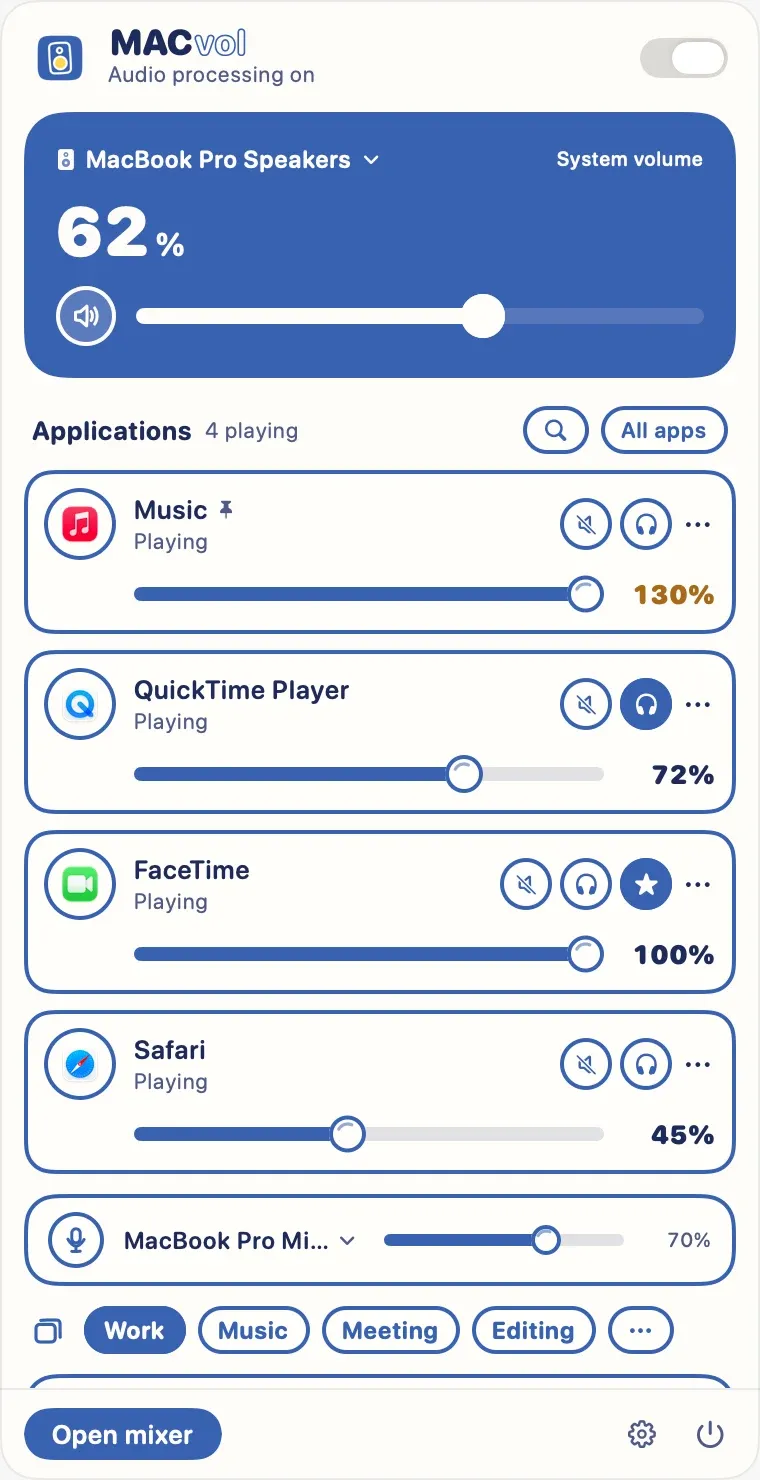
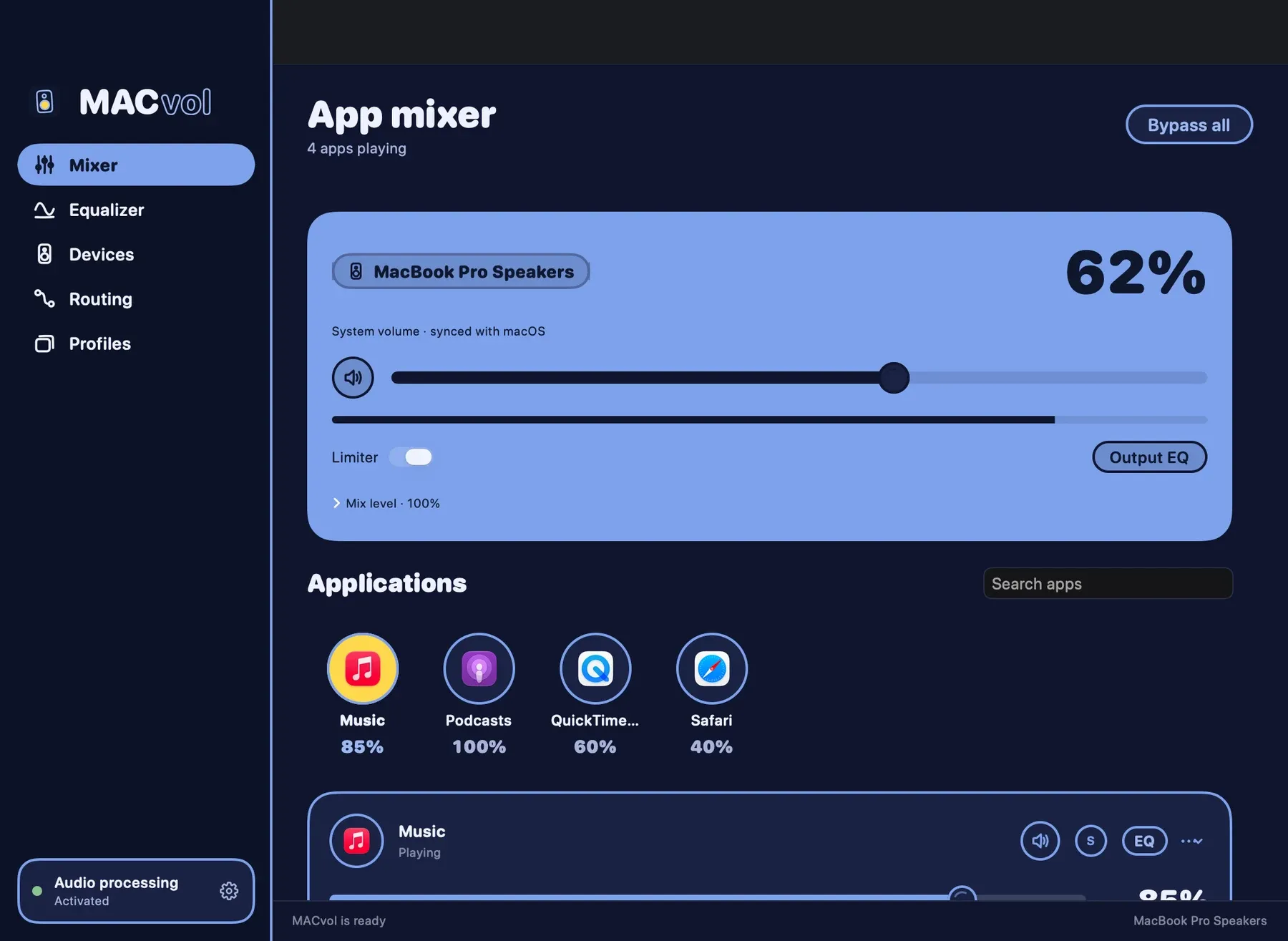
Click the MACvol icon in the menu bar. Each app playing sound gets its own row and fader.
Drag Safari to 25% and Keynote to 100%. Only those two change.
Press the speaker stamp on Messages. Only that app goes quiet.
In the Music row's ⋯ menu, choose Output routing, then Headphones. Other apps stay on the speakers.
An equaliser per app or device
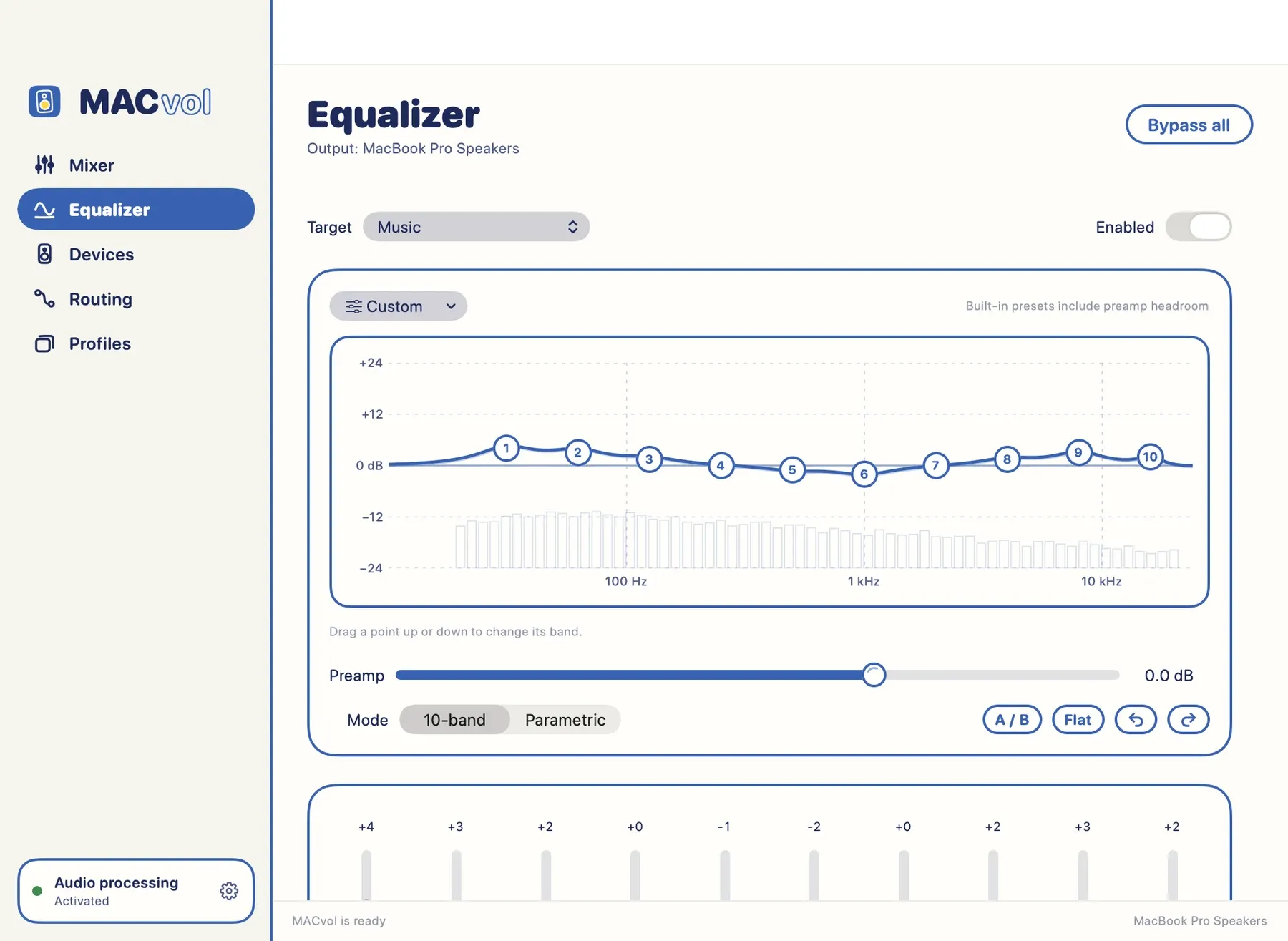
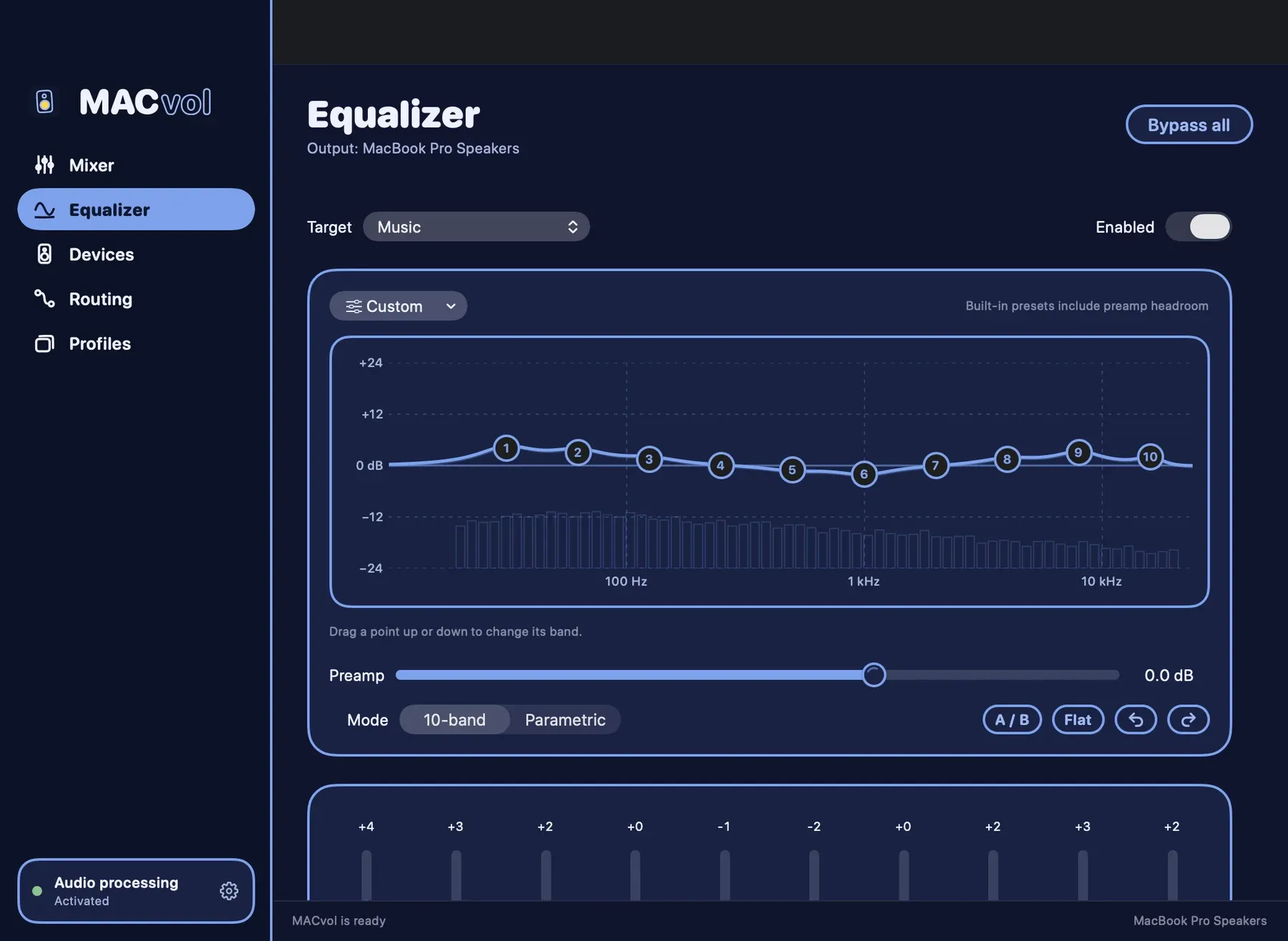
Open Equalizer, pick a target (default output, a device or one app), here Music, and turn EQ on.
Pick Vocal Boost from 27 presets. All ten bands move, and the preamp drops so nothing clips.
Drag point 9 up to lift 8 kHz by 7 dB. Its fader follows, and the preset becomes Custom.
Name it and press Save. It appears under My presets, ready for any app or output.
A 10-band EQ with 27 presets
Ten bands, or parametric up to 32, per app or output, with undo and A/B. Search 8,850 headphone profiles or import a parametric EQ text file. Presets leave headroom.
Drag to try. Demo curves only.
What else is in the shop
Volume, mute and boost for each app
Solo, balance and mono too. Boost a quiet app by up to 12 dB and pin the ones you use most.
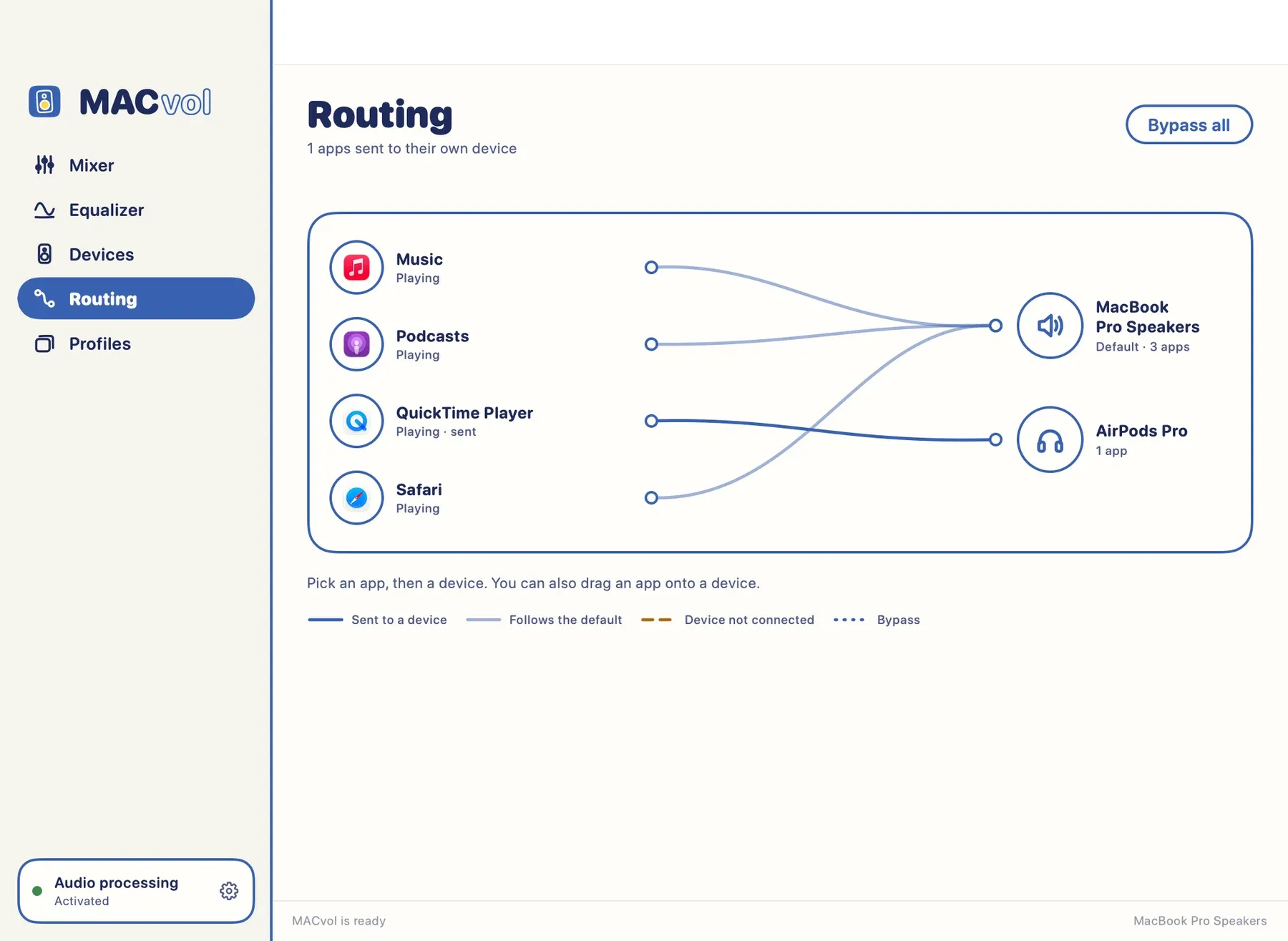
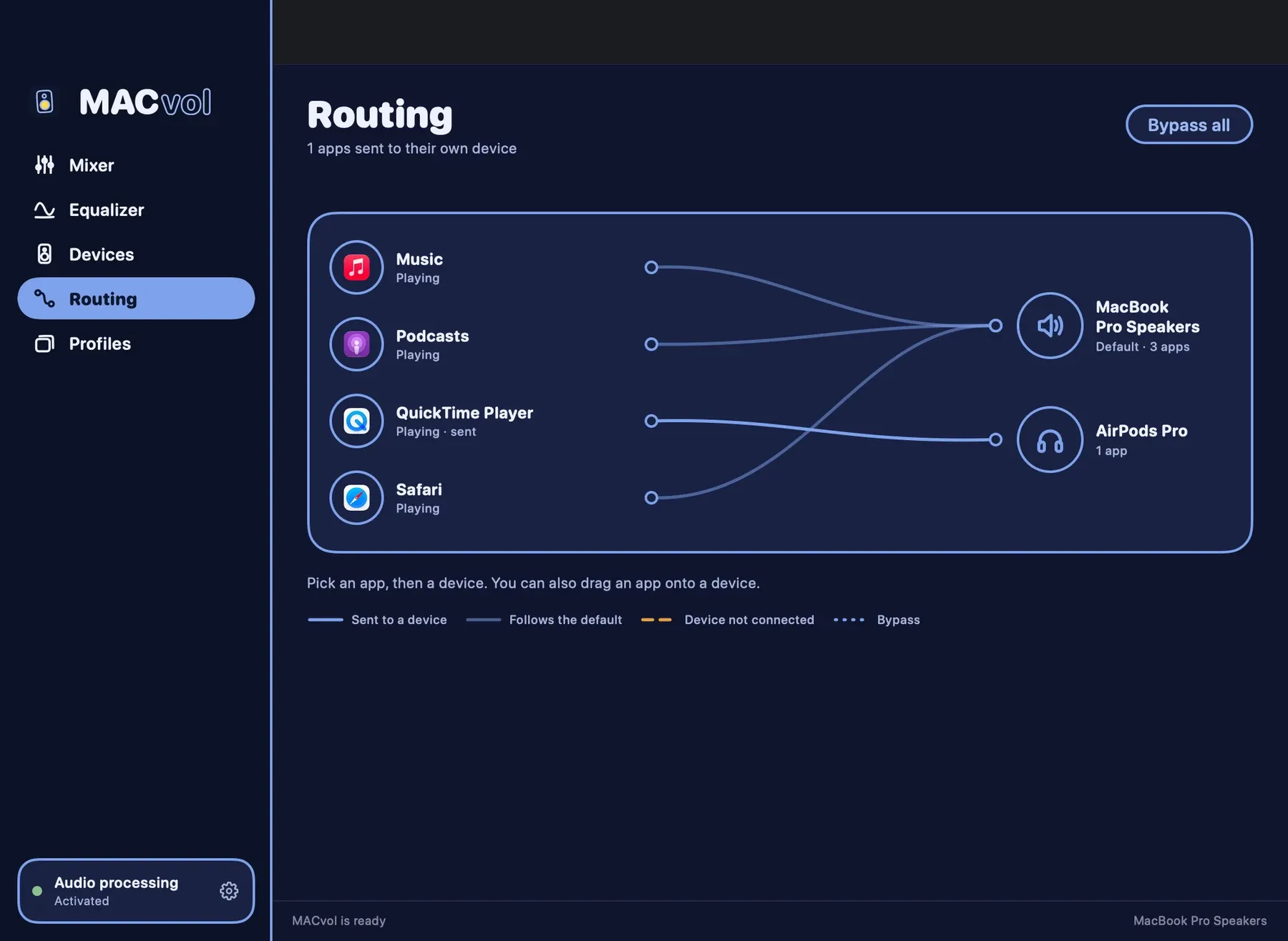
Each app to its own speakers
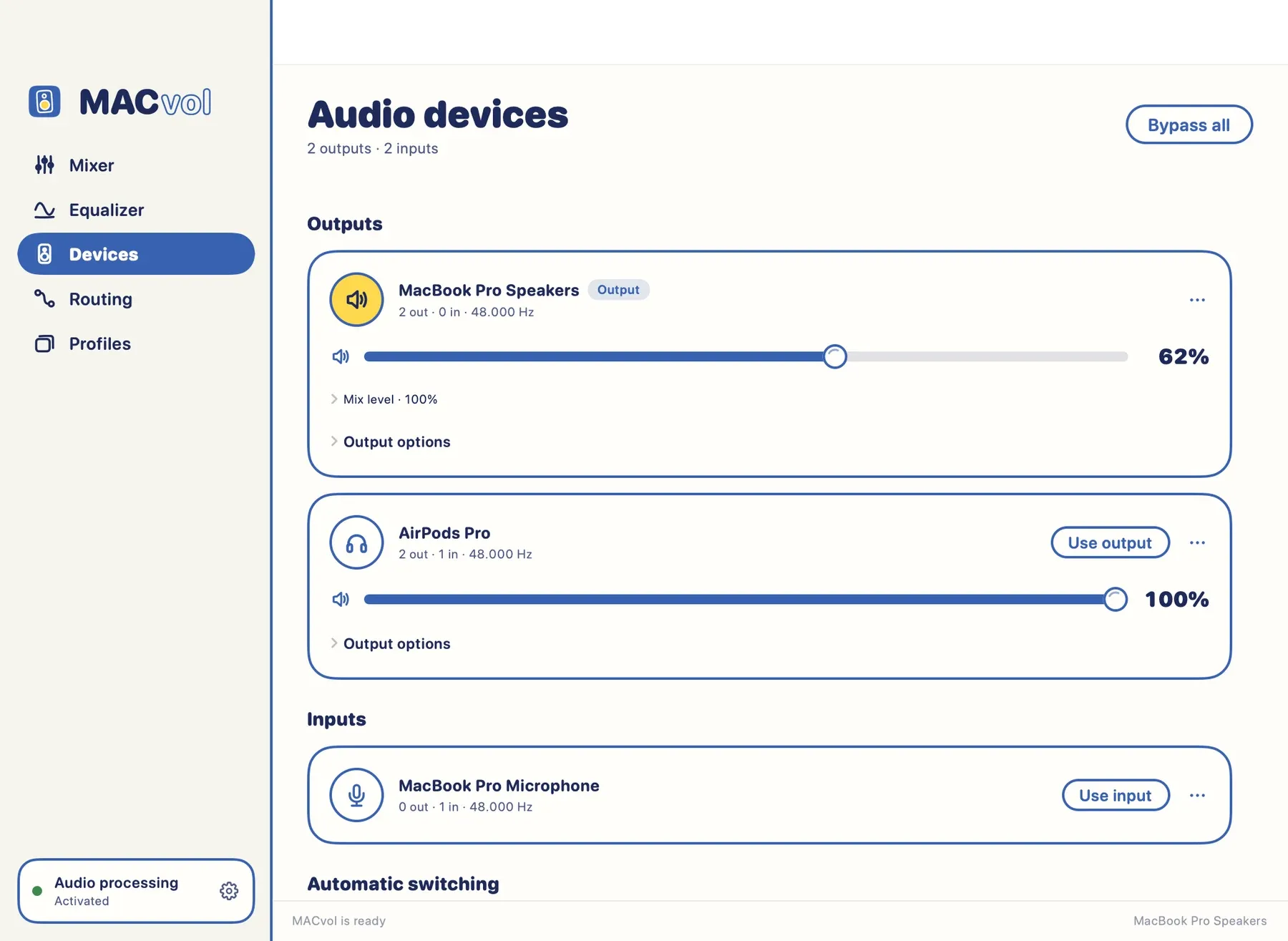
Music on the speakers, the call in your headphones. You choose which device comes first.
Keep loud peaks in check
A lookahead limiter catches peaks. Ducking quiets the rest for the app you pick. Safe volume caps the level.
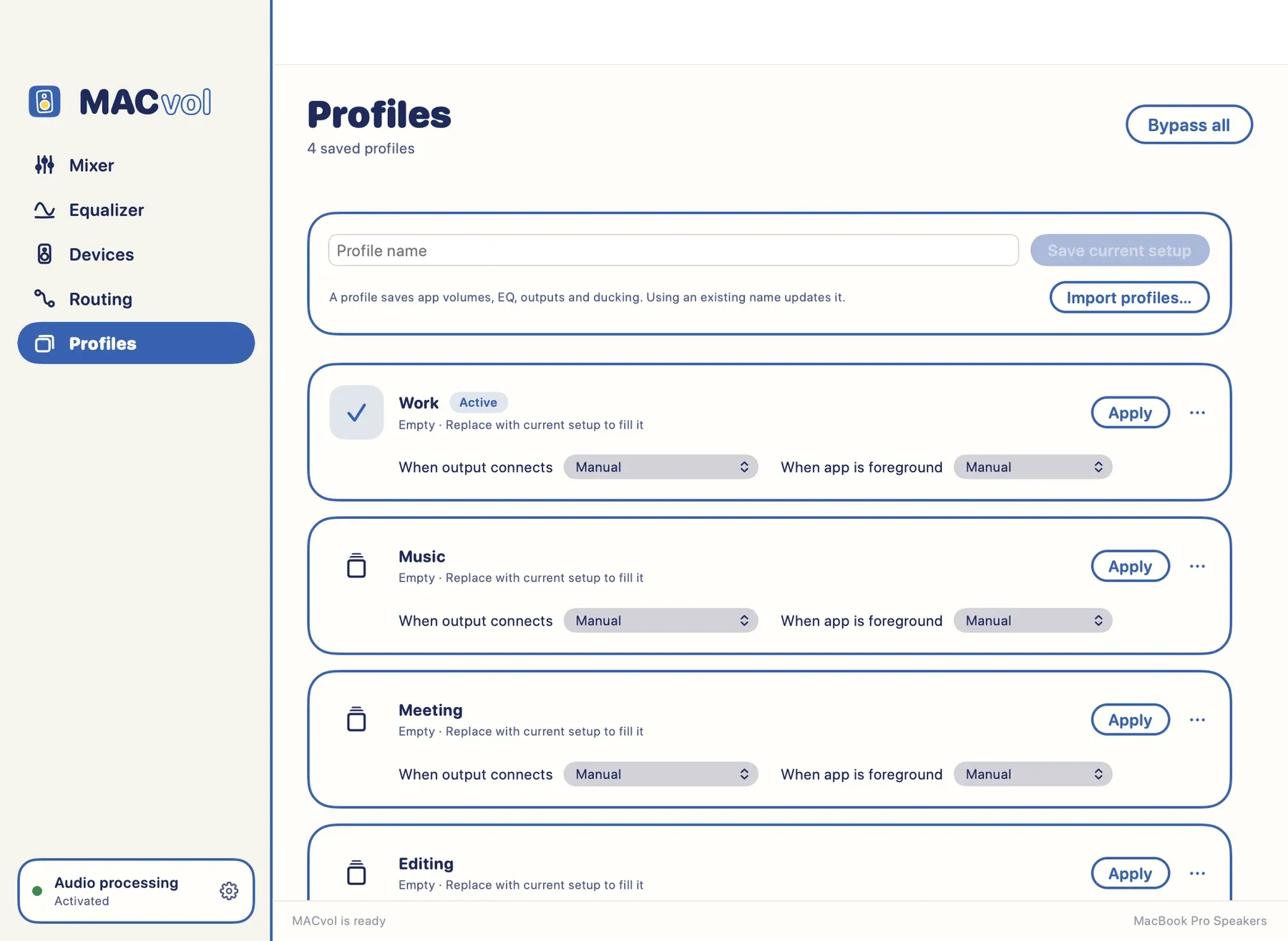
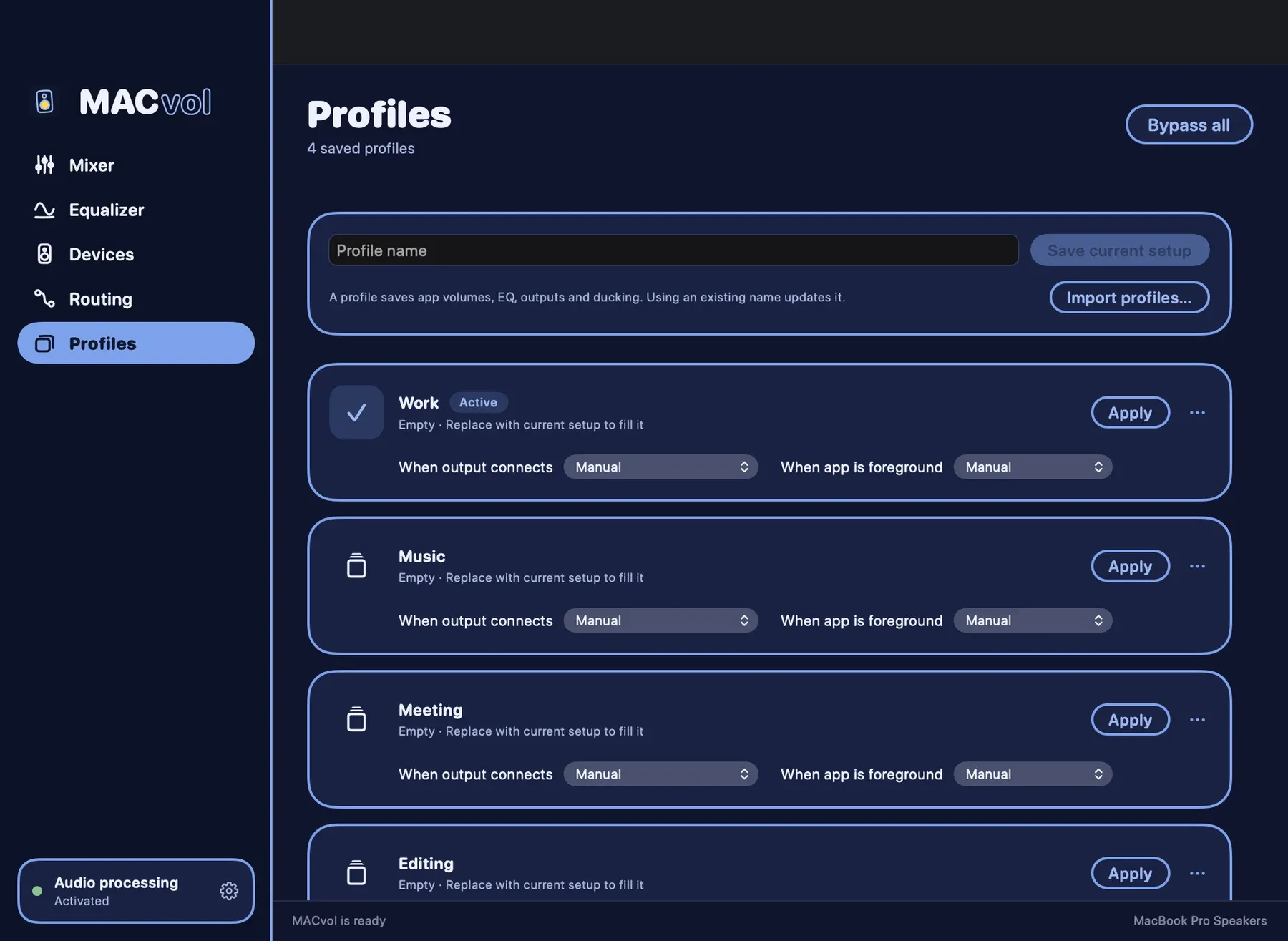
Profiles that follow your devices
Plug in headphones and Work turns on. Unplug, and it all goes back.
Change volume with keys or scroll
Your own hotkeys, the media keys, or scroll on the menu-bar icon.
Screenshots
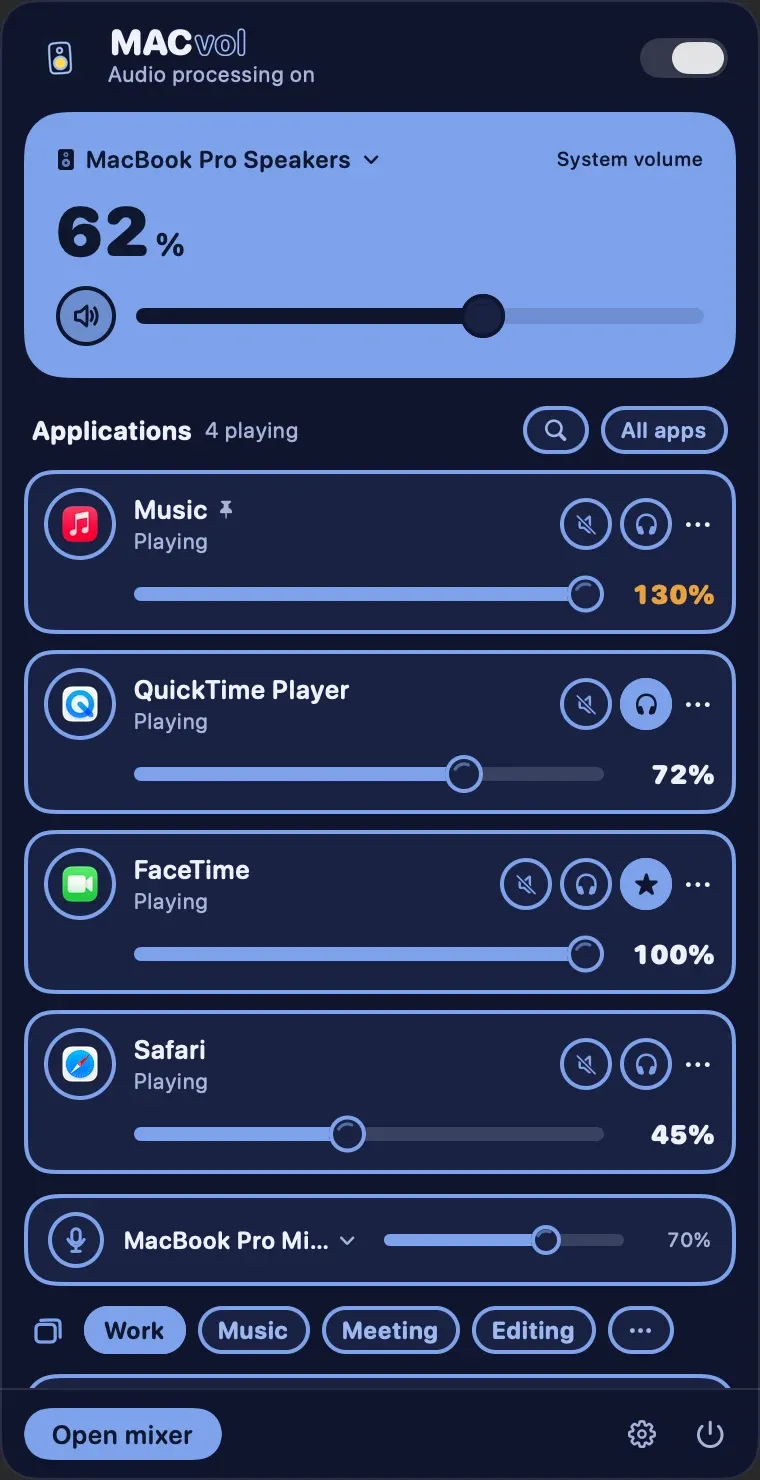
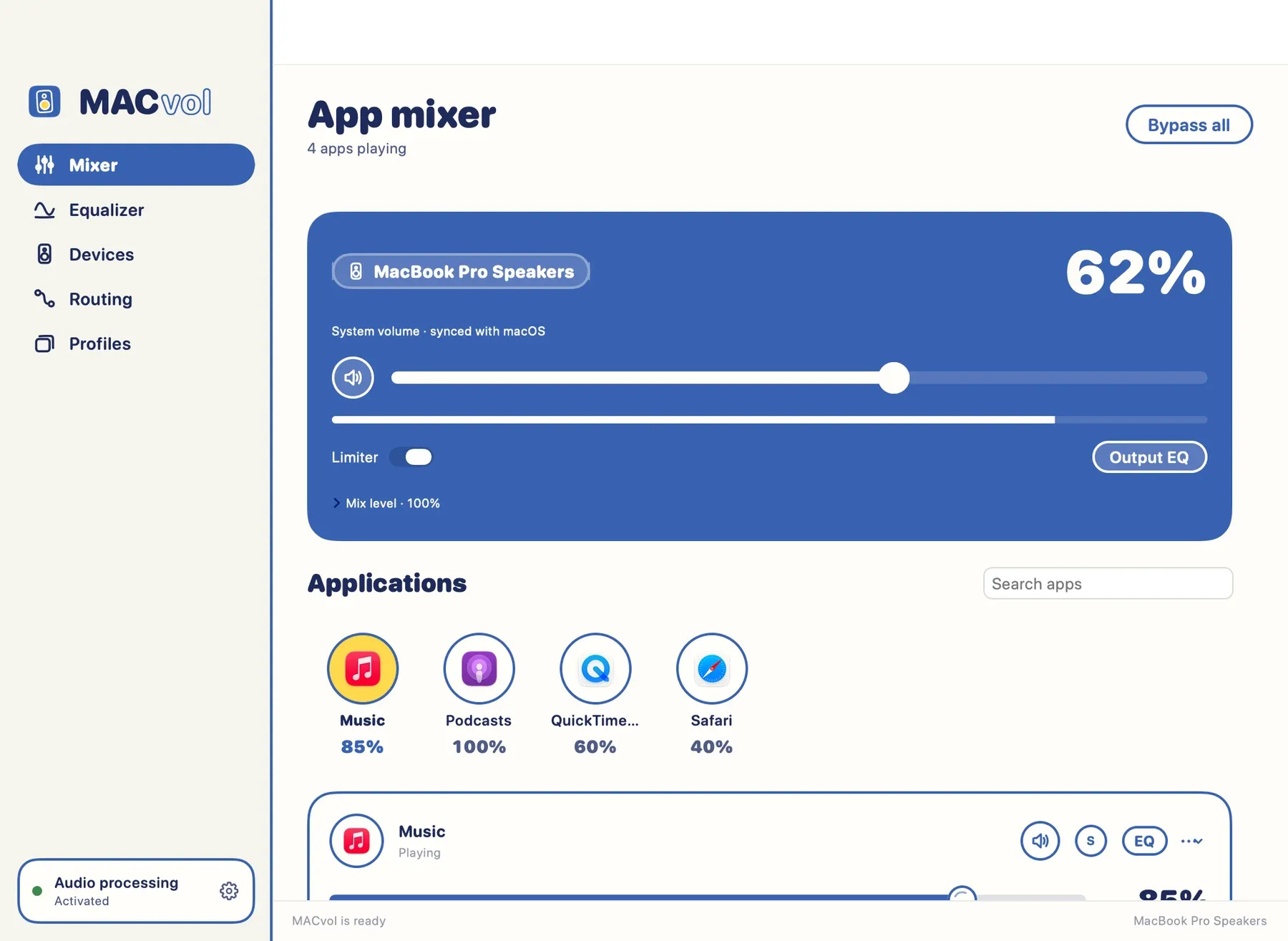
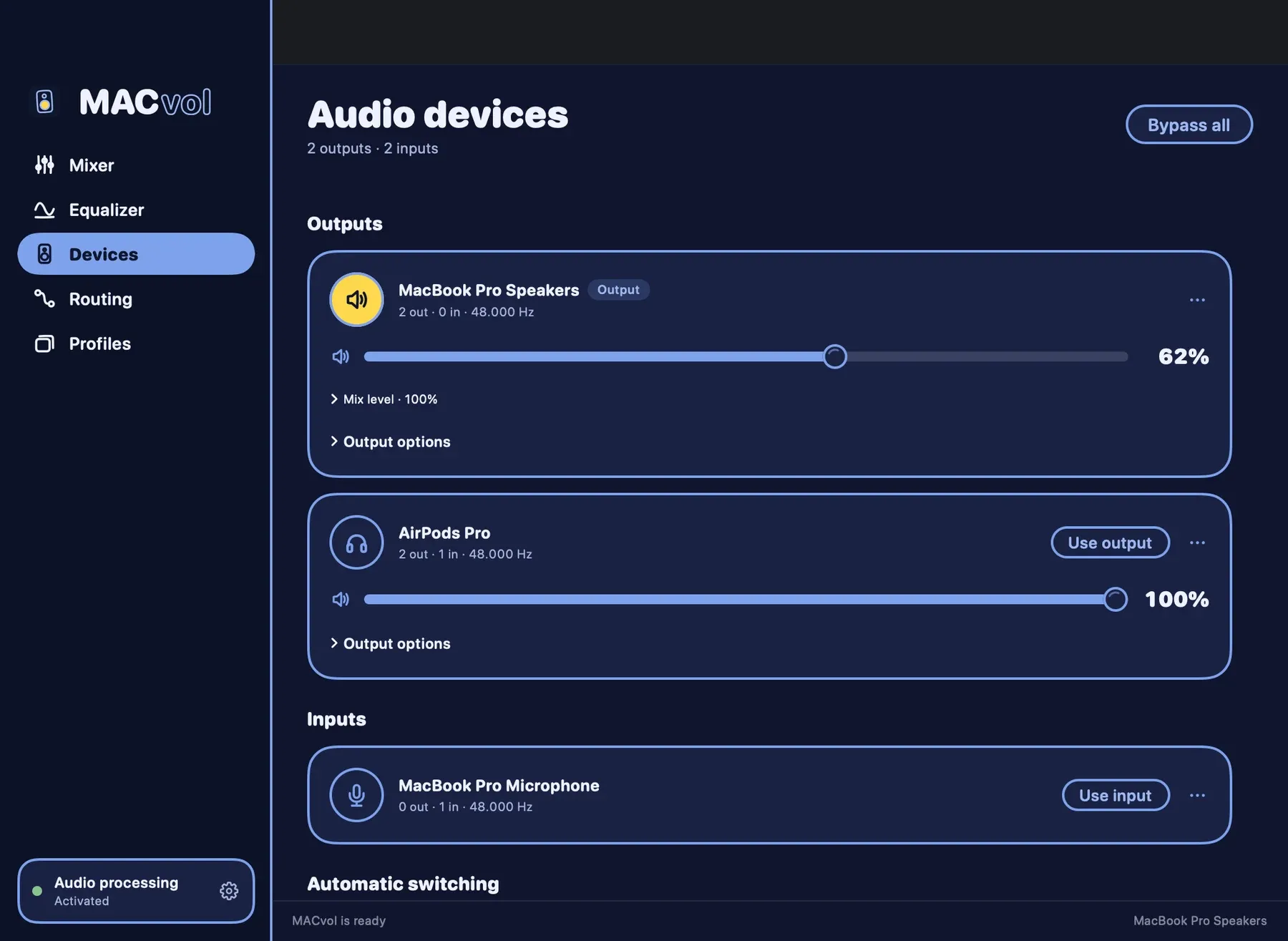
Test renders of the current build. Some controls show grey, not cobalt; the zine look is in progress.
What MACvol does
Volume per app
- Volume for each app, up to 400%
- Mute or solo a single app
Equaliser
- A separate EQ for each app or output
- Search 8,850 headphone profiles
Speakers & routing
- Send each app to its own speakers
- A routing screen drawn like a patch bay
Profiles & hotkeys
- Save a whole setup as a profile
- A profile turns on when headphones connect
Mic & calls
- Mic volume and mute right in the panel
- Mute the mic by hotkey, with an overlay
Safety
- A limiter catches sudden loud peaks
- Lower the Mac speakers when Bluetooth drops
Menu bar & help
- A mixer one click away in the menu bar
- Scroll on the icon to change the volume
Sync & backup
- Sync settings between Macs through a folder
- Three automatic backups, restore from Settings
AI control
- A local MCP server with 56 tools
- Every action in the app has a matching tool
Before you buy
- macOS asks for "System Audio Recording" so MACvol can adjust other apps. It never records.
- No driver, no virtual audio device.
- Not every audio interface or Bluetooth device is tested. Routing depends on your hardware and macOS.
- Cinema shapes tone; it isn't surround. Loudness is an EQ curve, not a compressor.
- MACvol processes audio only once activated.
Privacy
Sound is never saved, sent or analysed. No analytics, no ads. Diagnostics stay on your Mac unless you export them.
For your AI assistant
An AI agent can run MACvol from the command line or a local MCP server: 56 tools, one per action, checked by a test.
Light on your Mac
At rest it uses about 50 to 60 MB of memory and under 1% of one CPU core. It is ready about a second after launch.
Measured by the app team on an Apple Silicon Mac, 16 November 2026.
$5.99, once.
Pay once, keep the app. One year of updates is included. After that your version keeps working, or renew for the newest.
- Day oneYou pay once
- 1 yearEvery update is included
- After thatStill yours, still runs. Renew for the newest.
Total
Prices in US dollars. Tax is added at checkout.
Questions
How do I set a different volume for each app on a Mac?
macOS has one volume for everything. MACvol adds a slider per app in the menu bar, so you can turn a call up, music down or mute one app. It needs macOS 15 or later on Apple Silicon.
Can I search for an EQ preset for my headphone model?
Yes. MACvol lets you search 8,850 headphone profiles and apply one as an EQ. The EQ follows the device by name, and a profile can turn on by itself when those headphones connect.
Which Macs does MACvol run on?
MACvol needs macOS 15 or later, Apple Silicon.
Join the beta list
Get an email when the apps you pick are ready, and any launch code.
Also in Sound and video

MACget
Save video
Download video and audio from a link, then watch, sort and convert.
See the app: MACget
MACdisplay
Coming soonControl every screen on your Mac, plus a live wallpaper.
In beta
See what it does: MACdisplay