




Eject drives safely
See which app keeps an external drive busy, then eject it without the error. Check SMART health and speed.
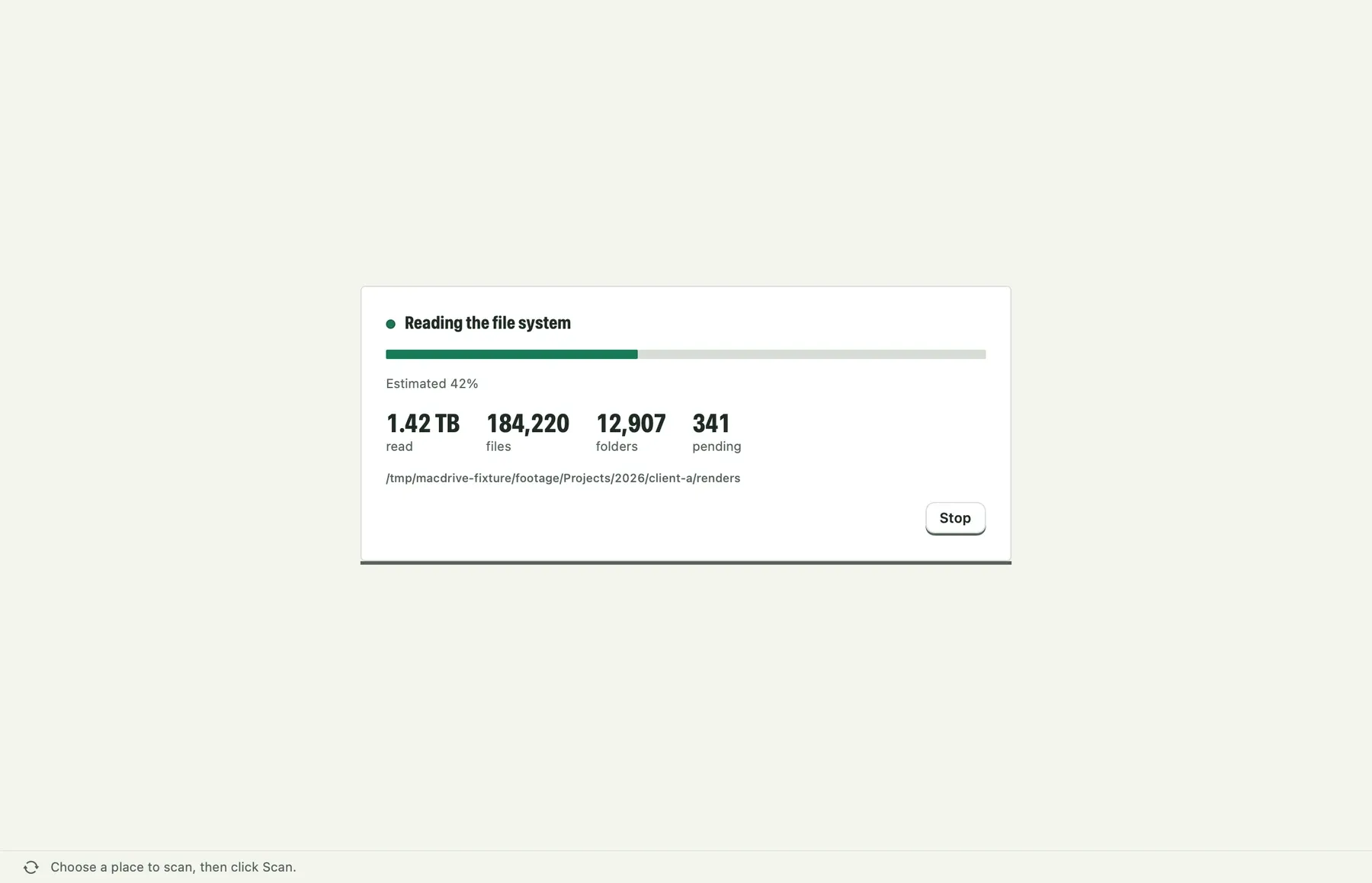
1.42 TB of 2 TB
See it scan, clean and eject
Real app screens with sample drives. Point at a step to jump to it.
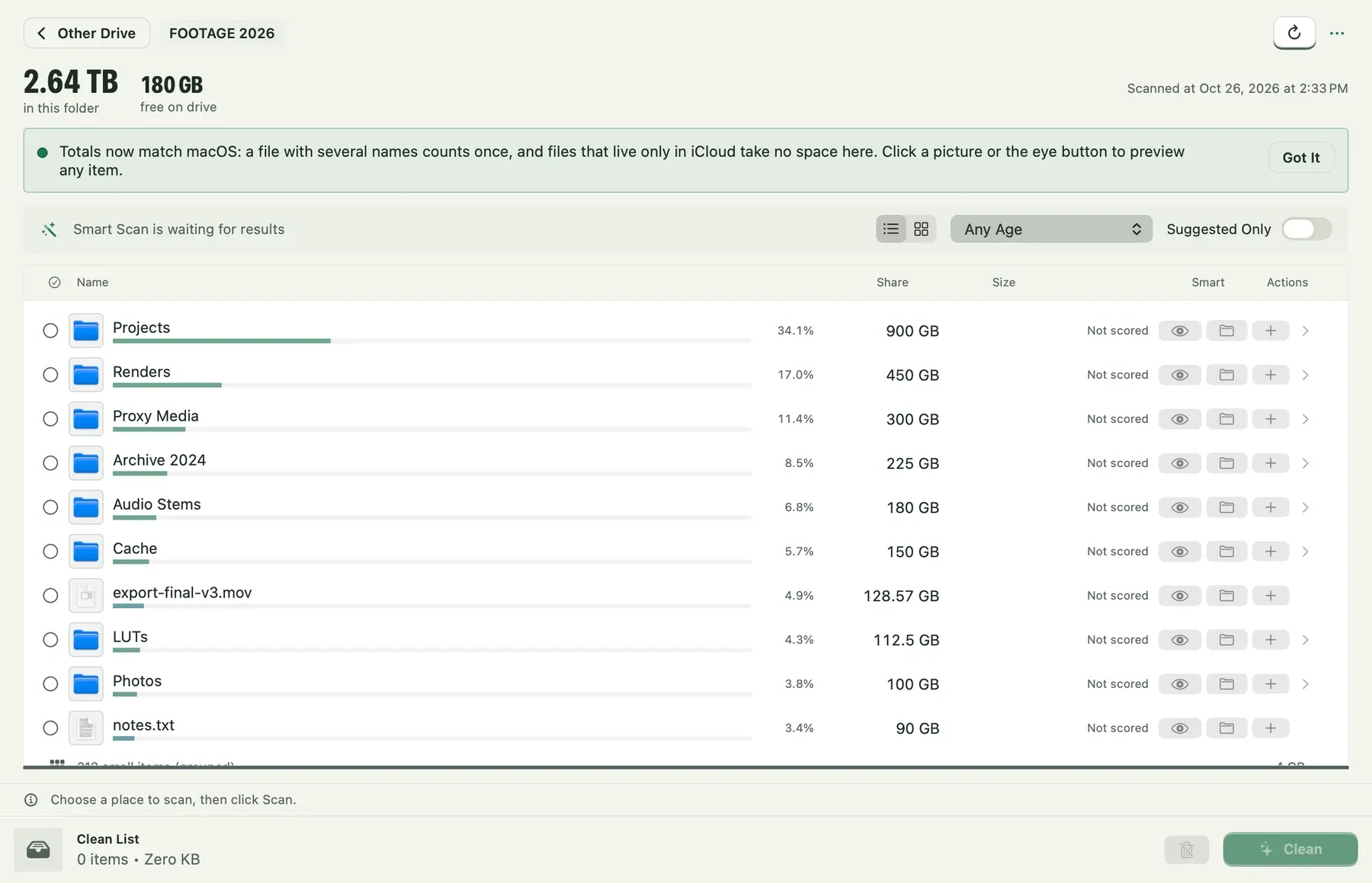
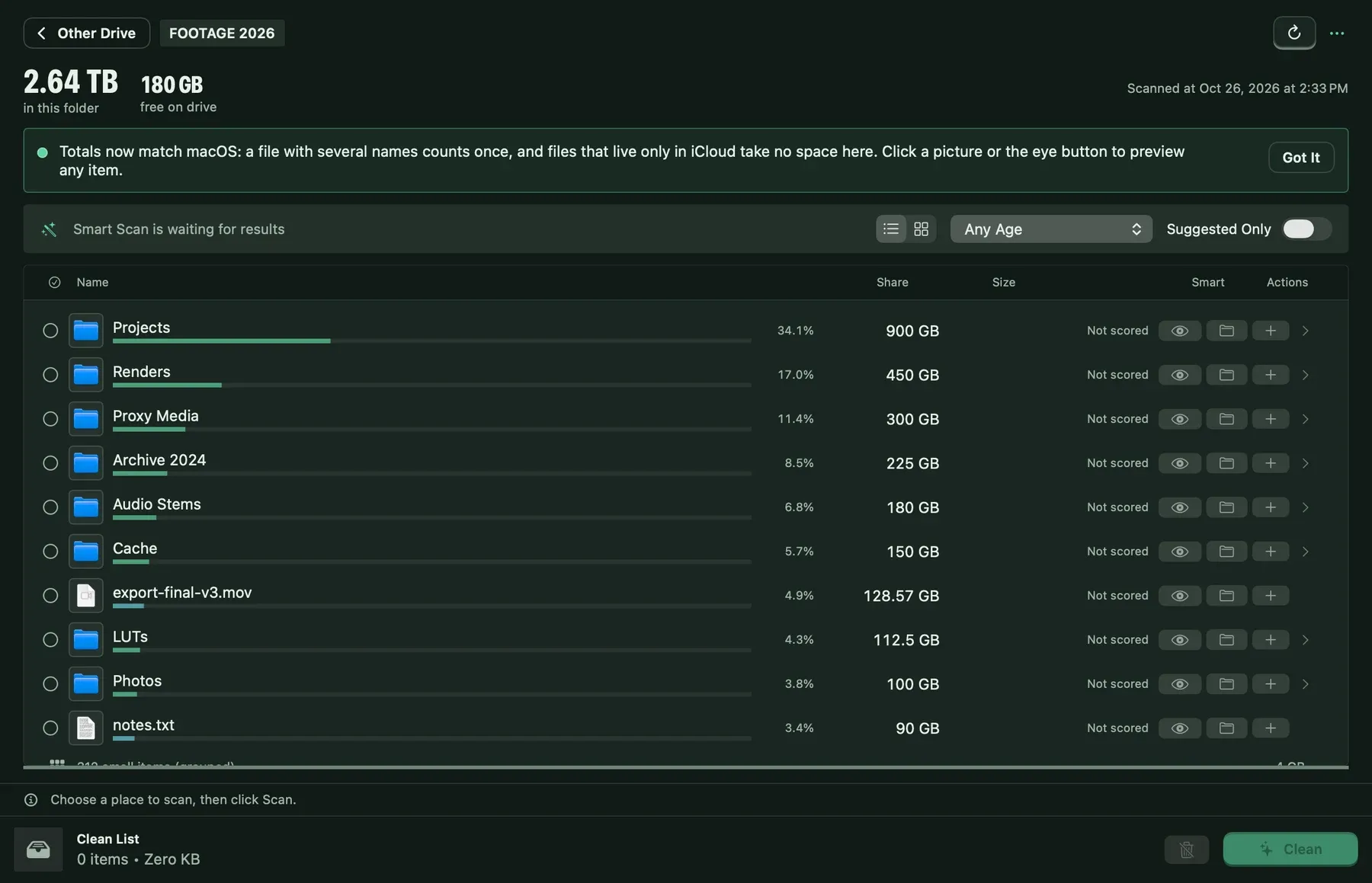
Find what fills a drive, review, clean
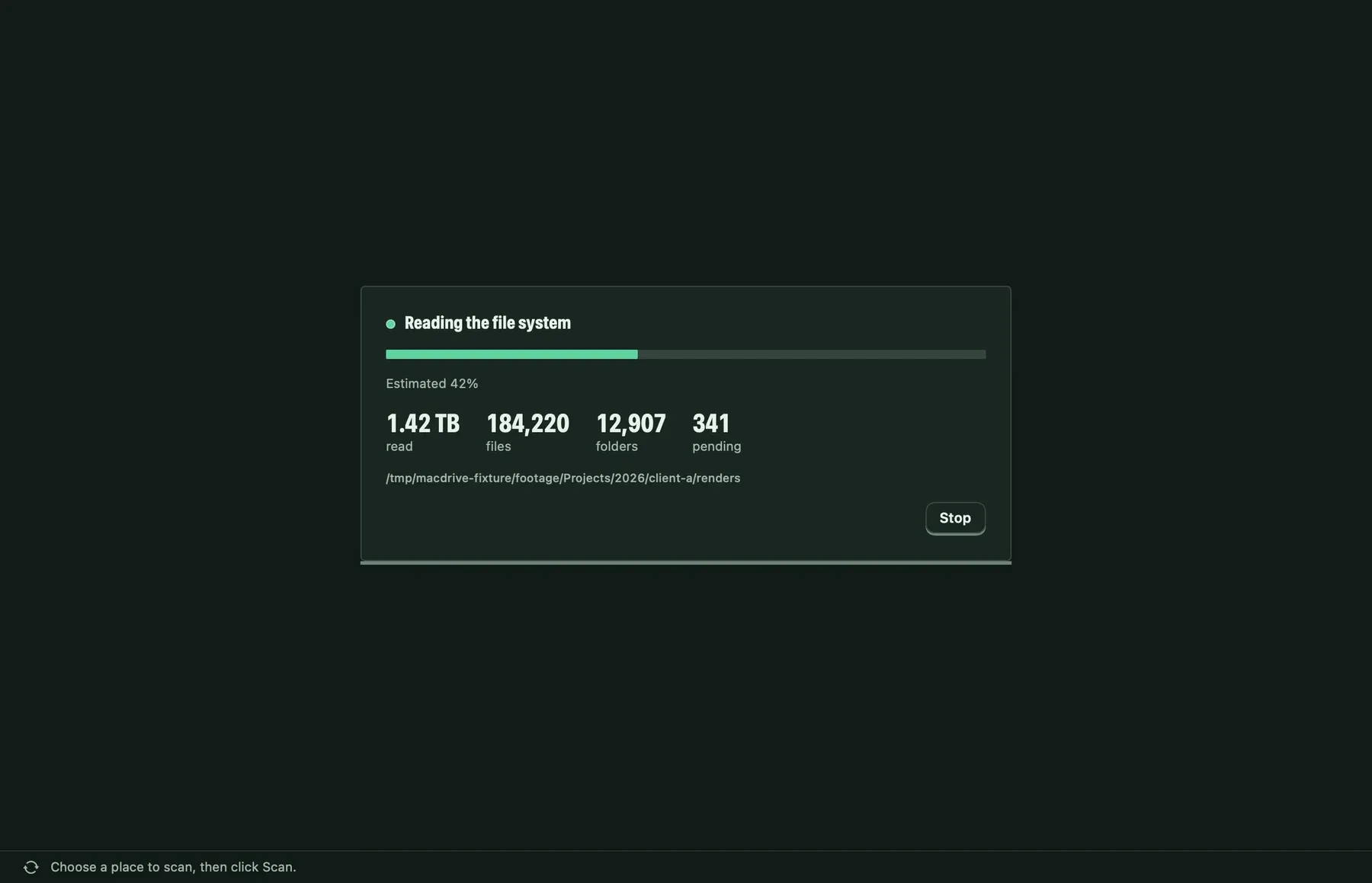
Pick a drive and press Scan. Totals count up, then folders line up by size.
In the space map, the bigger the folder, the bigger its box.
Press + or drag a row to the Clean List. It shows the exact count and size. Nothing has moved yet.
Clean opens a review: items, total and destination. You can still cancel.
Confirm, and the three items go to the Trash. You can put them back until you empty it, which frees the space.
Eject safely
Eject External Drives lists every drive. Open a busy one to see which app holds files on it.
A drive nothing is using ejects in one click. A tag says it's safe to unplug.
Quit Safely asks only that app to quit, the normal way. Then the drive can eject.
Eject the rest from the menu bar: Eject All (safe), then click again to confirm. No drive is forced out.
What's in MACdrive: eight drive tools
Every day
Safe eject
Shows which apps keep a drive busy. It asks before quitting them, and only them.
Disk space scan
Sorts every folder by size, as a list or a map. See the exact total before you clean.
Clean up your Mac
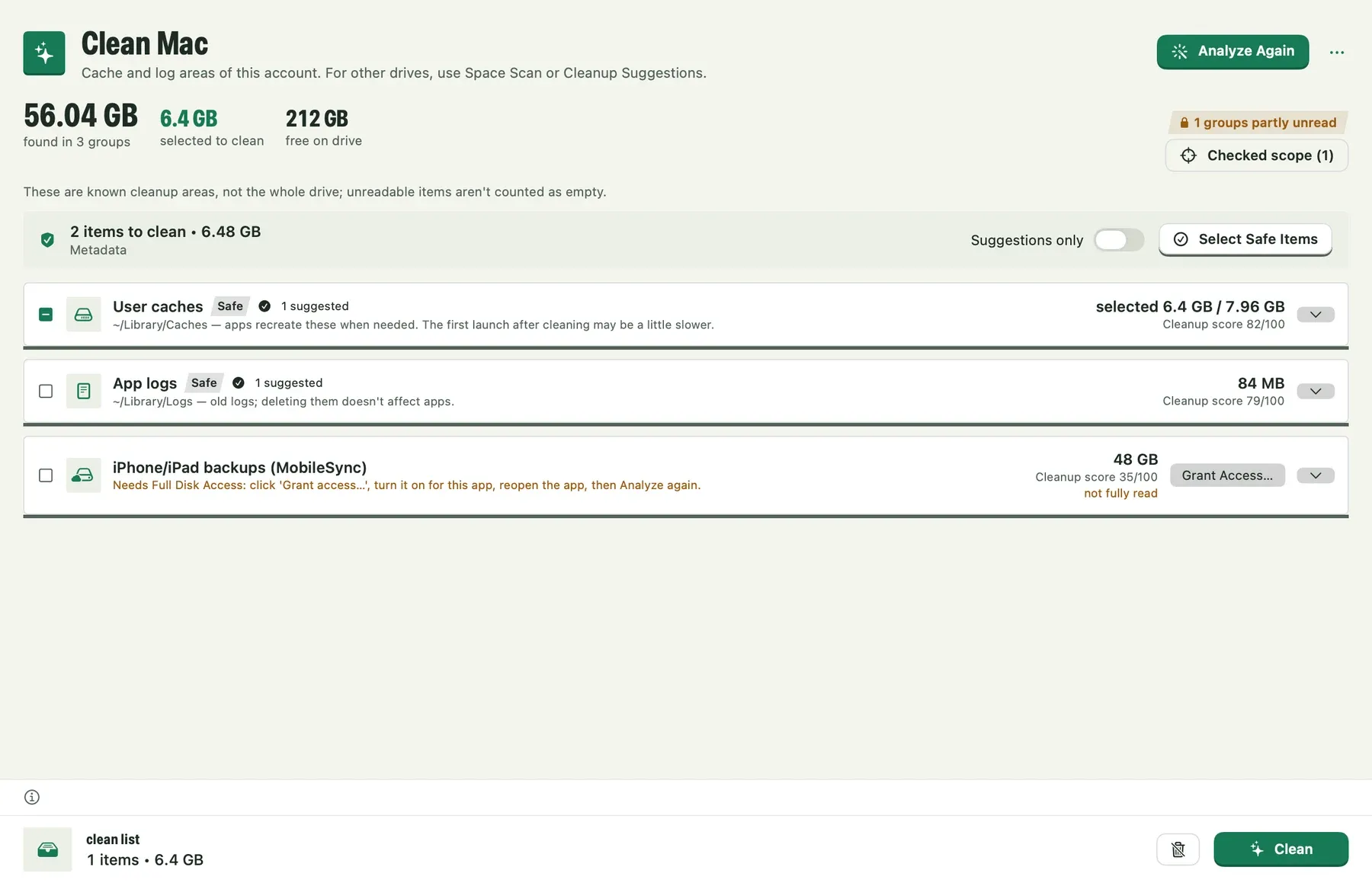
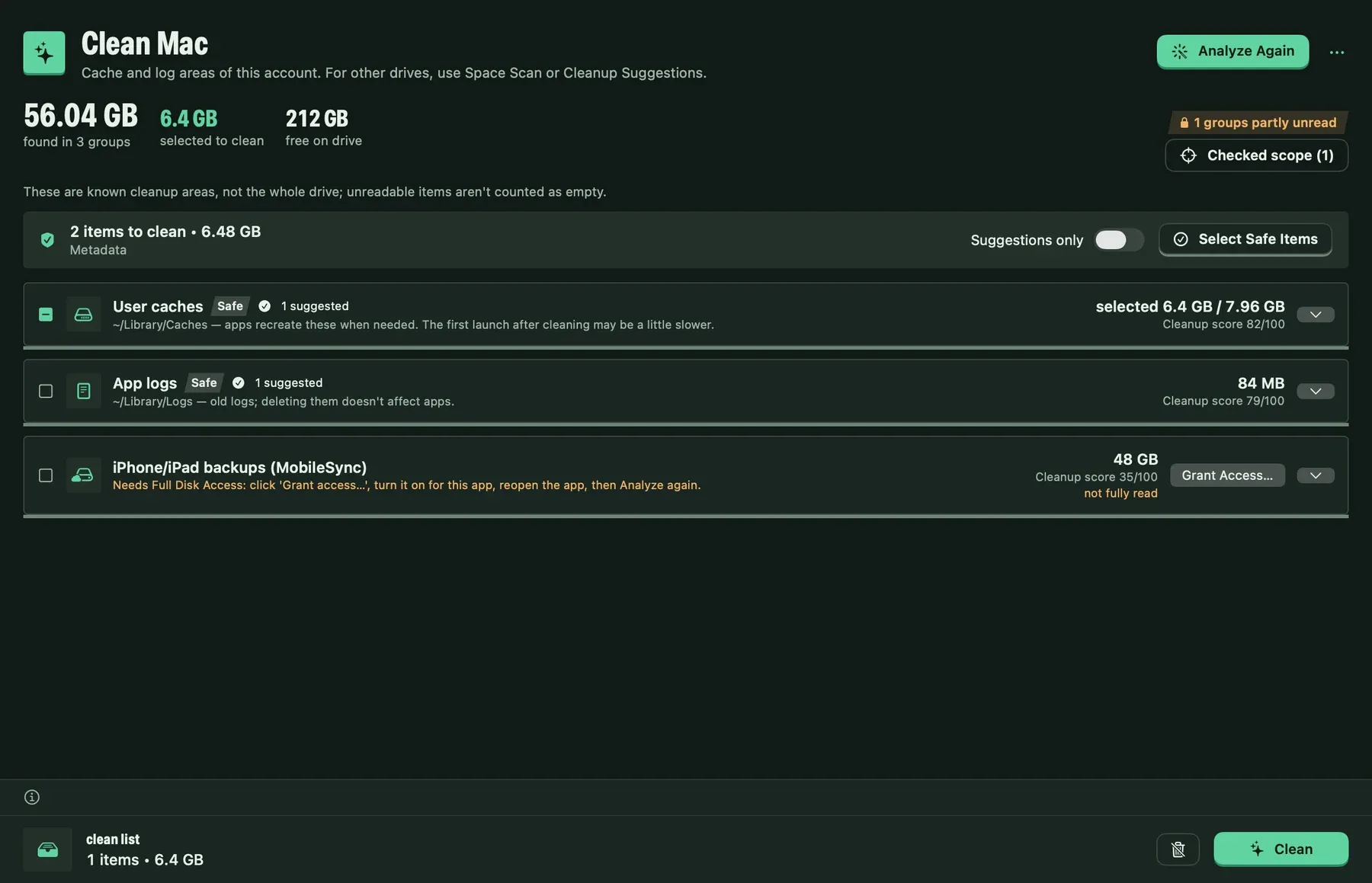
Caches, logs, old installers and Downloads untouched for 90 days, grouped by risk.
Duplicate finder
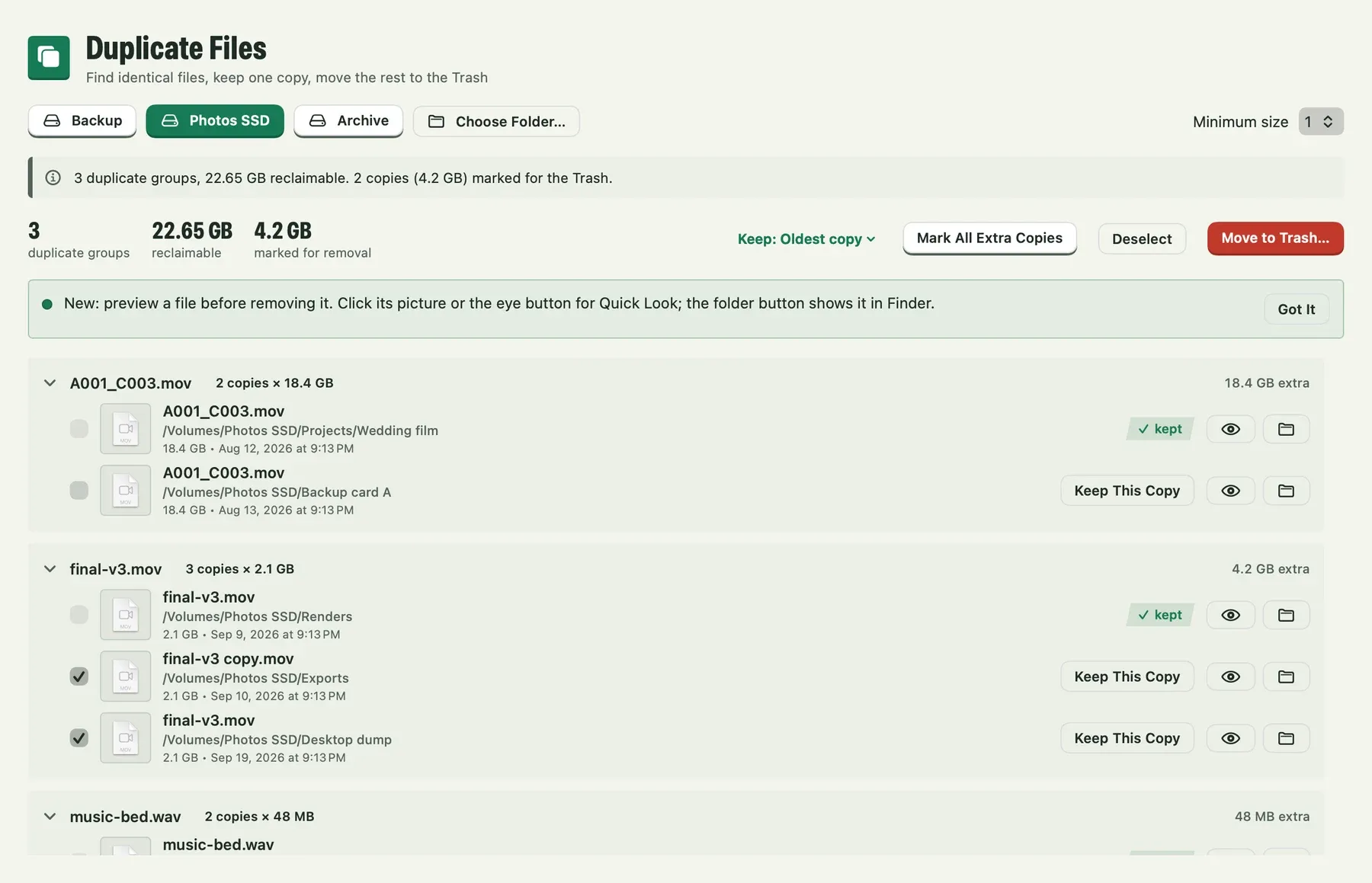
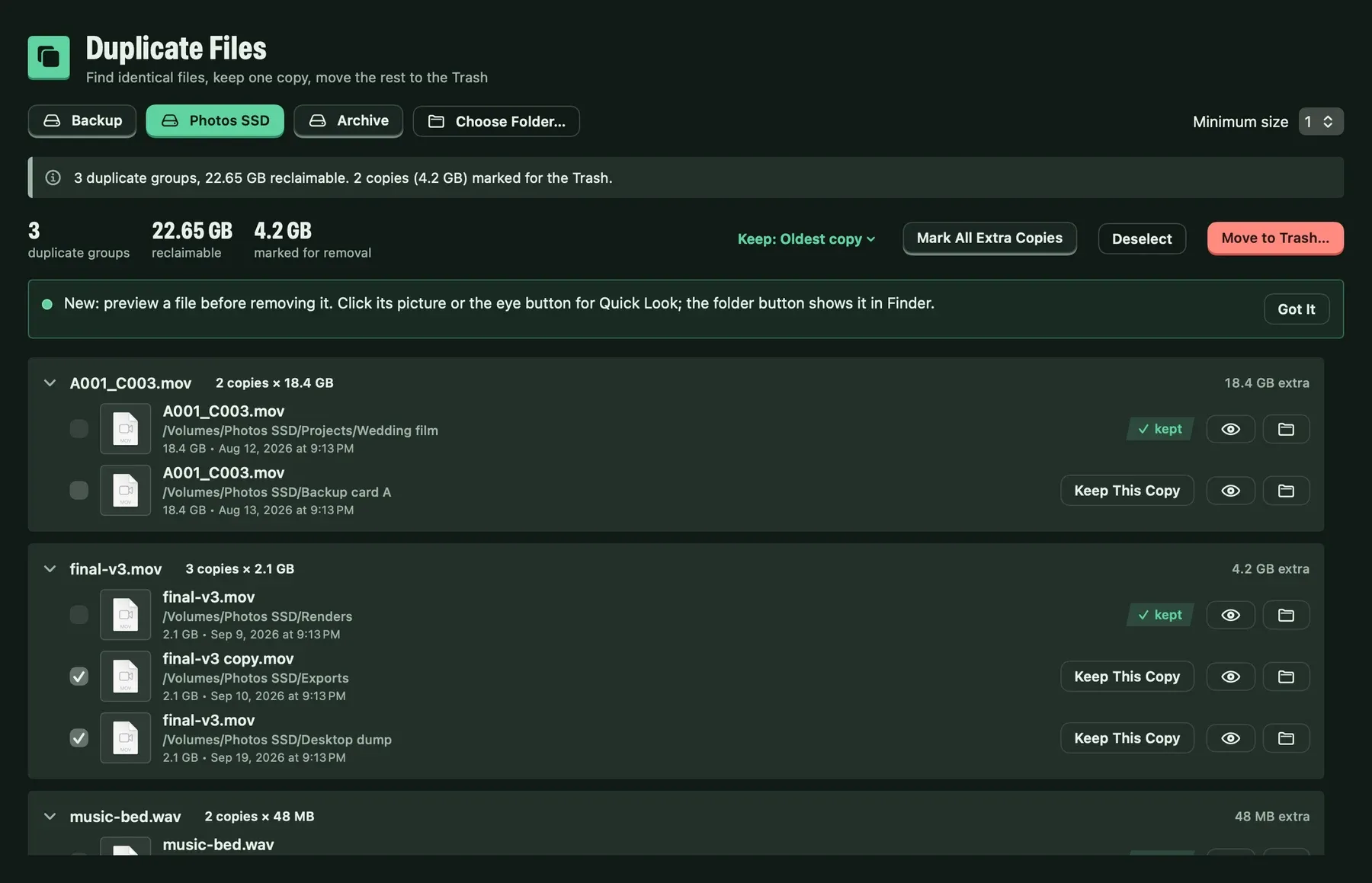
Finds files with the same content. You choose which copy stays, and it's never marked.
On the workbench
Drive speed test
Quick, sustained, random and multi-stream video tests. Charts export.
SMART health check
What the drive reports about its health, with history, if the enclosure allows.
Verified copy
Checks the copy against the disk with SHA-256. Resumes, leaves an ASC MHL receipt, never touches the source.
Drive catalog
Search a drive's files while it sits unplugged in a drawer.
Only what you tick goes to the Trash
Each item gets two scores: space and risk. The app suggests, you tick, and the total is exact first.
- low risk6.4 GB
- low risk3.1 GB
- low risk80 MB
- look first12.7 GB
- your call48.0 GB
2 on the list9.5 GB
Sample items only. Nothing on your Mac is touched.
Screenshots
Sample data on the app's test screens. Scan results from version 4.24.
What MACdrive does
Eject safely
- See which app is holding a drive
- Eject all idle drives in one click
Drive health
- Read SMART and NVMe health
- Trend in plain words
Space & cleanup
- Scan a drive, sorted by size
- See what grew since the last scan
Duplicates
- Find identical files on a drive
- Choose which copy to keep
Copy & verify
- Copy a folder and check every file
- Reads the copy back from the disk
Speed test
- Does it keep up with ProRes or BRAW?
- Several video streams at once
Drives & catalog
- Every drive on one shelf
- Find files on unplugged drives
Safety
- Cleaned files go to the Trash first
Before you buy
- Health shows what the drive reports, with source and time. No health percentage, no lifespan guess.
- Readings depend on the drive and its enclosure.
- Nothing is cleaned automatically. Picked items go to the Trash after a last path check.
- No repair, partitioning or data recovery, and it isn't a backup.
- Speed results reflect your Mac, cable and port.
- The Intel build is untested on an Intel Mac.
Privacy
Names, paths, contents, drive serials and health data stay on your Mac. Activation sends only a device key and hashed machine ID.
For your AI assistant
More than 40 built-in MCP tools. Destructive steps wait for your review and yes. None deletes arbitrary files or runs shell commands.
$5.99, once.
Pay once, keep the app. One year of updates is included. After that your version keeps working, or renew for the newest.
- Day oneYou pay once
- 1 yearEvery update is included
- After thatStill yours, still runs. Renew for the newest.
Total
Prices in US dollars. Tax is added at checkout.
Questions
Why won’t my external drive eject on a Mac?
Usually an app still has a file open on it. MACdrive shows which app is keeping the drive busy, so you can close it and eject without the error.
Which Macs does MACdrive run on?
MACdrive needs macOS 13 or later, Apple Silicon and Intel.
How much does MACdrive cost?
$5.99 once, with a year of updates; you keep your version after that. MACpack, 6 apps, is $21.99.
Join the beta list
Get an email when the apps you pick are ready, and any launch code.
Also in Mac care

MACfan
Fan control
See every temperature sensor and set each fan by hand or by curve.
See the app: MACfan
MACdisplay
Coming soonControl every screen on your Mac, plus a live wallpaper.
In beta
See what it does: MACdisplay