



Notes that record and transcribe.
Record a lecture or meeting and get a transcript, summary and tasks. About 90 languages, Vietnamese too, all on your Mac.
Teacher So the expected value is each outcome times its chance, added up.
Student Is that the same as the average?
Teacher Over many tries, yes. Read chapter three by Friday.
Week 6: expected value
- Read chapter 3 by Friday
- Make flashcards: expected value
- Ask a classmate for the notes







One lecture, start to finish
Scroll and it plays, with sample notes: record, words appear, stop, and the summary and tasks are in the note.
Record a lecture, get the transcript and tasks
Press Record. A recording card opens, the clock runs and the meter follows the sound in the room.
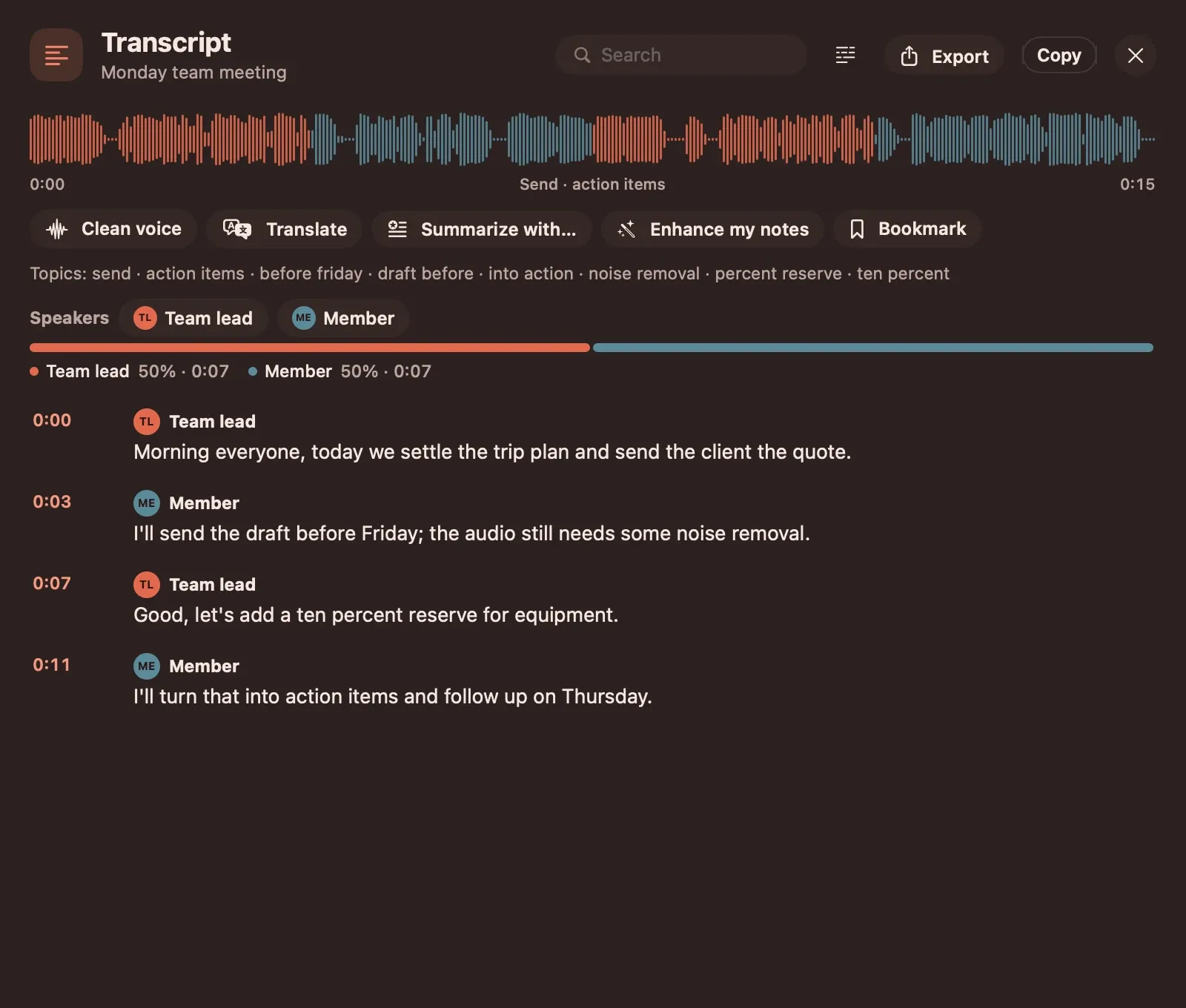
The transcript appears line by line. New lines start pale and darken once the app is sure.
Press Stop. It saves, transcribes again, separates speakers and summarises, all on this Mac.
A summary, key points and to-dos land in the note. Each to-do is also a real task.
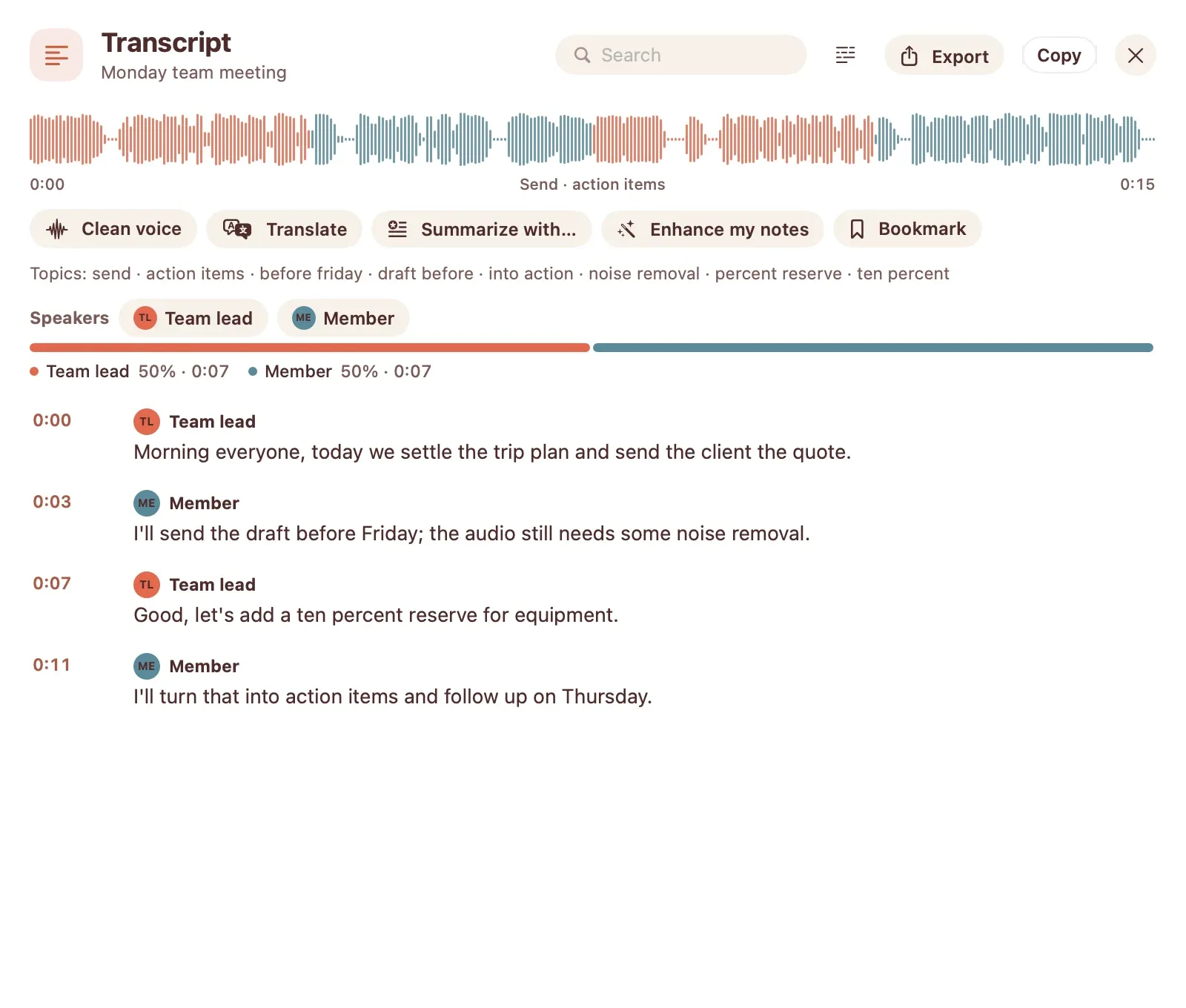
Open the transcript. Each speaker has a colour and an editable name. Click a time to play from there.
Scrap paper that does the sums
Step by step, with sample notes. Point at a step to jump to it.
Jotter: floating scrap paper that does the sums
Press ⌃⌥J in any app. Start the first line with math and the paper turns into a calculator.
Answers appear as you finish each line. Names keep values; 2tr is Vietnamese for 2,000,000.
Choose Save as Note. The jot becomes a note, each answer in bold.
A jot that starts with timer 5 is a five-minute countdown. Press play and keep working.
What else MACnote can do
Live transcript while you record
Words appear as people talk. Stop, and you get a summary and tasks.
Tells who said what
Each speaker gets a name and a colour. Click a word to replay it, or move a line to the right person.
Transcribes Vietnamese and English
About 90 languages and live English-Vietnamese translation. Search works without accents.
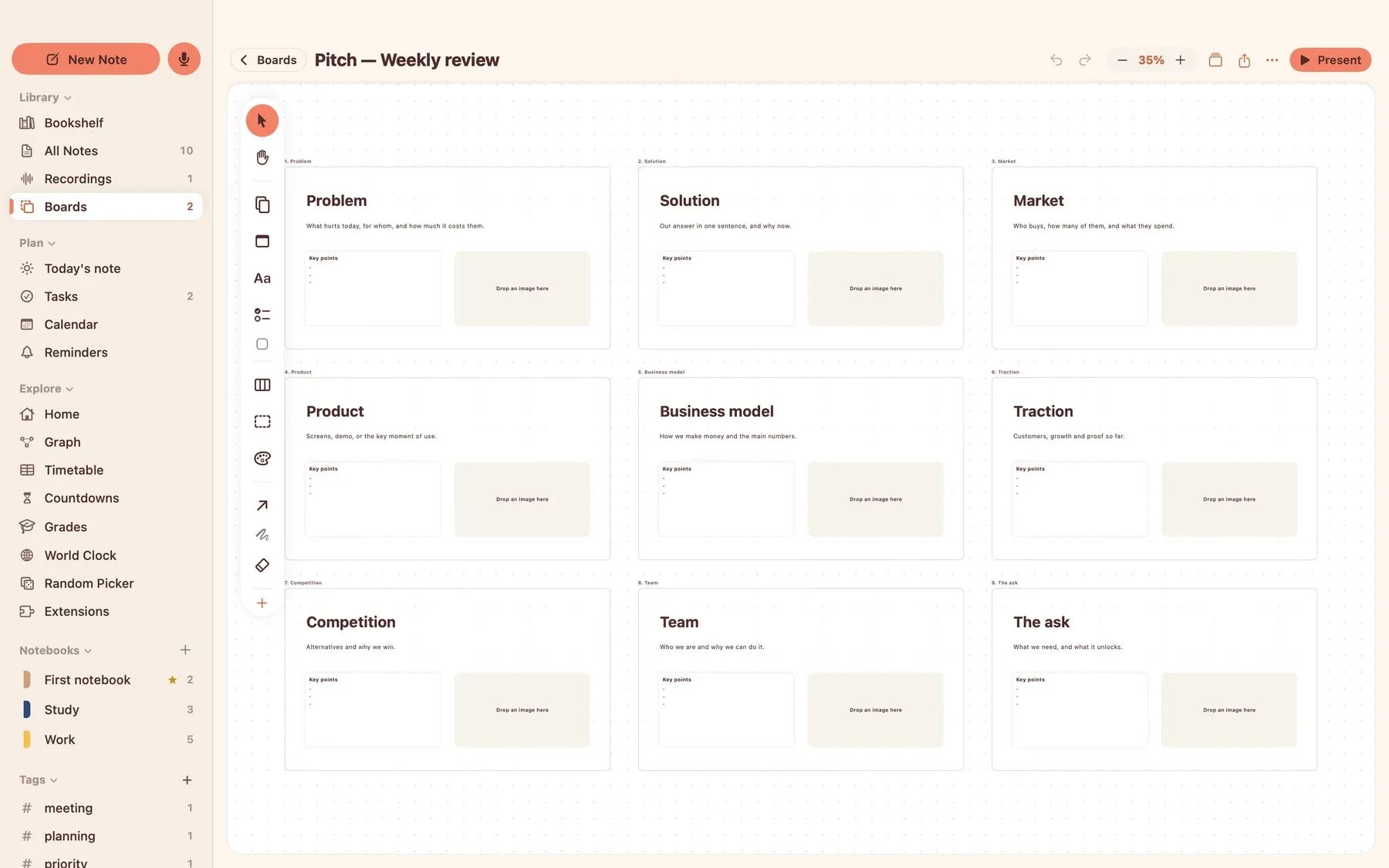
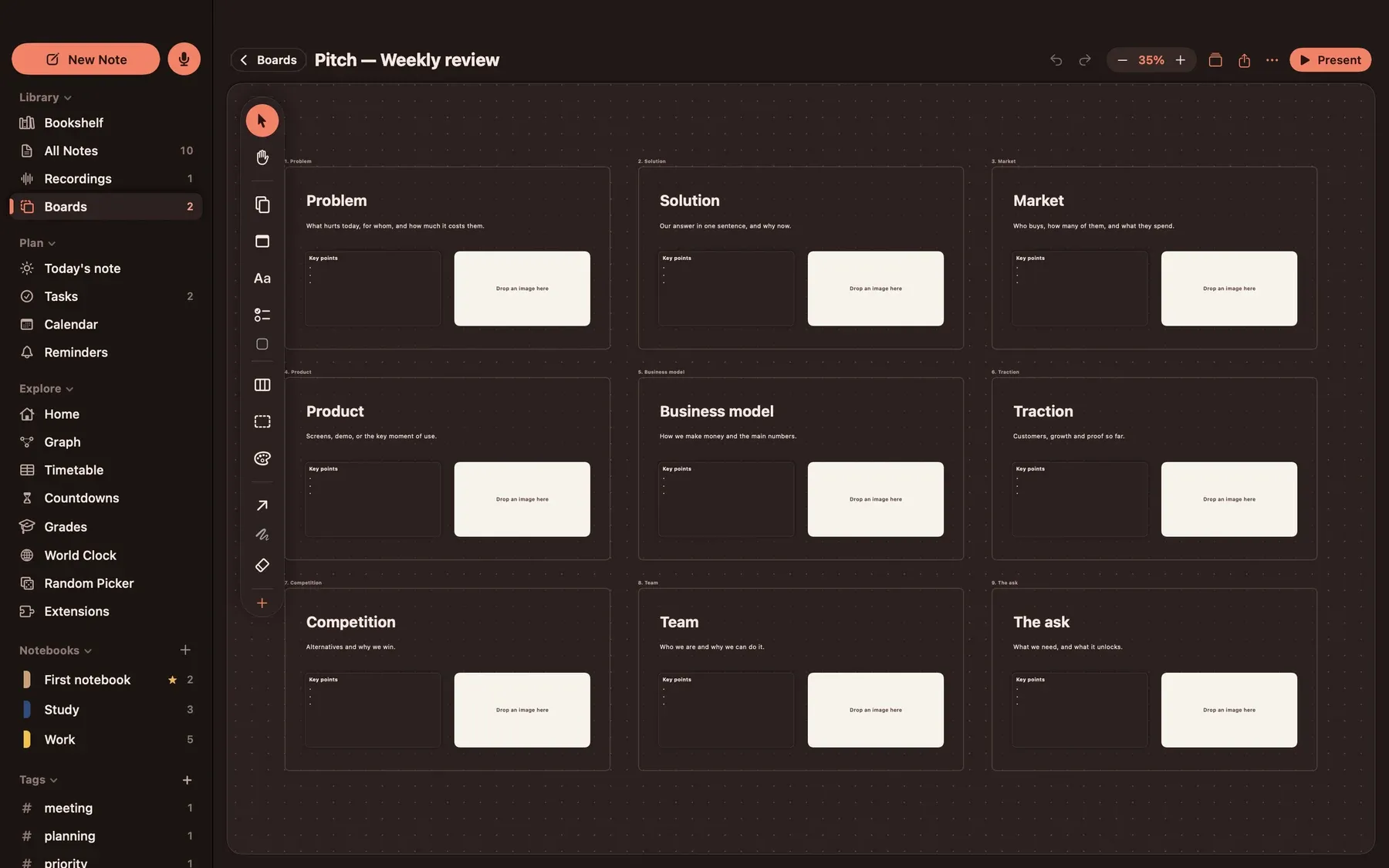
Boards with endless room
An endless canvas with 13 templates, from storyboard to kanban.
Flashcards and quizzes from your lectures
Each question shows its source and when it was said. Test yourself on a whole notebook.
Write on paper and PDFs
Write with pens on lined, dotted, grid or Cornell paper, or on a PDF. Read a notebook as a book.
Jotter: scrap paper that does the sums
Floating scrap paper. The first word picks the tool: math, list, timer or sum. It reads 5k, 2tr and 1tỷ.
Try it. The sums are real.
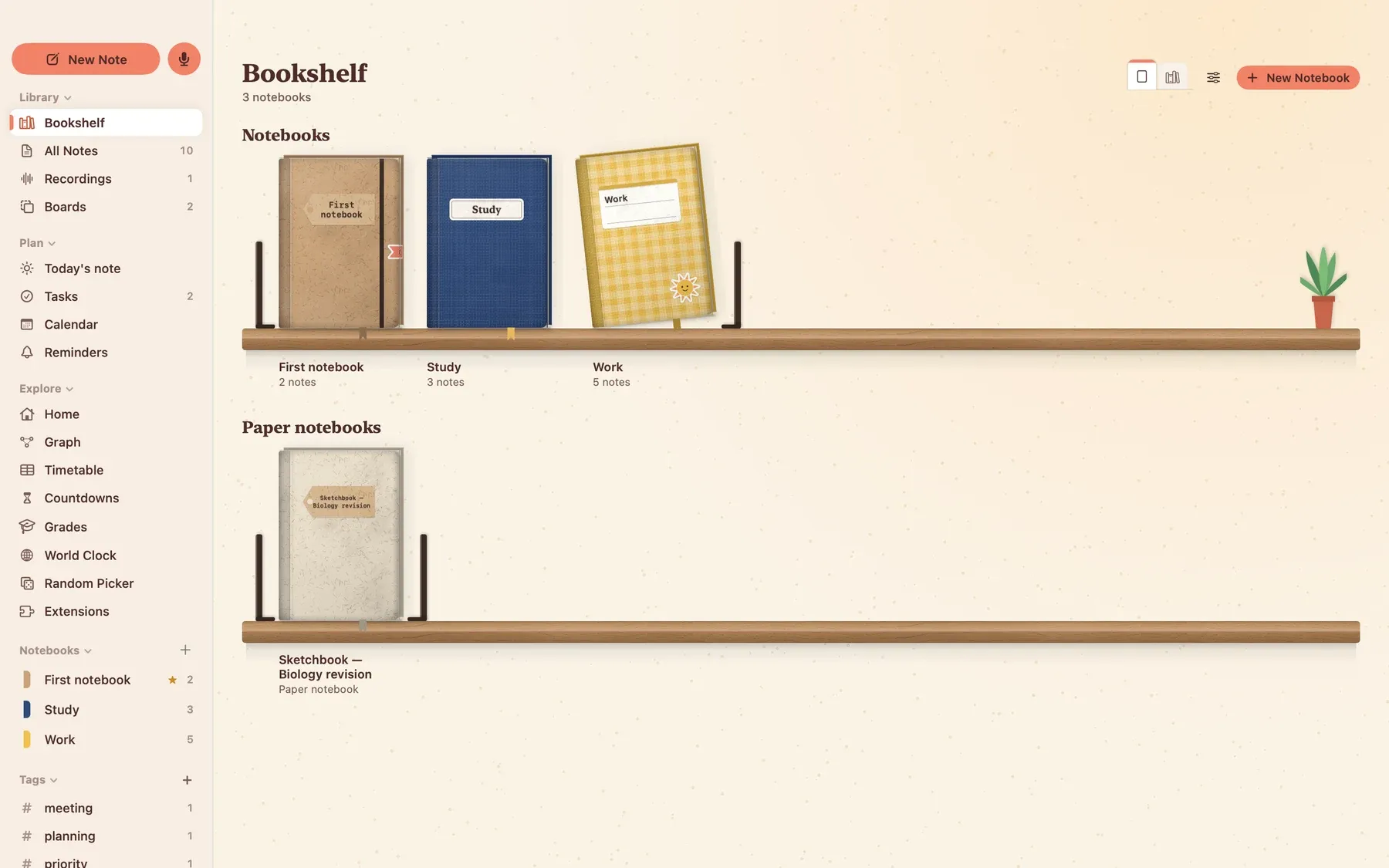
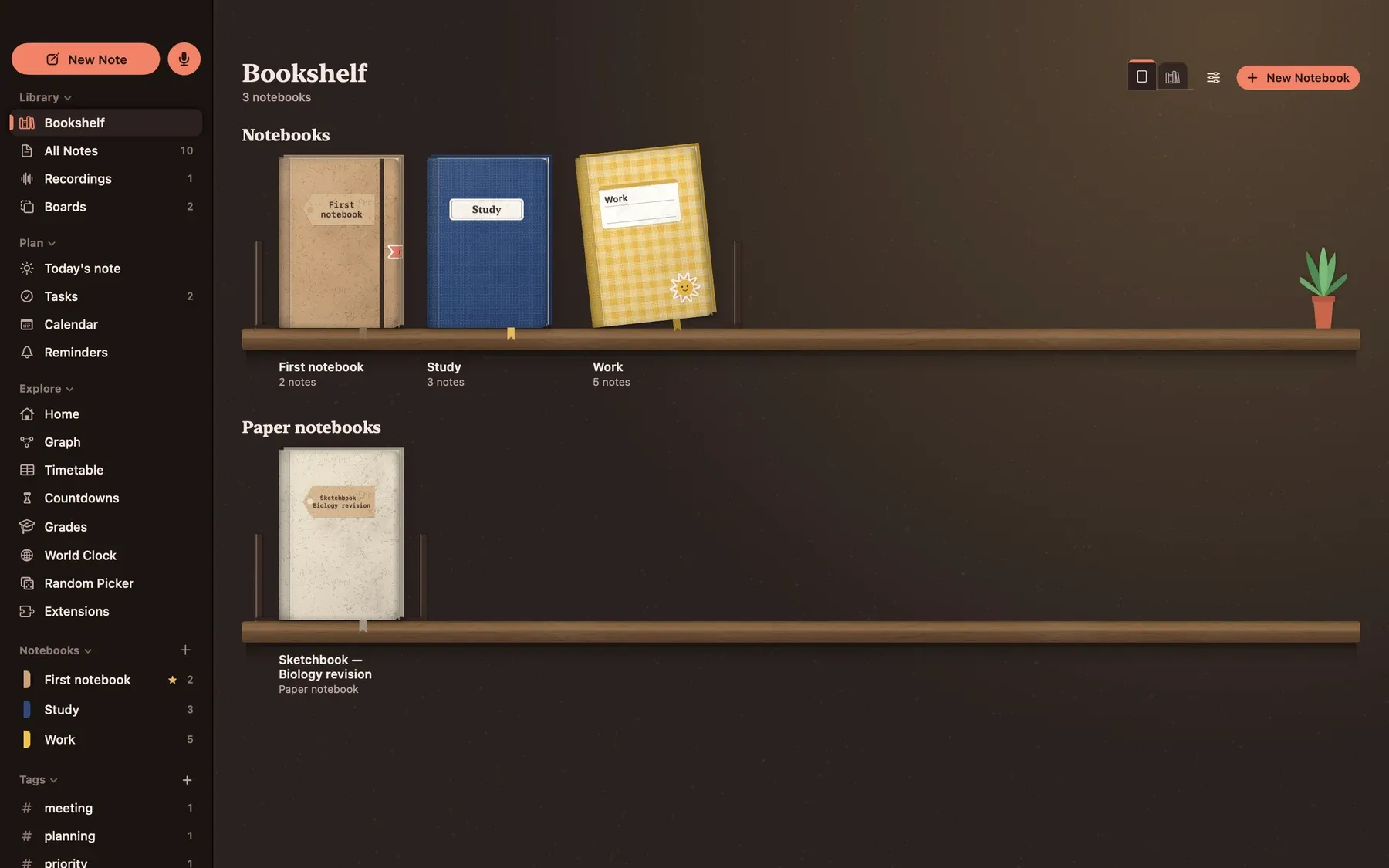
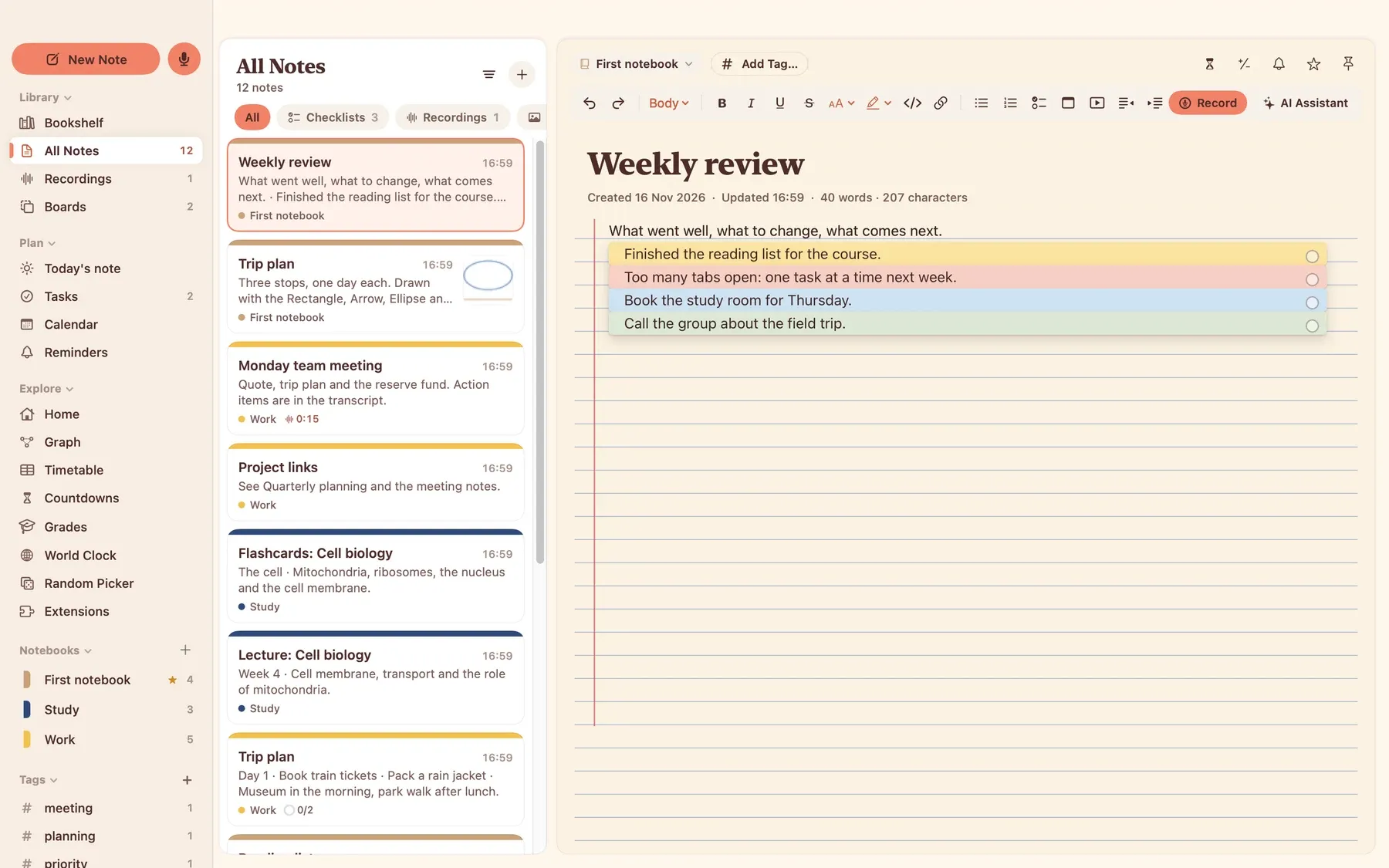
Screenshots
Current build, sample notes. The app is moving to this page's study-desk look.
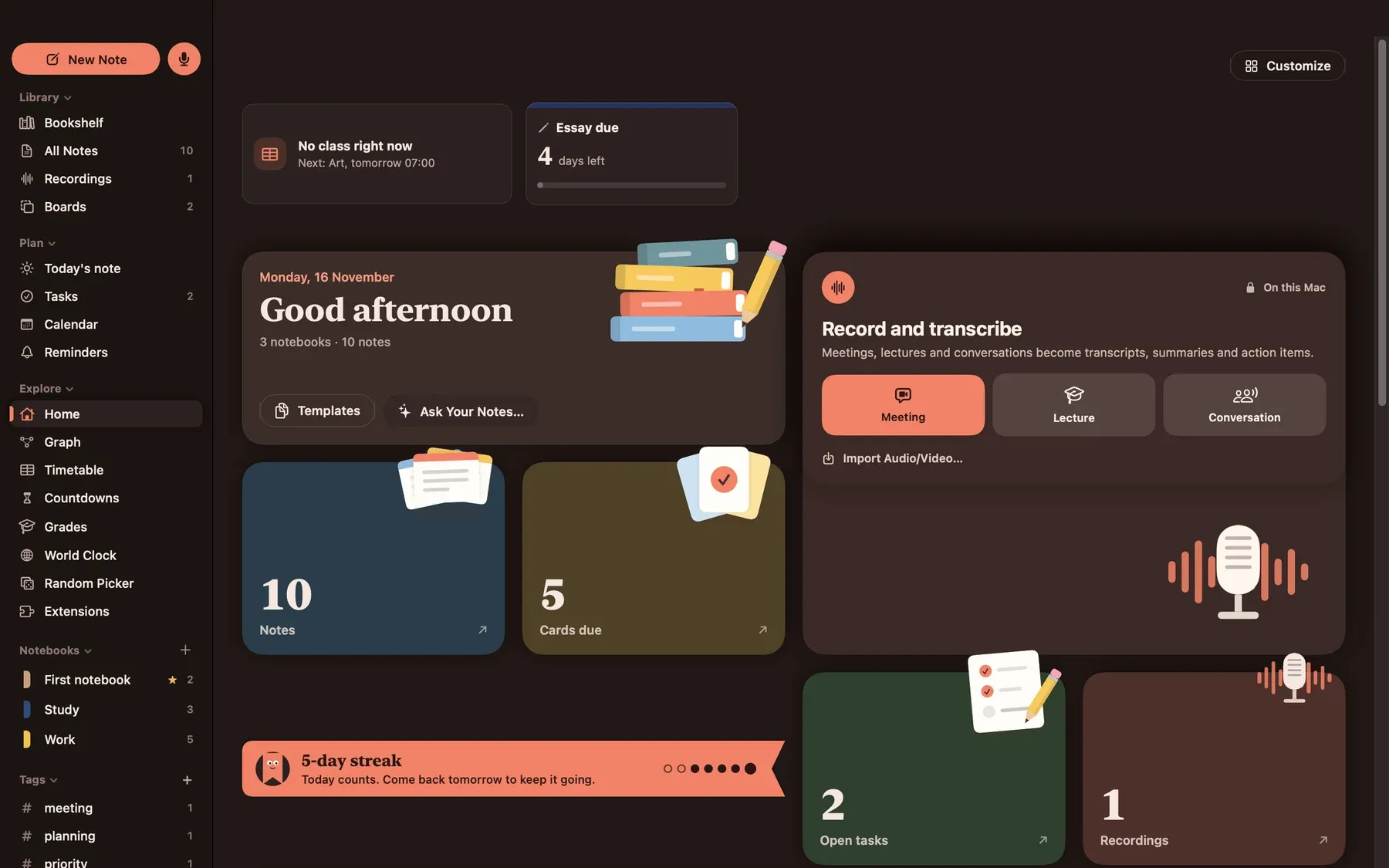
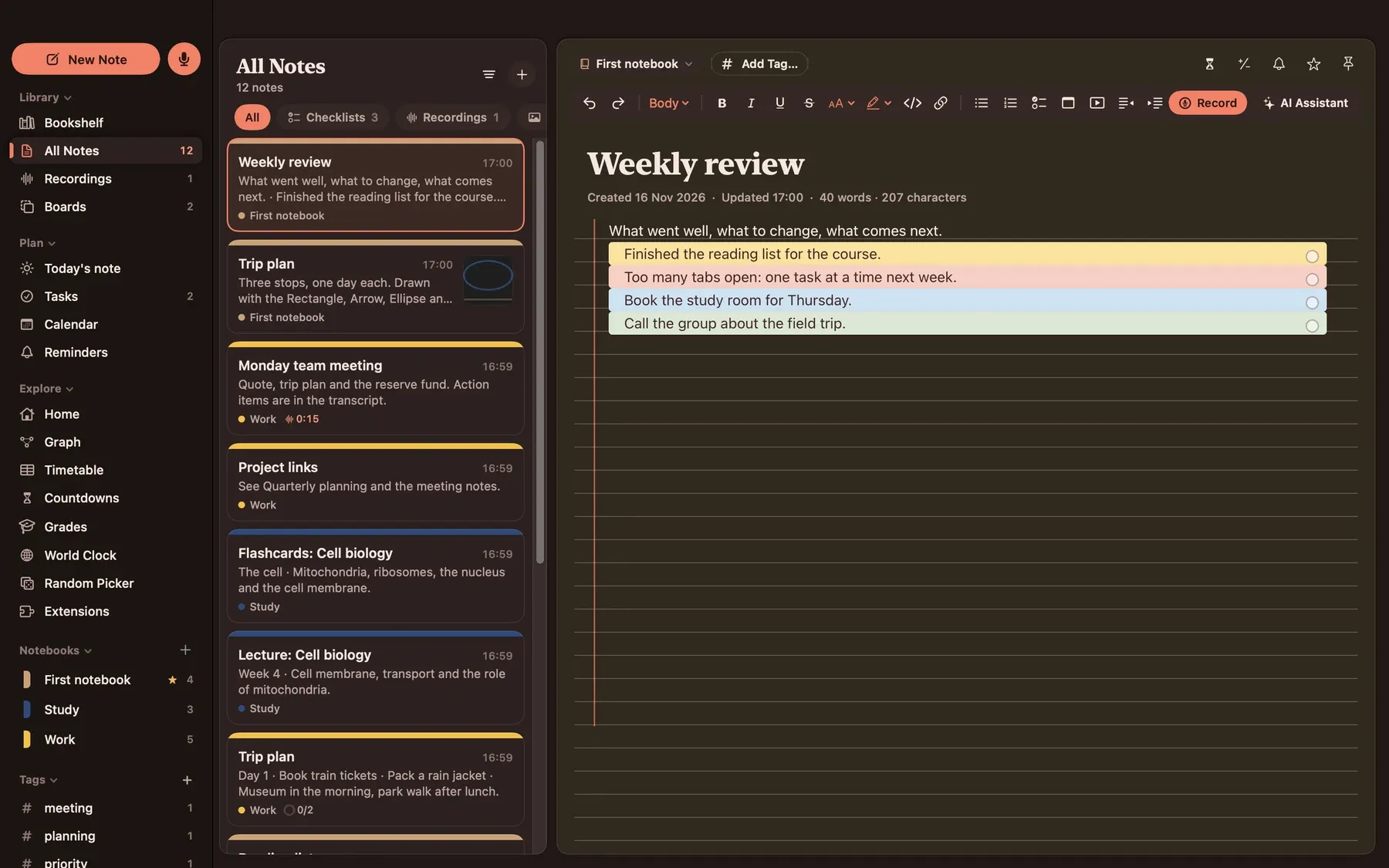
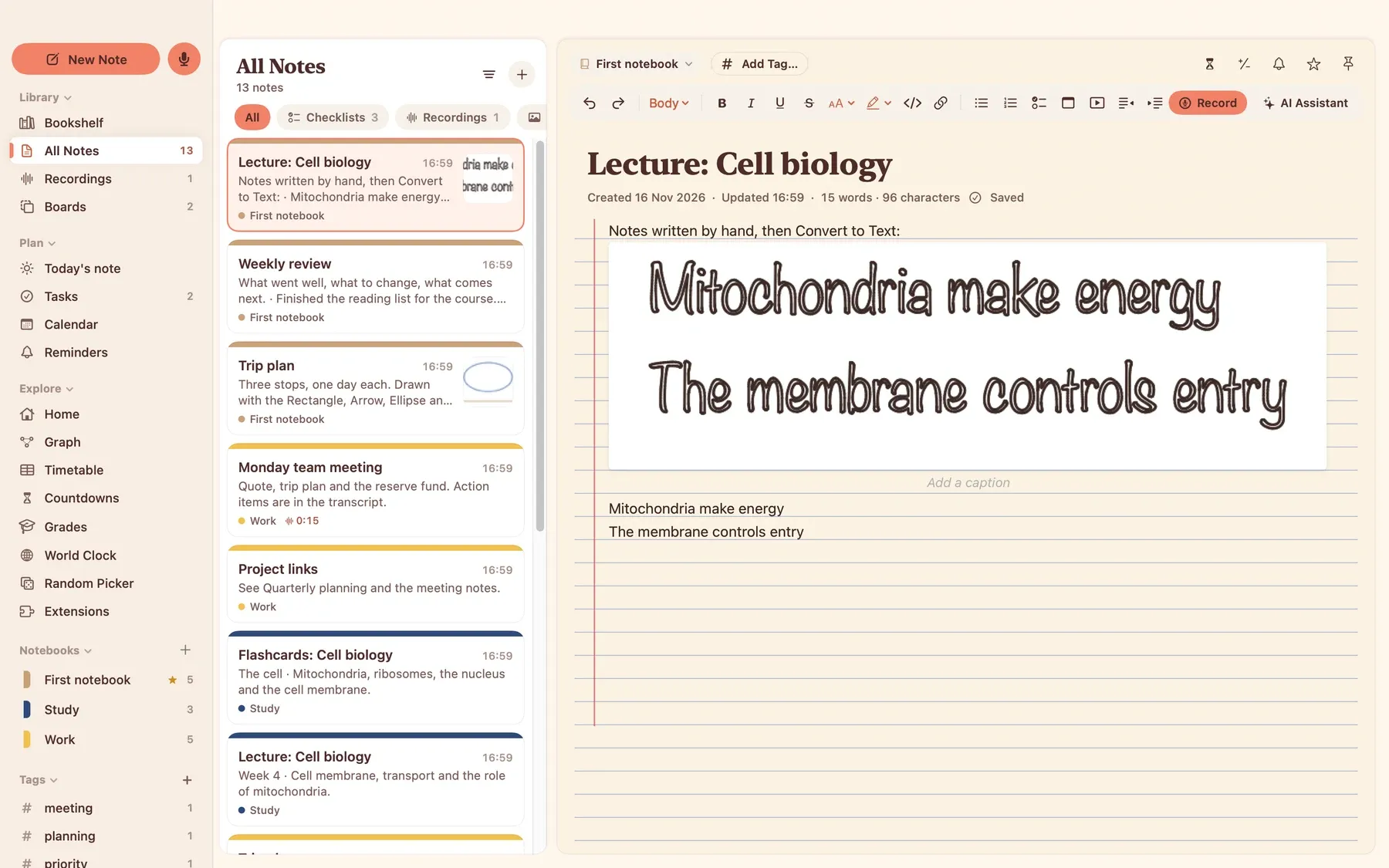
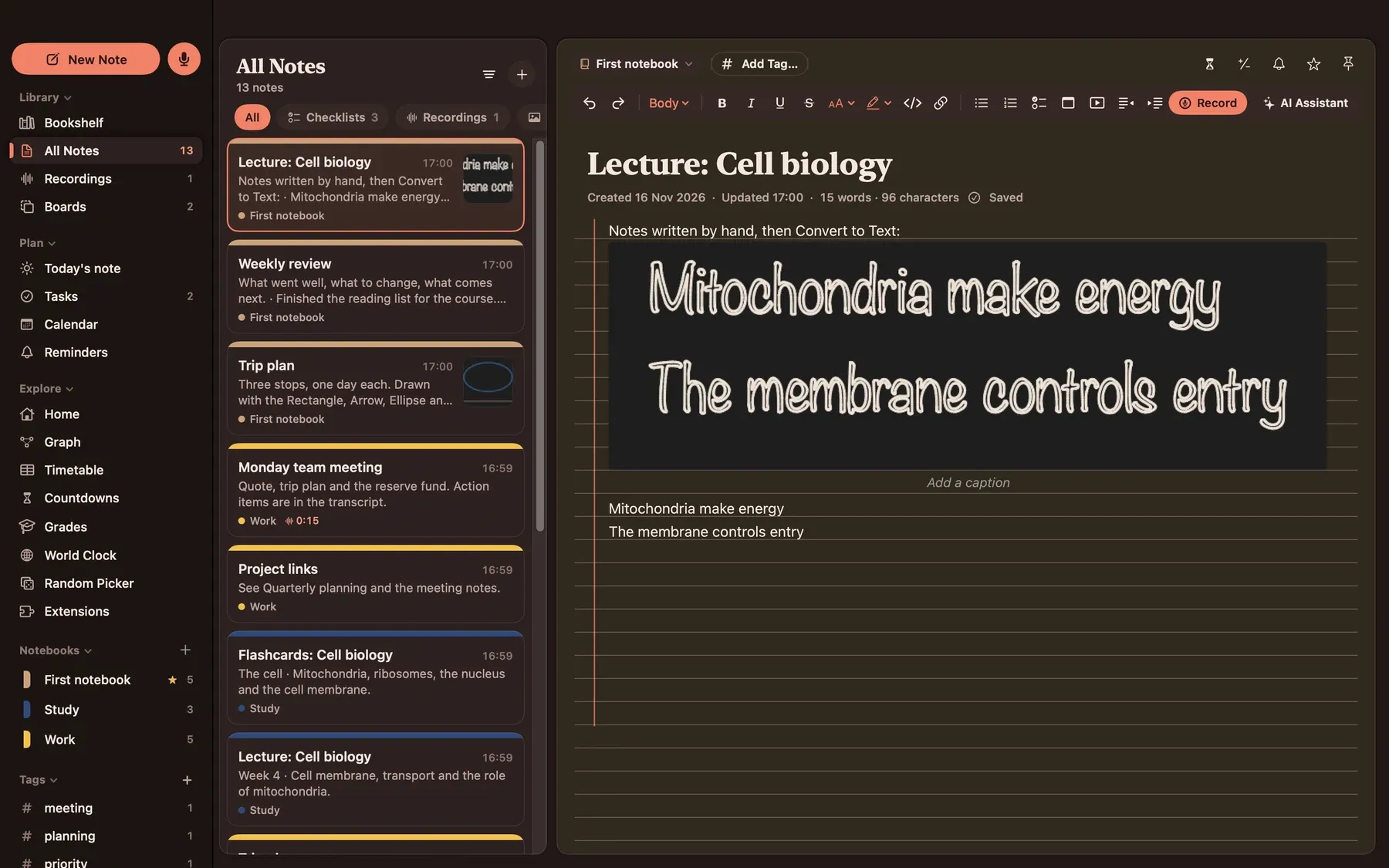
What MACnote does
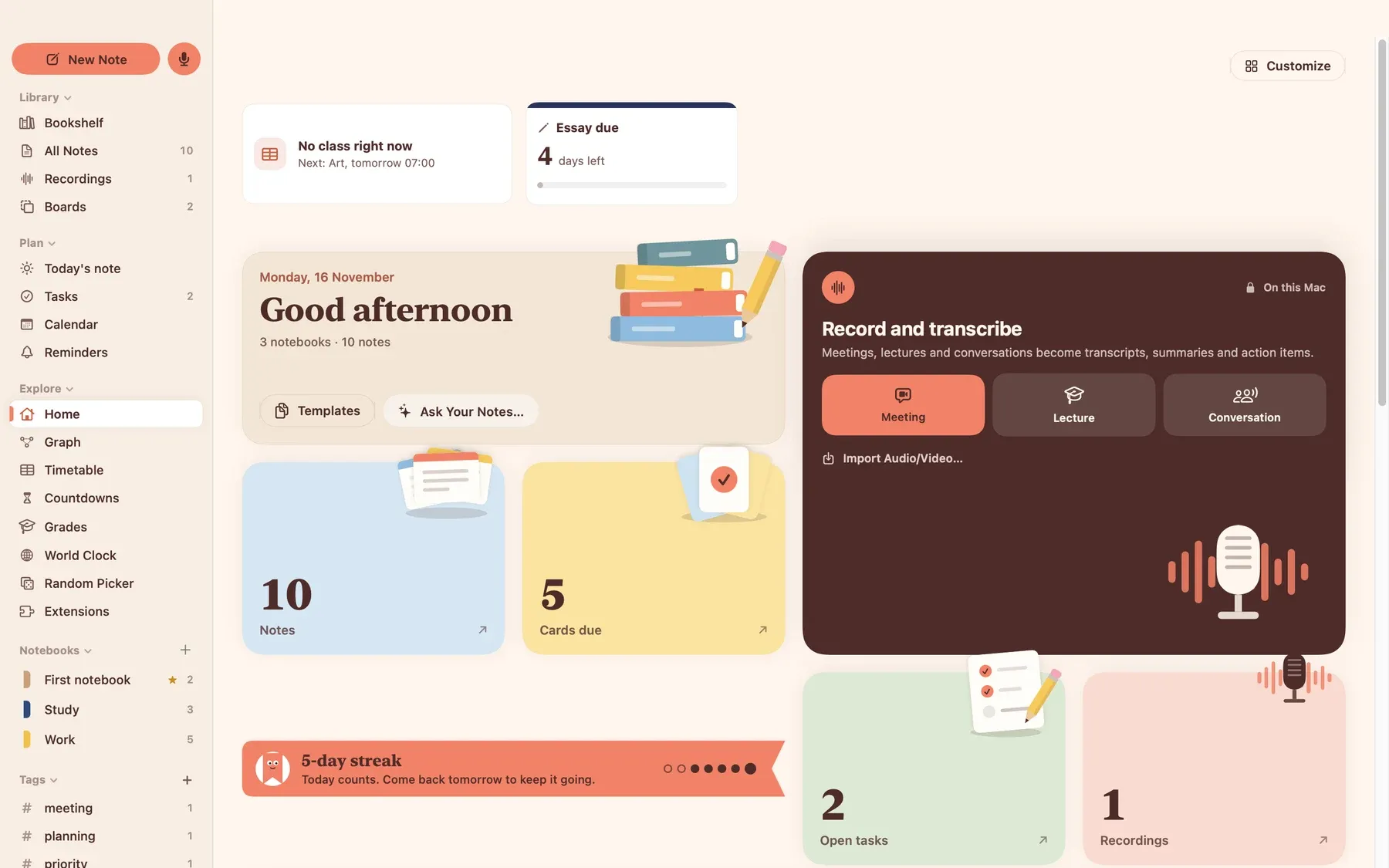
Notes
- Checklists, tables, code, math and toggles
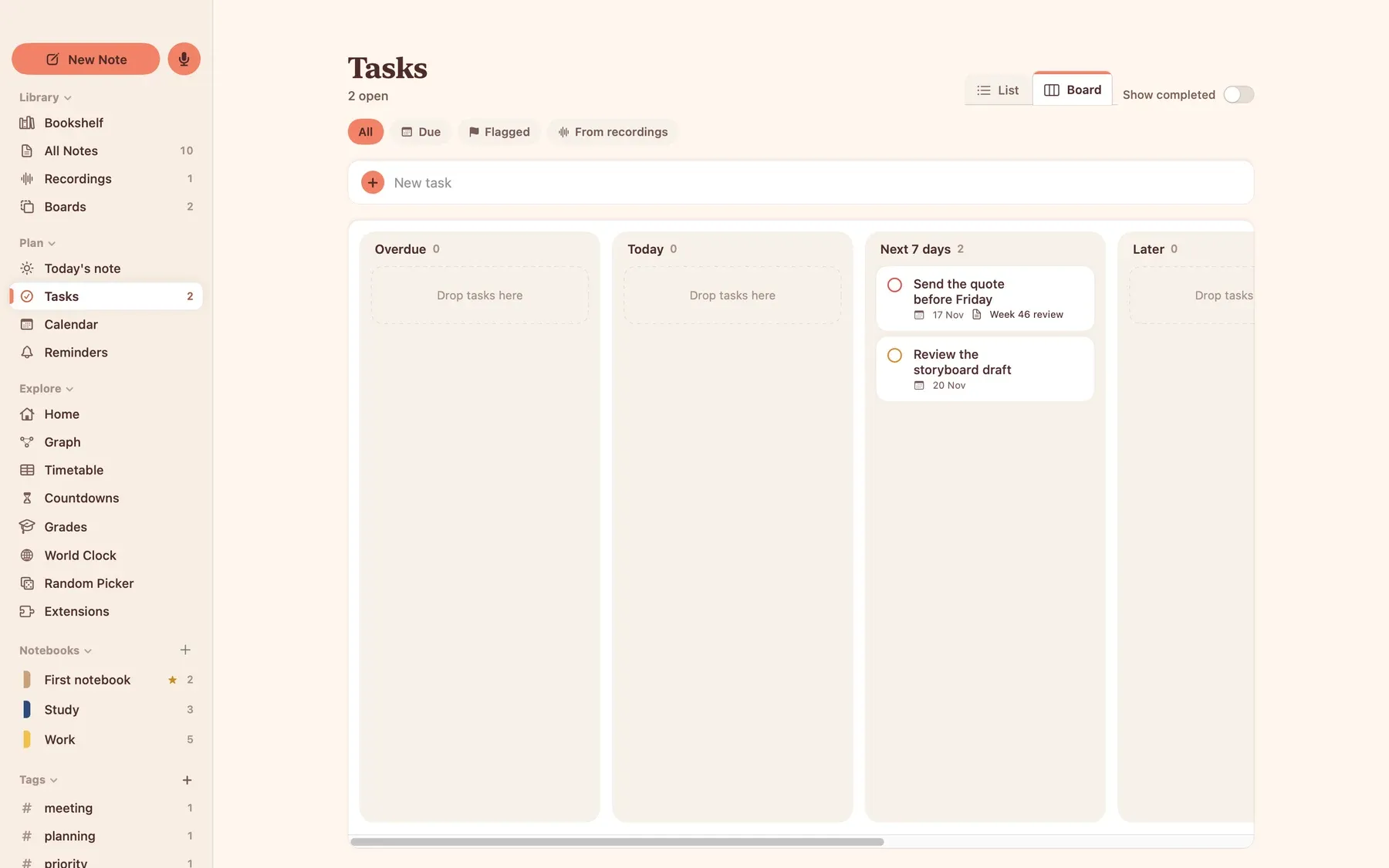
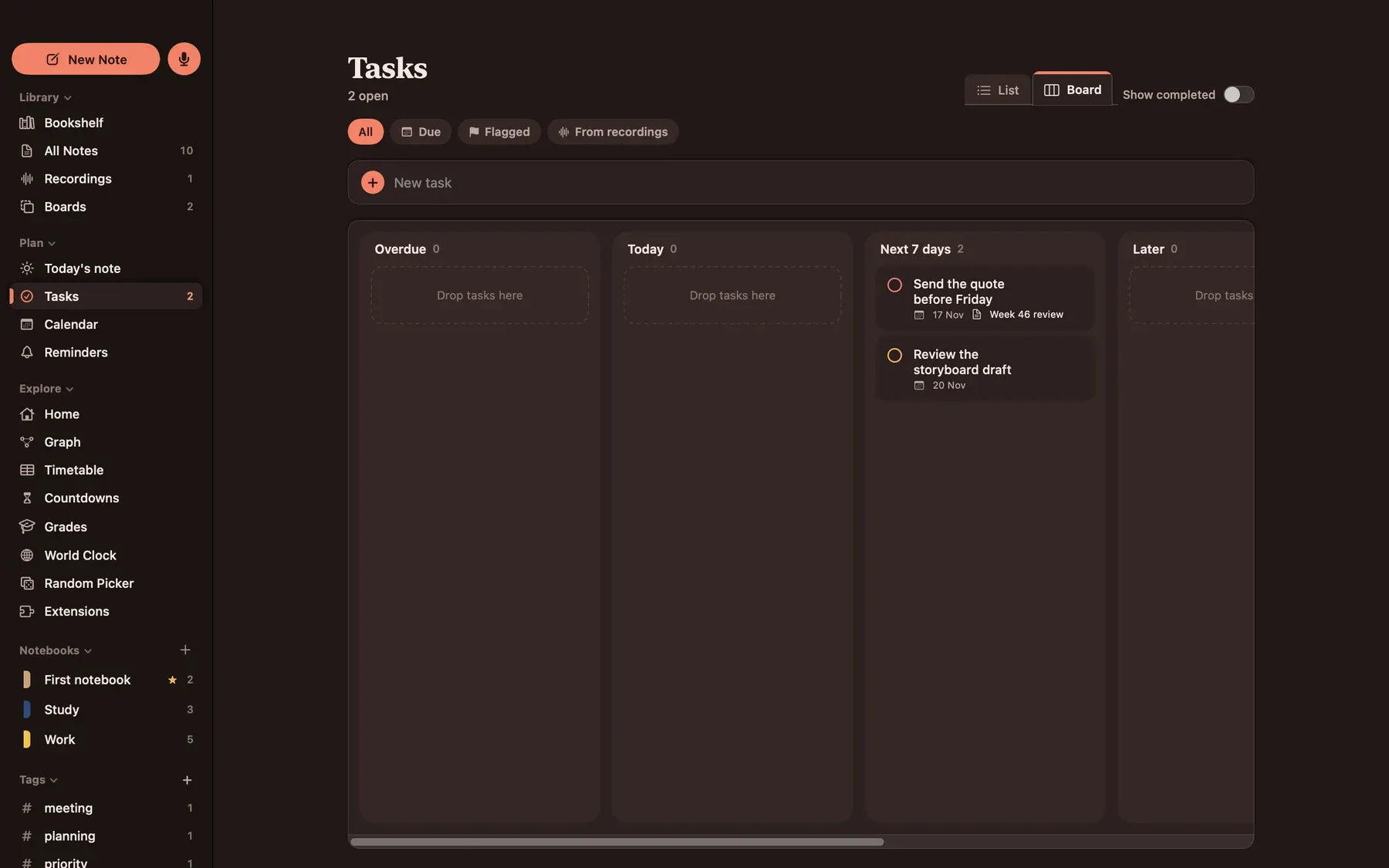
- Tasks board by due date, with Reminders
Notebooks
- A 3D bookshelf of your notebooks
- Design covers: colour, material, stickers, labels
Recording
- Record mic and call audio, no meeting bot
- Summary when you stop, with time links
Study
- Flashcards with spaced repetition
- Quiz from a note or lecture, with the source passage
Boards
- An endless board for cards, notes, shapes and frames
- Templates: mind map, kanban, storyboard, pitch deck
Paper & PDF
- Ruled, grid, dotted and Cornell paper
- Import a PDF and write on it
Jotter & tools
- Jotter: a floating scrap-paper window (⌃⌥J)
- Math per line: units, percentages, 5k and 2tr
Search & AI
- Accent-free search: "viet nam" finds "Việt Nam"
- AI panel beside the note, reading only what you pick
Backup & sync
- Back up notes, recordings and files to a folder
- Sync your whole library free, through iCloud Drive or a folder you choose
Before you buy
- Speech models download once, the first time you transcribe. After that it works offline.
- Summaries and quizzes need macOS 26 for on-device AI. Older macOS picks sentences from the text instead.
- Locked notebooks hide behind Touch ID but are not encrypted, and backups include them.
- Sync needs no account and no server. Recordings sync only if you turn that on, and locked notebooks stay on the Mac. No sharing or collaboration.
- Accuracy depends on your mic and the room. We have not published figures.
Privacy
Notes, audio, transcripts and AI stay on your Mac. No analytics, no cloud AI. It records only when you press Record.
For your AI assistant
A CLI and a local MCP server give AI assistants 347 actions. Deleting needs confirmation, and recording starts only when asked.
Light on your Mac
At rest it uses well under 1% of one CPU core and about 100 to 140 MB of memory. It opens in about half a second, even with 5,000 notes.
Measured by the app team on an Apple Silicon Mac, 16 November 2026.
$5.99, once.
Pay once, keep the app. One year of updates is included. After that your version keeps working, or renew for the newest.
- Day oneYou pay once
- 1 yearEvery update is included
- After thatStill yours, still runs. Renew for the newest.
Total
Prices in US dollars. Tax is added at checkout.
Questions
Can a Mac transcribe a lecture without sending it online?
Yes. MACnote records the lecture and transcribes it on your Mac, in Vietnamese, English or about 90 languages. It downloads its speech model once, the first time you transcribe. It needs macOS 15 or later on Apple Silicon.
Can I lock a notebook so only Touch ID opens it?
Yes. In MACnote you can lock a notebook behind Touch ID on that Mac. A locked notebook stays hidden until you open it with your fingerprint.
Is there a pomodoro timer in a notes app?
Yes. MACnote has timers, including a pomodoro, next to your notes, along with lists and a word count.
Join the beta list
Get an email when the apps you pick are ready, and any launch code.
More apps

MACdisplay
Coming soonControl every screen on your Mac, plus a live wallpaper.
In beta
See what it does: MACdisplay

MACgrid
Snap windows
Snap windows to a grid; drag one edge and the neighbours follow.
See the app: MACgrid