






Lecture: Cell biology
example.com · 720p · MP4 · 142.6 MB
Downloading · 0%5%10%15%20%25%30%35%40%45%50%55%60%65%70%75%80%85%90%95%100%6.2 MB/sCompletedDrag file to Finder
Paste a link. MACget saves the video, the audio or the original file to your Mac, with no ad-filled site in between. Then play, sort and convert it in the same app.
Demo only. Nothing is opened or downloaded.
Two replays with sample media: save a video, then turn it into an MP3. Point at a step to jump there.
From a link to your Library
Click the link box and press ⌘V, or drag the link onto the window.
Choose video, audio only or the original file. Then a quality, here 720p.
Press Check link. MACget shows the title, length and qualities, with yours marked.
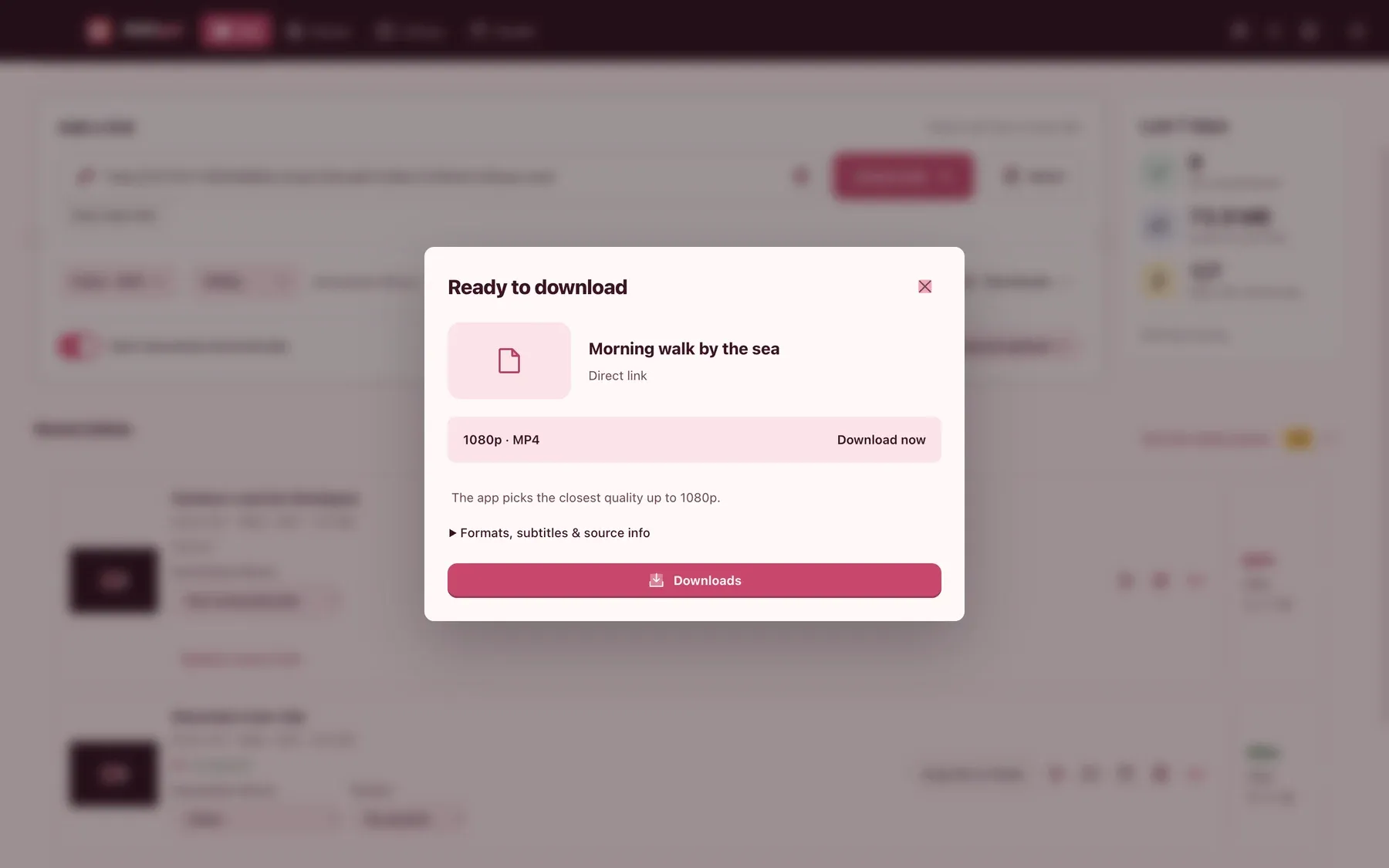
Press Download. The job shows progress and speed, then Completed. The file is on your Mac.
Open the Library. The file is already under Video.
Play a video, then make an MP3
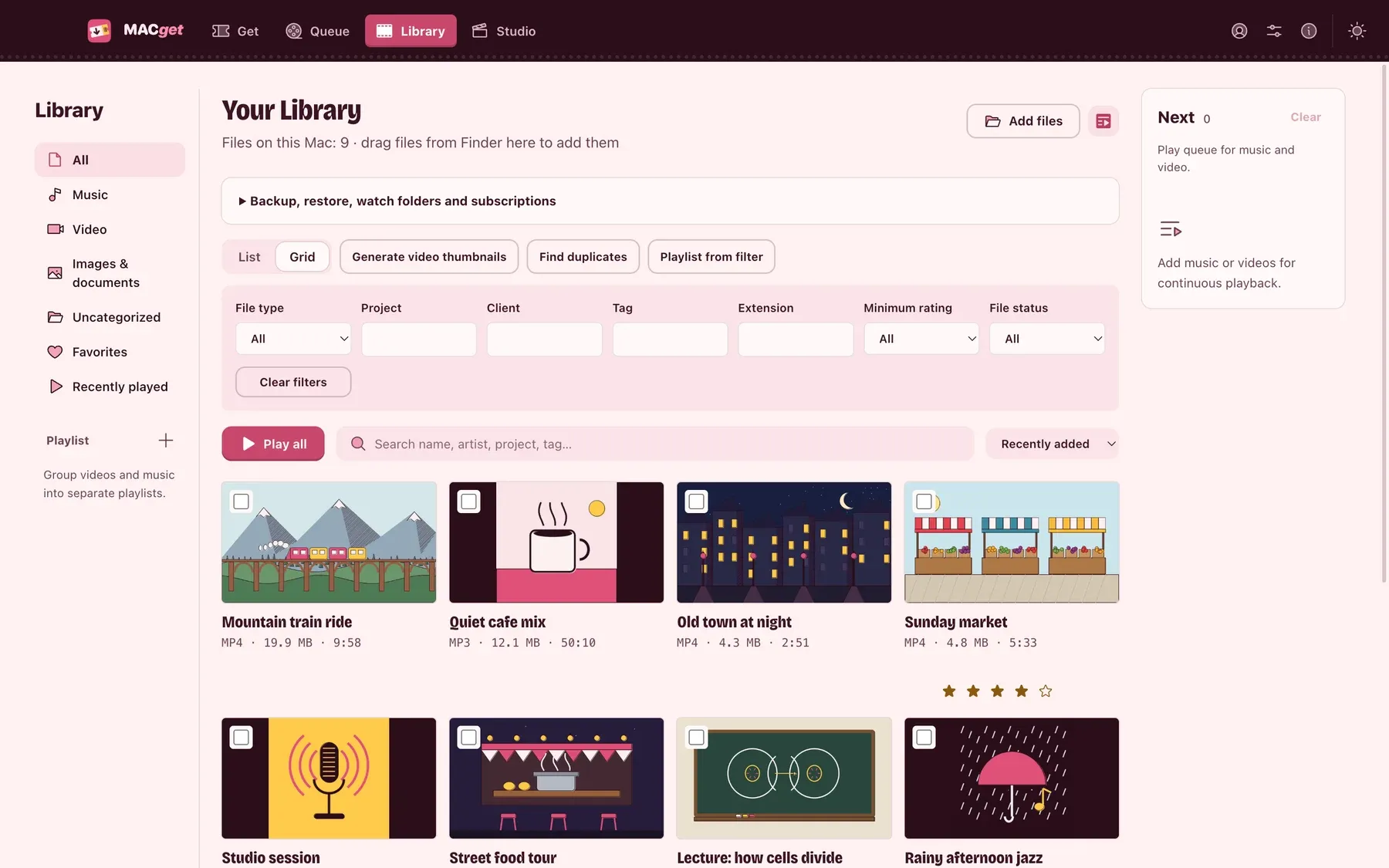
Click a file in the Library. It plays right in the app.
Click the bar to jump ahead. The player remembers where you stopped.
Close the player and pick a playlist on the file's row. The file stays put on disk.
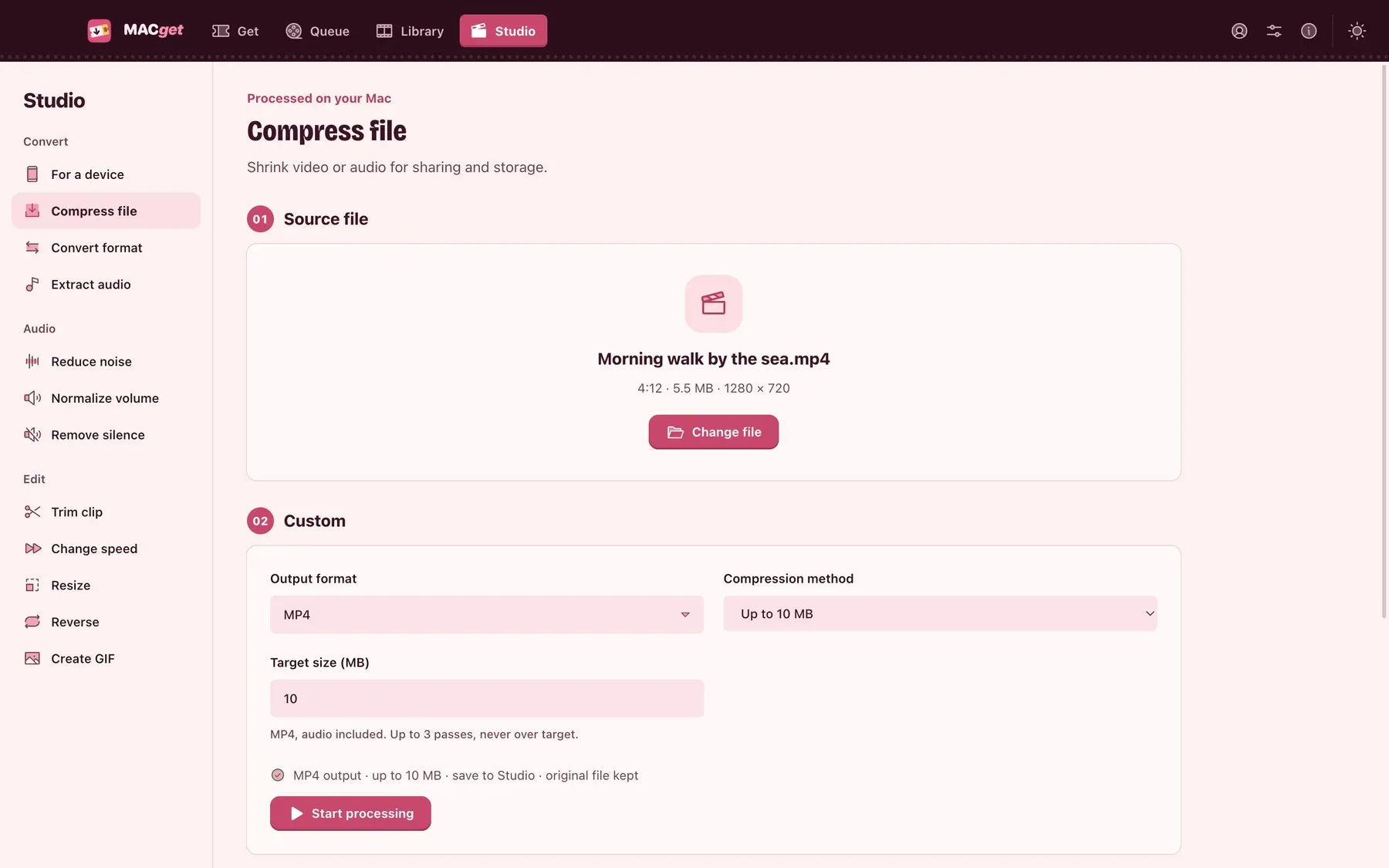
Open Studio, choose Extract audio and add the file.
Press Start processing. A new MP3 appears, made on your Mac. The original video stays.
Video, audio only, or the original file. Subtitles can come too.
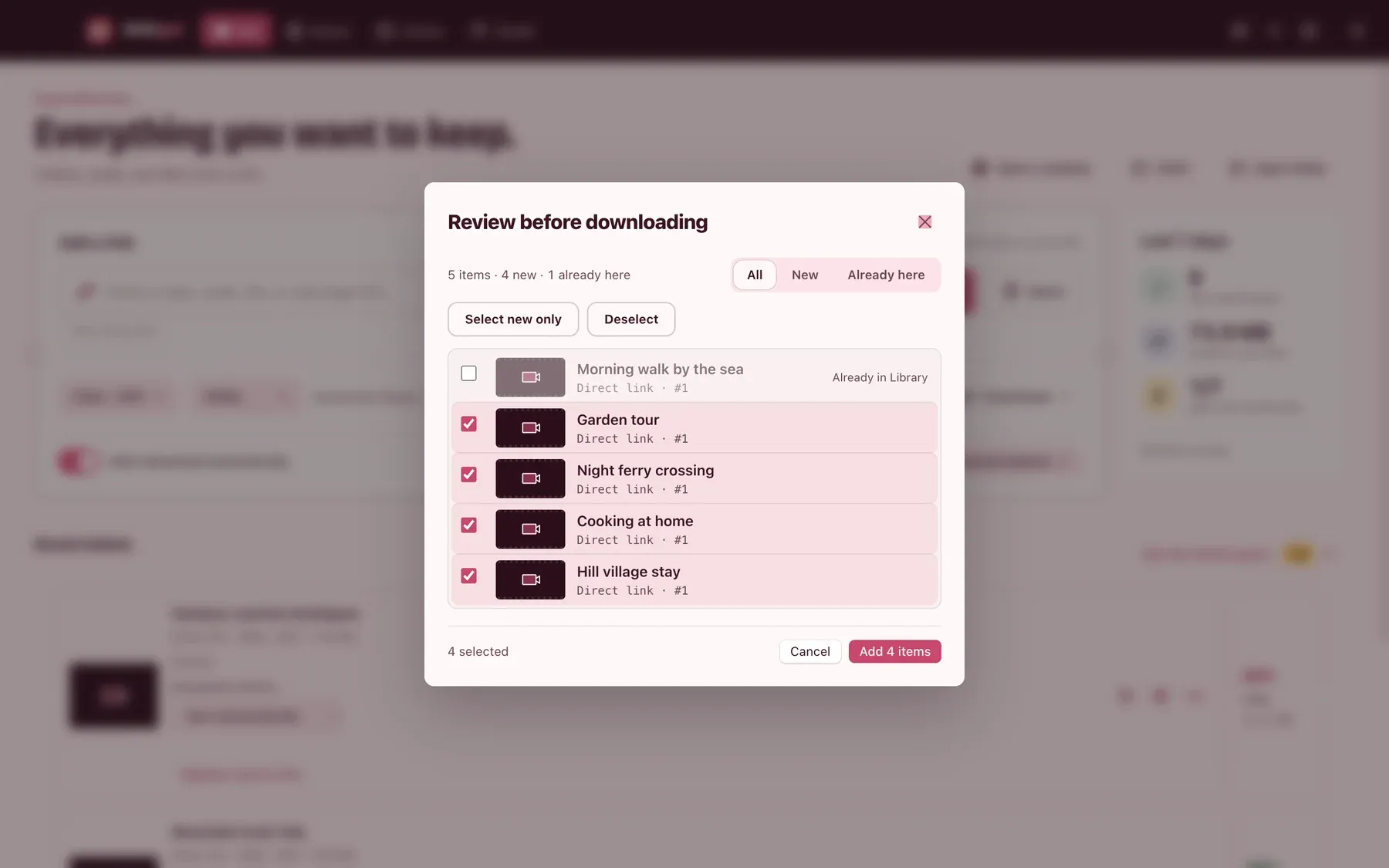
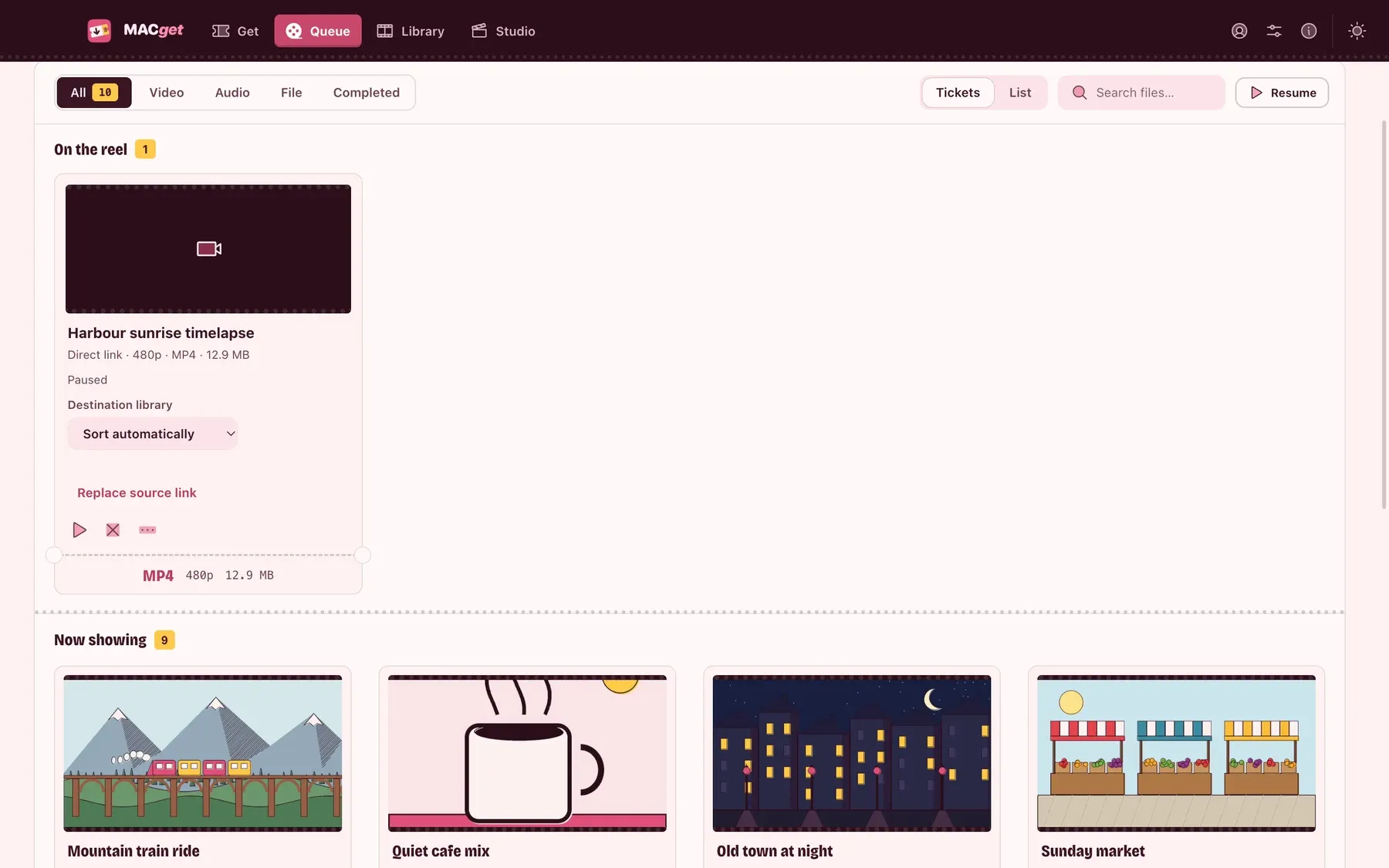
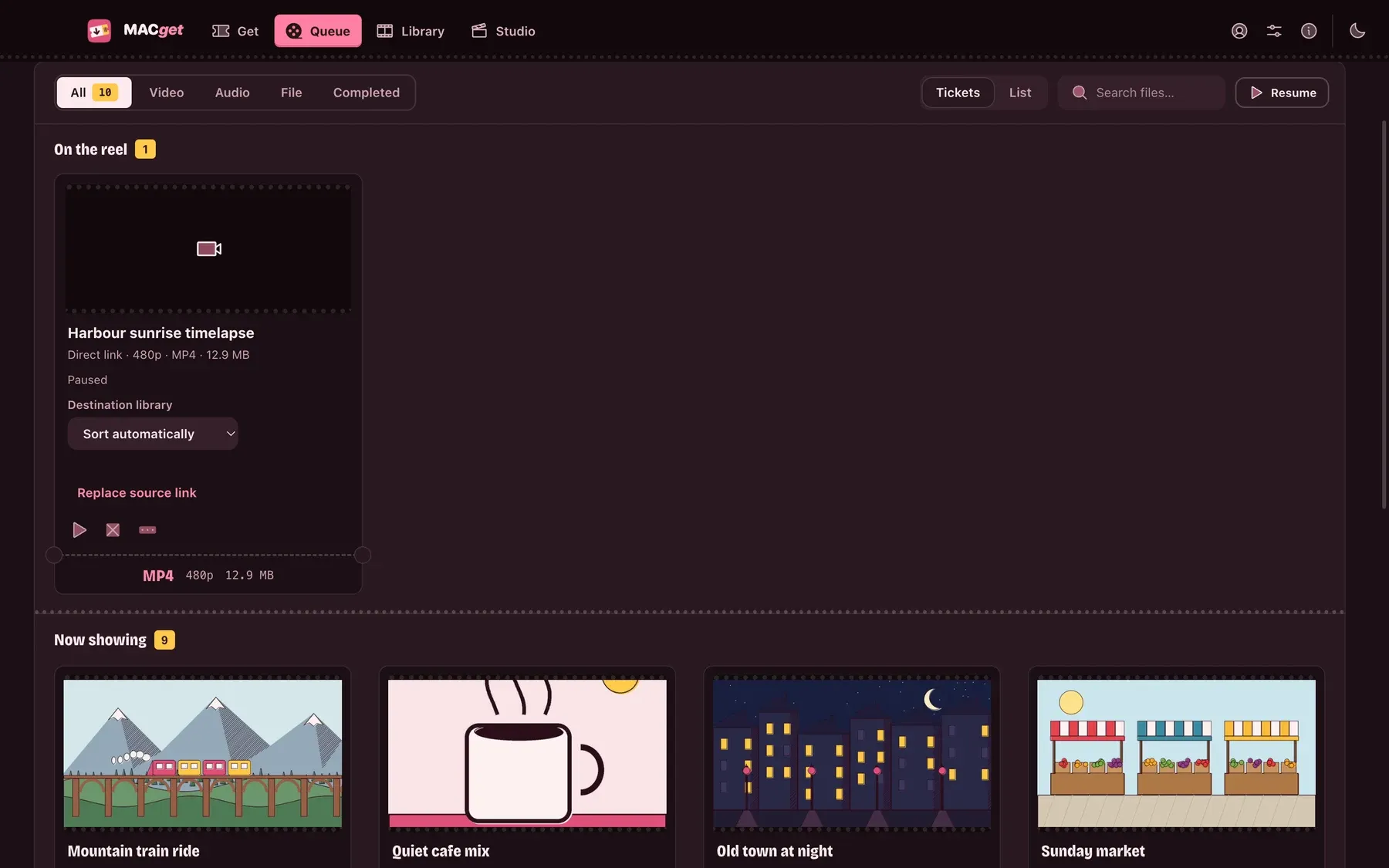
One link per line. A playlist splits into its items. Pause, resume, retry, or schedule it for tonight.
A built-in browser with tabs and bookmarks. Click Select video, then the video.
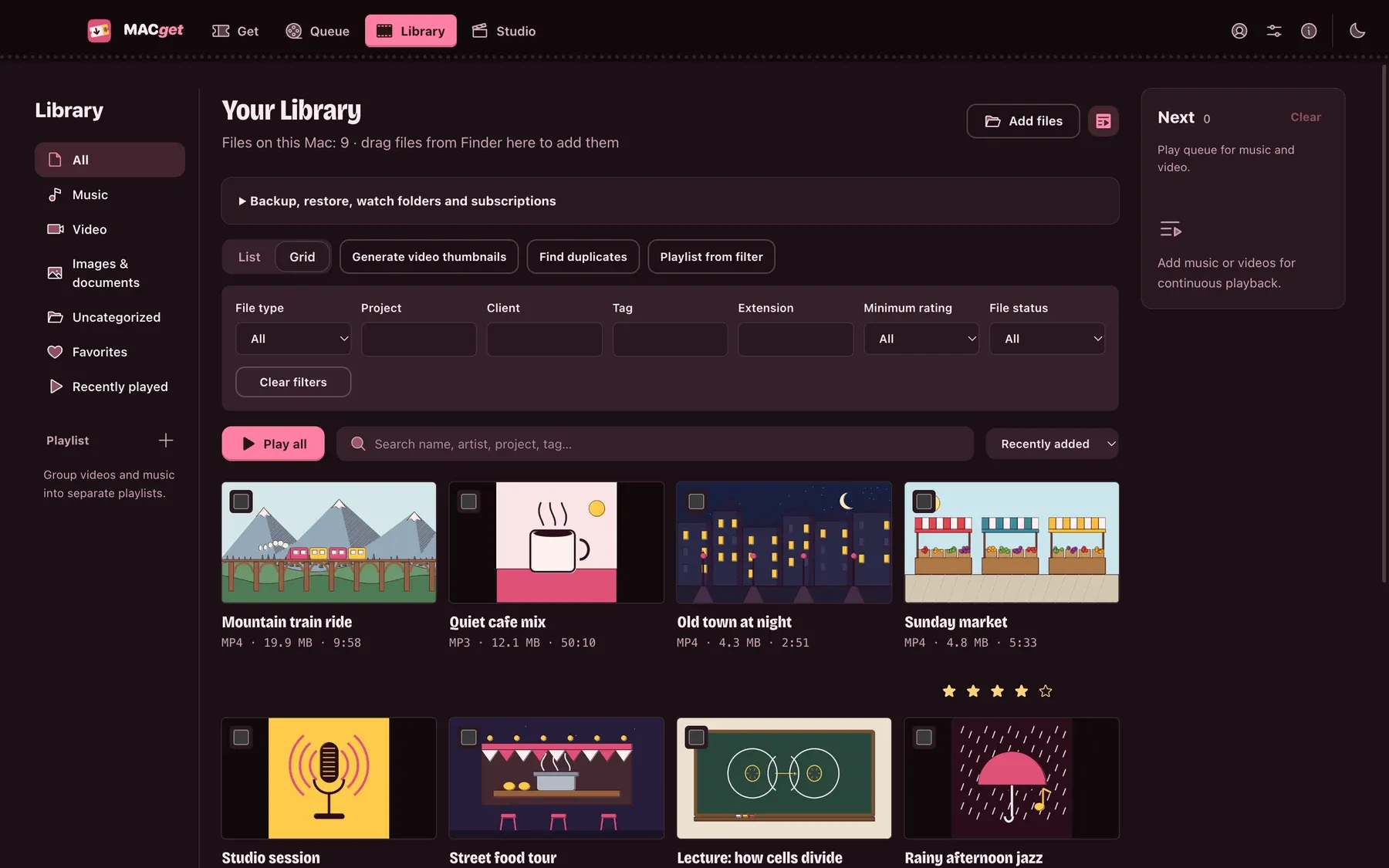
Music, video, images and documents in one place.
It picks up where you left off.
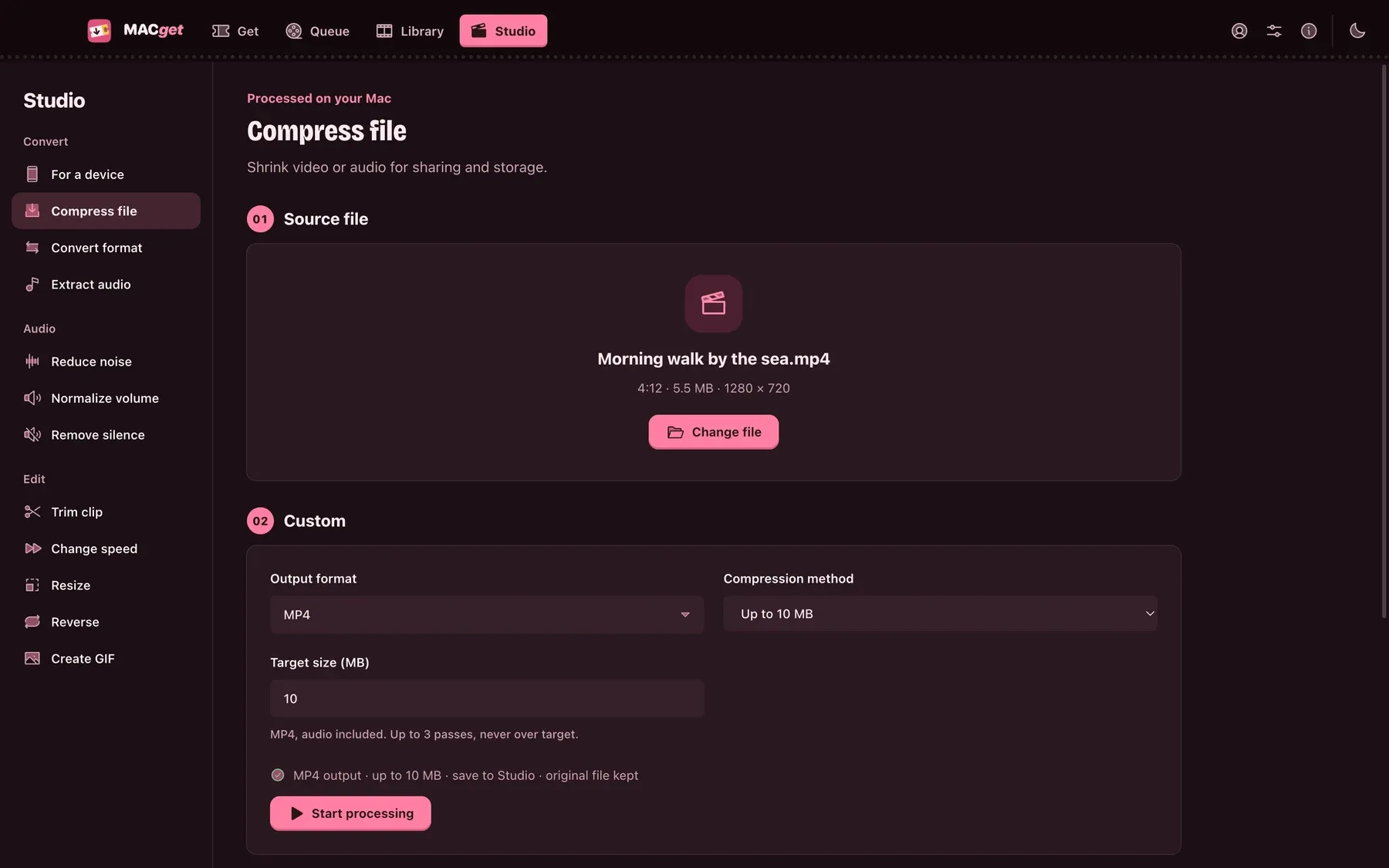
Compress to 10, 25 or 50 MB, trim, extract audio or make a GIF. The original stays.
Development build with sample media.
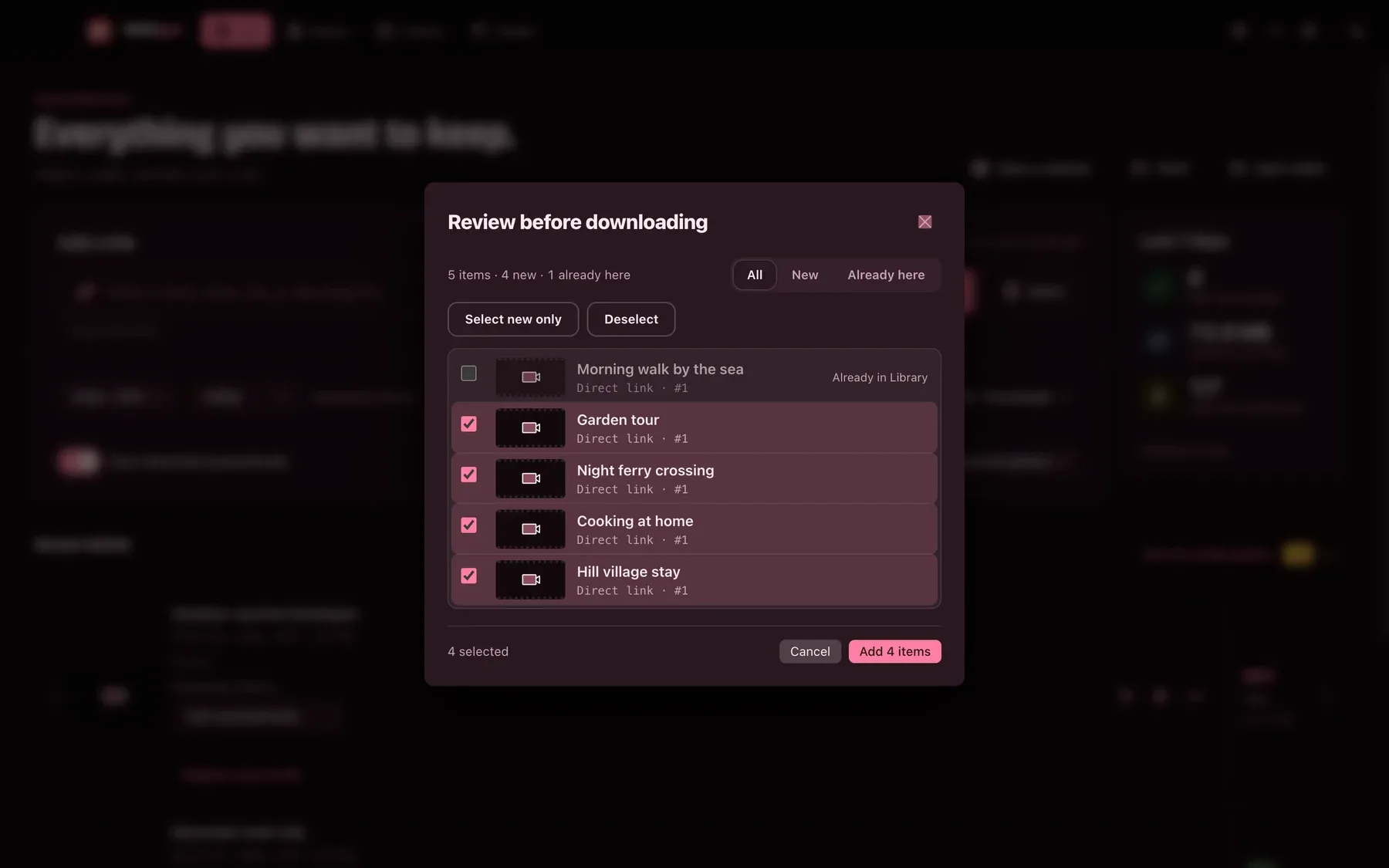
Downloads and conversions run on your Mac. Clipboard watching and browser cookies stay off until you turn them on. Web pages are data, never instructions.
A local MCP server on a private socket. Its token changes every launch. No tool runs shell commands.
Pay once, keep the app. One year of updates is included. After that your version keeps working, or renew for the newest.
Total
Prices in US dollars. Tax is added at checkout.
Paste the link into MACget and pick video, audio only or the original file; it lands in a library with its own player. Save only what you have the right to keep.
MACget needs macOS 13 or later, Apple Silicon.
$5.99 once, with a year of updates; you keep your version after that. MACpack, 6 apps, is $21.99.
Get an email when the apps you pick are ready, and any launch code.


Control every screen on your Mac, plus a live wallpaper.
In beta
See what it does: MACdisplay