








Find anything in your notes
Open a note by name, or search every word, even inside recordings.
Steps
Press ⌘O (Quick Open…) and type part of the name of a note or board.
Press ⌥⌘F (Search All Notes) to search every word in every note, recording and picture.
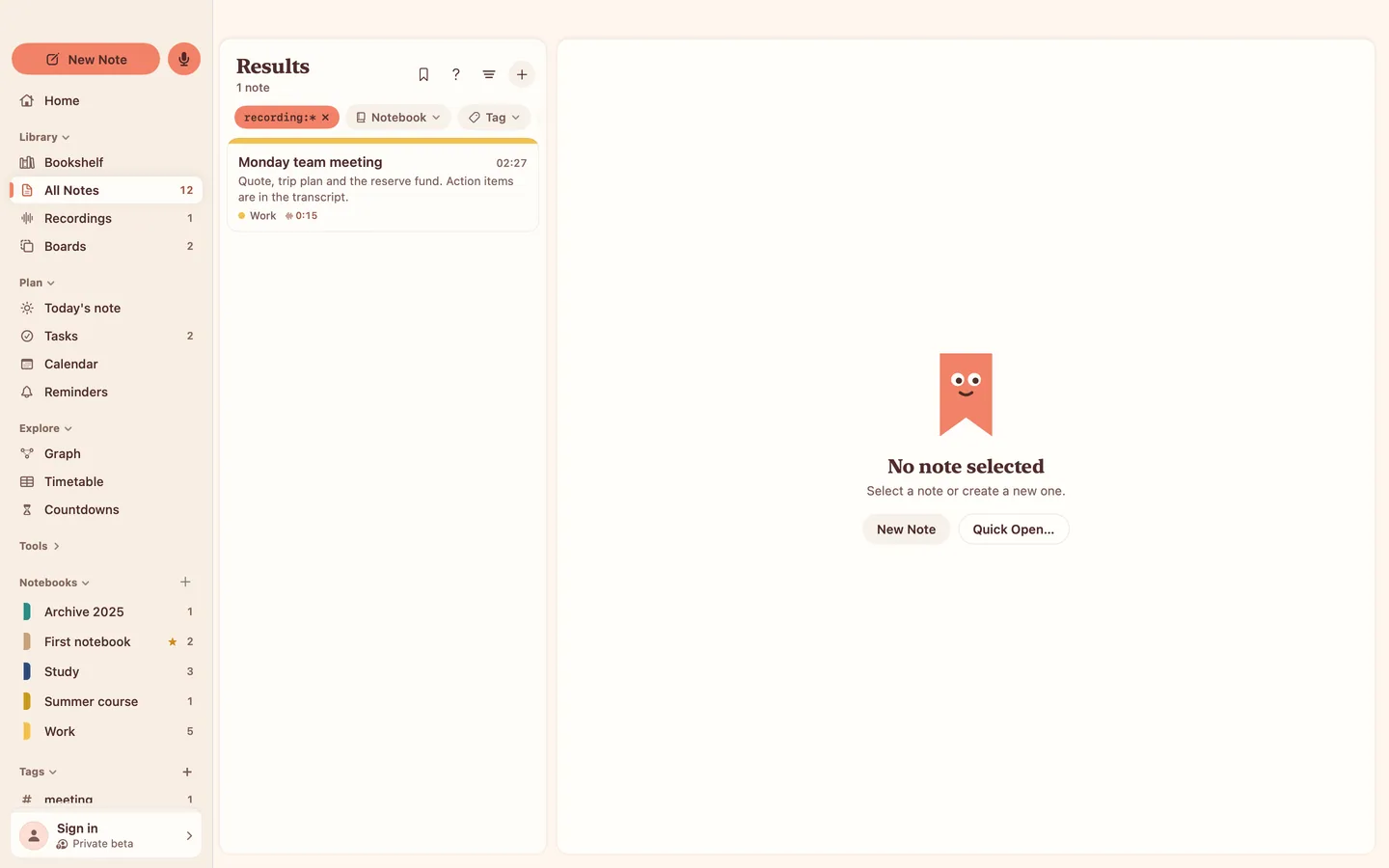
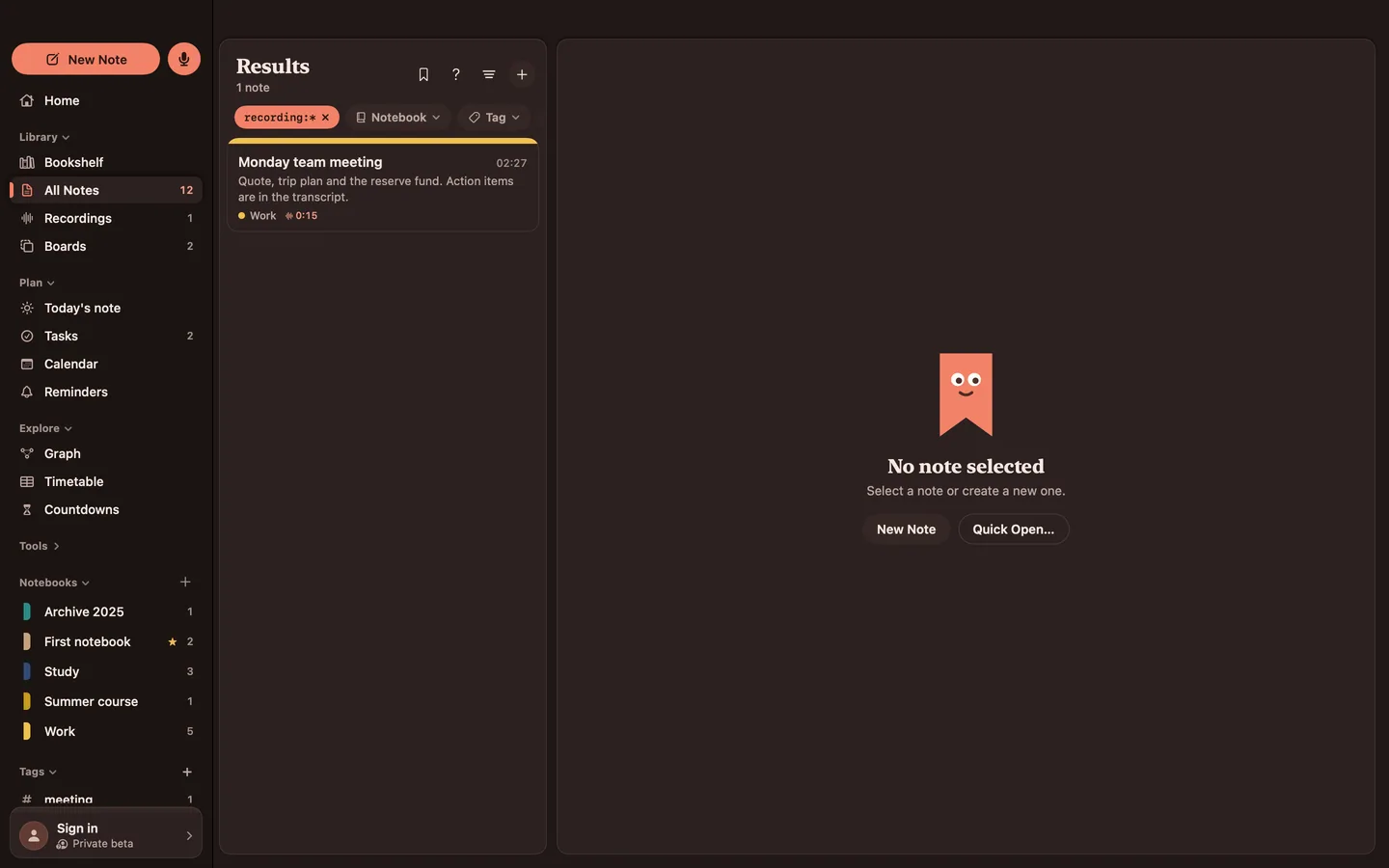
- Filters such as recording:*, Notebook and Tag narrow the results
You do not need accents: "hop nhom" finds "Họp nhóm". Words that mean the same thing are found too.
Words such as tag:, notebook: and todo: narrow a search (Settings › Search). ⌘/ lists every keyboard shortcut.